How to Check for Damaged Charging Accessories

On this page
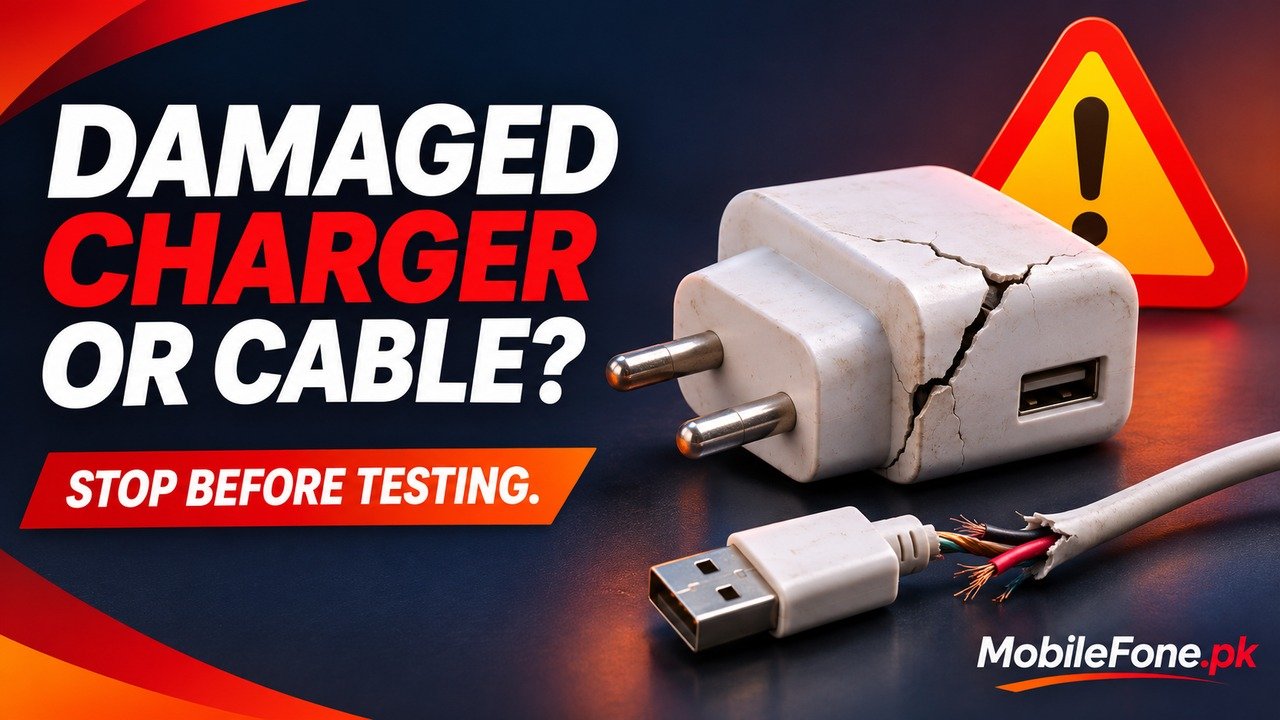
To check for damaged charging accessories, disconnect them from power and the phone, then look for split cable insulation, bent connectors, loose plug pins, cracked casing, scorching or moisture. Stop using an accessory with visible damage. Do not plug it into another phone to see whether it still works. This is a visual screening routine, not an electrical safety test or permission to repair a mains adapter.
If a damaged pin is stuck in a wall socket, leave it alone. Keep people away and arrange qualified electrical help.
Separate damage from slow charging
A slow charge does not identify a faulty cable by itself. The phone, adapter, cable and charging protocol must be compatible, and temperature or supported battery-protection settings can affect charging. Conversely, a frayed cable may continue to deliver power while remaining unsuitable for use. Speed and visible safety condition answer different questions.
| Observation | What it means | Next action |
|---|---|---|
| Split jacket or exposed inner material | Protective covering is damaged | Remove the cable from use; replace it |
| Loose, bent or broken mains pin | Possible electrical hazard | Stop use; do not straighten or probe it |
| Cracked, scorched or discoloured casing | Accessory needs replacement or assessment | Keep it disconnected and seek service |
| Moisture or a liquid warning | Charging should wait for the manufacturer’s safe process | Disconnect safely; follow device guidance |
| No visible damage, but slow charging | Cause remains undetermined | Check compatibility before controlled troubleshooting |
A clean-looking exterior cannot certify the internal condition. If an accessory has behaved abnormally or you are unsure, ask the manufacturer or a qualified service provider rather than relying on appearance.
Inspect the disconnected cable and adapter
- If there is no immediate electrical hazard and the plug can be handled safely, switch off the source and disconnect by holding the plug or connector, not pulling the cable.
- Separate the cable from the phone and removable adapter connections. Work in a dry, well-lit place.
- Look along the cable, especially where it enters each connector. Check for splits, crushed sections and detached strain relief.
- Look at connector shells, adapter casing and mains pins without opening, bending or inserting anything.
- Set questionable accessories aside so another household member cannot mistake them for working spares.
Apple’s adapter safety guidance lists damaged outer coverings, faulty pins, casing damage and abnormal electrical behaviour as warning signs. It also says not to touch, repair or remove a damaged pin stuck in a socket. If the supply cannot safely be isolated and confirmed off, a qualified electrician is needed. Do not treat a switched-off power strip as proof that a damaged socket is safe to handle.

Inspection does not require flexing a cable while powered, wiggling a connector until charging resumes, or testing a suspected short. A connection that only works at one angle is a reason to investigate with safe replacement equipment or service, not a reason to tape it into position.
Respond to moisture, heat and abnormal behaviour
Stop charging if you notice a burning smell, smoke, unusual popping, unexpected sparking or excessive heat. Do not touch a hot or damaged accessory to prove how warm it is, and do not continue a charging experiment while recording the symptom. If there is an immediate fire or electrical danger, move away and obtain emergency assistance.
Some warmth during charging can occur normally. It does not establish either a defect or safety. Samsung’s charging troubleshooting treats temperature and physical inspection as relevant checks; keep equipment ventilated rather than underneath bedding. Stop if behaviour becomes abnormal, even when the outside still looks intact.
- Keep hands, connectors and the charging area dry.
- Do not use tape, glue, splicing or an opened adapter as a household repair.
- Do not insert pins, metal tools or liquids into the phone’s port.
- Do not use heat, rice or objects pushed into a connector to clear a liquid alert.
For a liquid-detection alert, follow the exact phone maker’s instructions. Apple’s liquid-alert guidance explains why drying a connector needs care. A warning disappearing is not an instruction to reconnect a visibly damaged cable.
Check compatibility only after damage is ruled out
If there is no damage or abnormal behaviour, identify the phone model and the accessory requirements before replacing parts at random. The Redmi 13C model page and iPhone 12 Pro Max listing illustrate why a handset’s identity matters: accessories are not interchangeable merely because a shop calls them fast chargers. Confirm the manufacturer’s requirements for your exact device.
Google’s Pixel charging documentation describes supported adapter and cable combinations for Pixel phones. Those requirements should not be copied as a universal rule for every Android model. Connector fit, supported protocol and a reliable accessory source all matter.
Samsung’s charging checks can help with a compatible, undamaged setup that still fails. Change one safe component at a time, following model guidance. Never include a known damaged accessory in that substitution test.
Choose replacement or professional help
Replace a damaged cable with a compatible product from a traceable seller. Keep the invoice and check the supplier’s warranty.
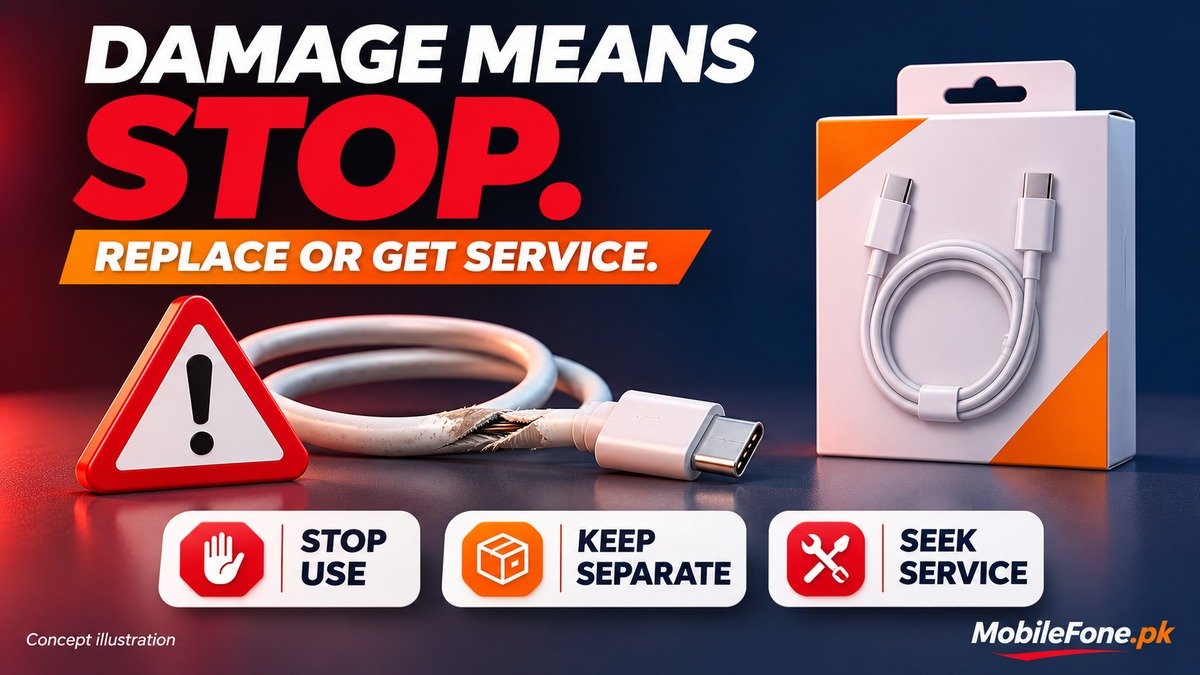
For a suspect mains adapter, damaged socket, stuck pin or persistent phone-port fault, use the appropriate qualified service provider. Do not force a loose connection or assume the adapter is the only possible cause.
Keep the rejected item separate while arranging suitable local electrical-waste disposal. Marking it for disposal prevents it returning to the family’s charging drawer. The useful result of this check is a safe next decision, not another successful charge from damaged equipment.

Related reading
 Mobile Problems & FixesAndroid Phone Running Slow: What to Check FirstNovember 14, 2026
 Mobile Problems & FixesPhone Keeps Restarting: Common Causes and Safe FixesNovember 14, 2026
 Mobile Problems & FixesPhone Turns On but Screen Stays BlackNovember 14, 2026
 Mobile Problems & FixesMobile Speaker Not Working During CallsNovember 14, 2026