Android Phone Running Slow: What to Check First
Start with storage, app updates and a normal restart to identify why your Android phone feels slow.
Read articleFind practical solutions for Android and iPhone problems, including slow performance, charging issues, overheating, freezing and app crashes.
24 results
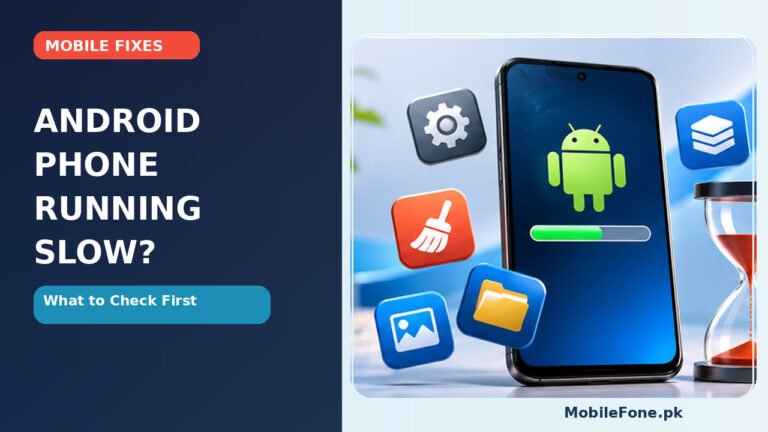
Start with storage, app updates and a normal restart to identify why your Android phone feels slow.
Read article
Repeated restarts can come from software, storage, accessories or hardware. Use safe diagnostic steps first.
Read article
A ringing phone with a blank display may have a screen issue. Test power and charging safely first.
Read article
Call sound can be sent to Bluetooth, turned down or blocked. Diagnose earpiece and speakerphone separately.
Read article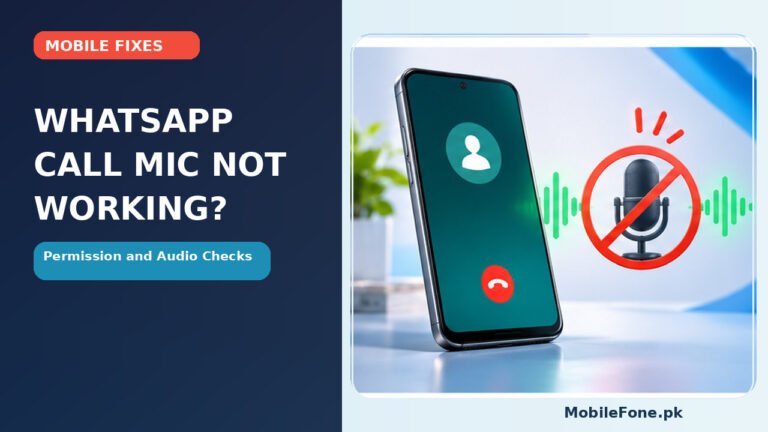
Find out whether WhatsApp is muted, missing mic permission or using the wrong audio device before resetting anything.
Read article
A phone frozen on its Android startup logo does not always need resetting. Follow safe power checks, model-specific restart advice and clear data-loss…
Read article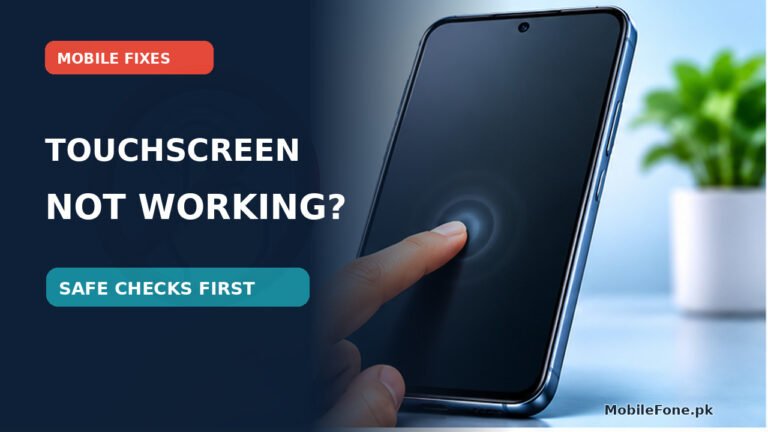
Distinguish screen damage from software glitches, then try safe touch, accessory and restart checks without risking your files.
Read article
Inspect charging accessories while disconnected, recognise visible warning signs, and choose safe replacement or qualified help.
Read article
Identify whether a No SIM message is caused by the card, tray, settings or network and test without unnecessary resets.
Read article
Verify your data and account access before erasing a trade-in handset, then remove ownership accounts and complete a documented handover.
Read article