Phone Turns On but Screen Stays Black

On this page

If your phone seems to turn on but the screen stays black, first establish whether it is actually running. Call it from another phone and listen for ringing or vibration; look for charging indicators and check for an extremely dim image. Then try the manufacturer’s normal force-restart method. A phone that rings while the screen remains blank may have a display or display-connection problem, but a flat battery or crashed operating system can look similar. Avoid pressing the display or opening the phone yourself.
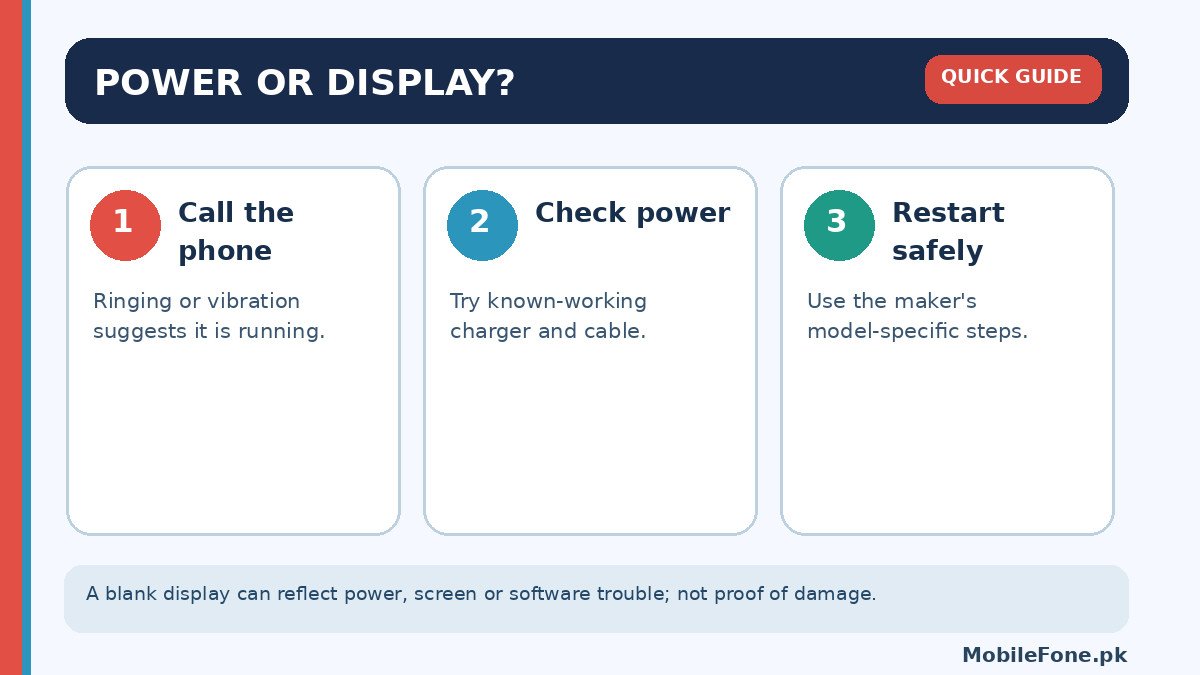
Check whether the phone is powered on
Call your number using another handset. Does the phone ring, vibrate or connect to a Bluetooth device? If so, it may be operating even though the screen is not displaying information. Google’s black-screen and power troubleshooting guide recommends this call test. It also advises checking whether the screen is simply set too dim to see. Take the phone out of bright sunlight and inspect it carefully without pressing hard.
If there is no response at all, the device may not be starting. That does not prove a faulty screen. Try a known-working power outlet and a compatible charging cable. Check the cable at both ends and the visible charging port for debris or damage. Do not use liquid or metal tools inside the port. A phone with a completely discharged battery may need time connected to power before showing signs of life.
Try a safe restart without erasing anything
If the phone is responsive enough to restart normally, use its power menu. If you cannot see or reach the menu, follow the force-restart instructions for the exact brand and model. Google describes holding the power button for several seconds as an initial check and a longer hold when diagnosing a blank screen. However, button timing and combinations differ among Pixel, Samsung, Redmi, Vivo and other phones. Never use unknown recovery-menu options simply because the display is blank.
Allow the restart to finish, then try a regular call. If the screen briefly shows a manufacturer logo and turns black again, note that sequence for the repairer. If it lights only when plugged into a charger, the power system might need attention. These observations are clues, not proof of which component has failed.
Test the charger, cable and visible damage
Use another suitable cable or charger that works with a different device. Try another wall socket if one is available. The Android support procedure specifically recommends checking cable, adapter and power source before assuming the phone is broken. Use approved accessories for the model and stop charging if the device becomes abnormally hot, swollen or emits an unusual smell.
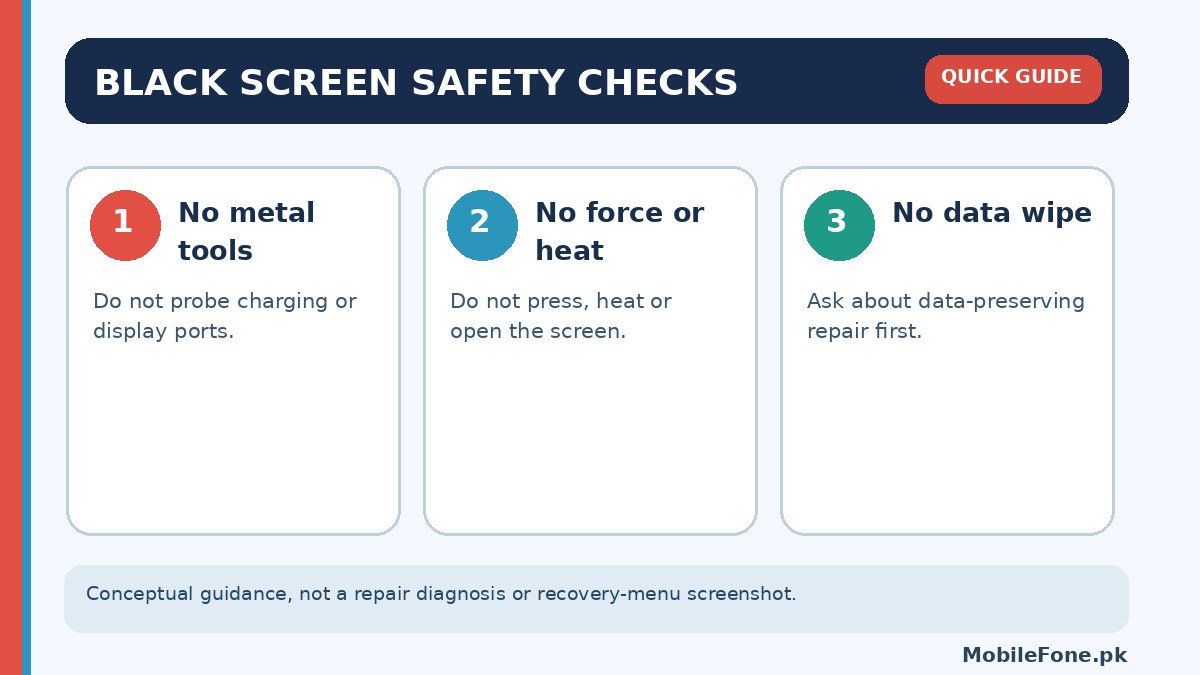
Look for cracked glass, an uneven screen edge, signs of moisture or damage near the charging port. A drop can damage parts that are not obvious externally. Water-resistant advertising does not mean a phone is safe after immersion, especially if seals or the frame have aged. Avoid improvised heating, rice-based “repairs”, drilling, battery removal and software flashing.
Understand what different symptoms suggest
When a phone vibrates and receives calls but stays black, a display panel, backlight on applicable screen technologies, display connector or software graphics issue could be involved. If it displays a logo and then goes dark, startup software is another possibility. If the device cannot charge or vibrate at all, diagnosis must start with power rather than the screen alone. None of these patterns can establish an exact part failure without physical inspection.
A screen replacement is not necessarily the first solution, and deciding between power and display faults through simple tests saves time. Keep a note of the model and exact symptoms to share with the repair professional.
Be cautious with online tutorials that claim all black screens can be fixed by an identical key combination. Different Android models use different buttons, and some combinations open recovery mode where destructive options are available. The safest universal rule is to avoid any command labelled erase, wipe or factory reset until you have confirmed your backup and understand the consequences.
Also consider whether the display becomes black only during a phone call. Many smartphones intentionally turn off the screen when a proximity sensor detects your face near the earpiece. That is normal during a call; the screen should become usable again when moved away or the call ends. If the display stays black in ordinary use, however, it is not explained by routine proximity-sensor behaviour. Try removing an ill-fitting protector that covers nearby sensors, without disassembling the handset.
Another safe clue is a charging icon appearing briefly before the screen goes dark. Make a note of its duration and the battery state, because inconsistent behaviour can involve power delivery or display operation. Avoid trying to “wake” the phone by repeatedly pressing buttons for long periods if the device is hot or physically damaged.
Protect your data before seeking repair
If your screen is black but the device is still logged in, backups might already be running; do not assume that they are complete. Some phones require an unlocked screen to approve USB transfers or to enter a new backup account. A repair shop should tell you what data might be at risk before attempting an operation that could wipe storage. Ask whether a screen-only repair can be assessed without resetting the device.
Do not give your account password or one-time codes to a random workshop. Use manufacturer-authorised service where possible, especially while warranty coverage may apply. If the device has valuable files and is otherwise working, prioritise preserving those files over experimenting with recovery-menu instructions.
When repair or replacement makes sense
A phone that rings with a consistently blank display after safe checks deserves professional display diagnosis. Request a clear quote that separates the screen, labour and any additional work, and ask whether parts and repair are guaranteed. Do not approve a motherboard replacement just because a black screen appears; ask how the diagnosis was established.
For an older phone, compare the quoted repair with the usable life you expect afterward. The MobileFone specifications directory can help compare replacement features, while the latest phone listings provide current model options. Neither directory establishes an individual workshop’s repair cost, which must be confirmed locally.

Related reading
 Mobile Problems & FixesAndroid Phone Running Slow: What to Check FirstNovember 14, 2026
 Mobile Problems & FixesPhone Keeps Restarting: Common Causes and Safe FixesNovember 14, 2026
 Mobile Problems & FixesMobile Speaker Not Working During CallsNovember 14, 2026
 Mobile Problems & FixesPhone Microphone Not Working in WhatsApp CallsNovember 14, 2026