Should You Clear App Cache on Android?

On this page
Clear an Android app’s cache when you have a specific problem to investigate, such as one app failing to load properly, or when its temporary files are taking up space you need. You do not need to clear every app’s cache simply because it exists. Cache is different from app data: clearing storage or data can remove settings and locally saved information. Choose the affected app, read the action carefully and test whether the original problem improves.
Cache has a purpose, and it normally returns
Apps keep temporary information so they do not have to rebuild or retrieve everything every time you open them. Google’s Android storage guidance defines Clear cache as deleting temporary data and notes that some apps can be slower the next time they open. The existence of cached files is therefore not evidence that the phone is dirty or damaged.
Clearing cache may free space temporarily, but it does not add physical memory or permanently stop an app creating new files. Google’s app troubleshooting guidance says cached data can build up again. If the app works normally and storage is adequate, repeated cleaning adds work without answering a particular problem.
Use a cache clear as one controlled check, not as a promised speed upgrade. A successful result tells you the app behaved differently after the action; it does not establish the complete cause of the fault.
Know which action you are about to confirm
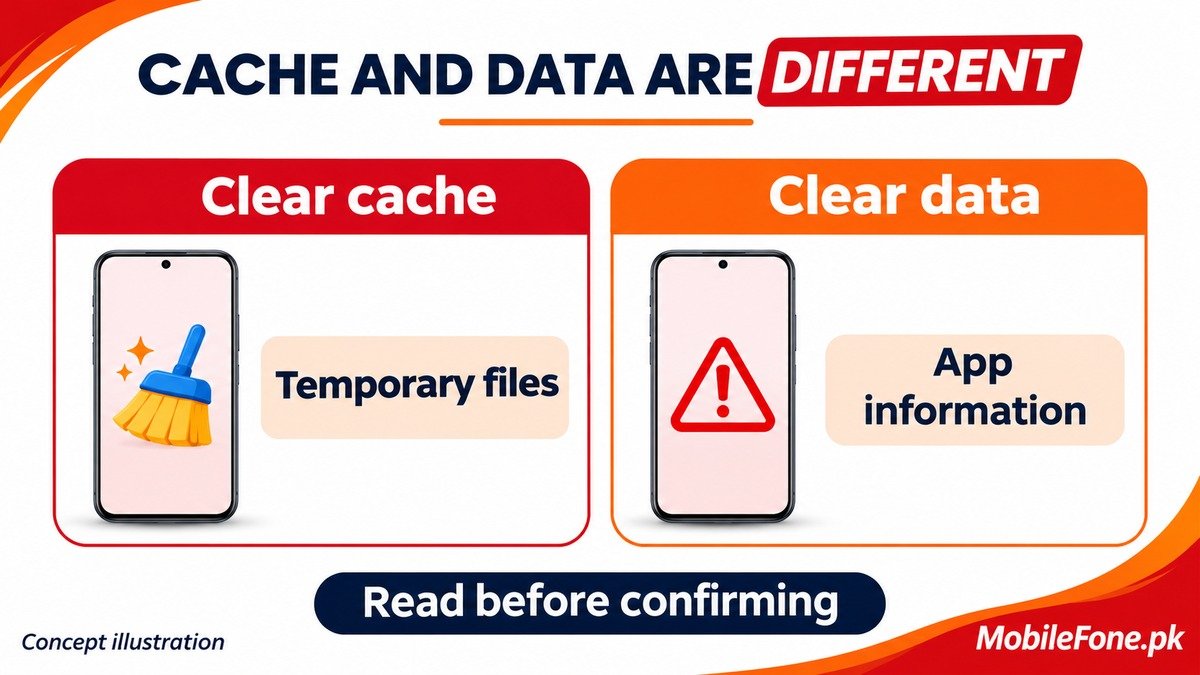
Clear cache and Clear data are not interchangeable. Stop if the label or confirmation is unclear.
| Action | What it changes | What to check first |
|---|---|---|
| Clear an app’s cache | Removes temporary app files | Correct app and clearly labelled cache option |
| Clear app storage or data | Can reset the app and remove local information | Backups, saved content and account access |
| Delete an in-app download | Removes the selected downloaded item | Whether it is replaceable and needed offline |
| Delete browser cookies or site data | Can affect website sessions and preferences | Selected browser data categories |
| Uninstall the app | Removes the app and can erase its local data | Whether required information can actually be restored |
Samsung’s cache and data instructions explicitly distinguish a temporary cache clear from resetting app data. Neither a cloud account being signed in nor an app appearing in a backup list proves that every locally saved item is recoverable.
Try a targeted check on the affected app
Start with a normal restart and check the app’s official update source. In Google Play, the documented route is your profile, Manage apps & device, then available updates. Google’s app-update instructions explain the supported process. Avoid a third-party cleaner that asks for broad access just to perform an ordinary settings action.
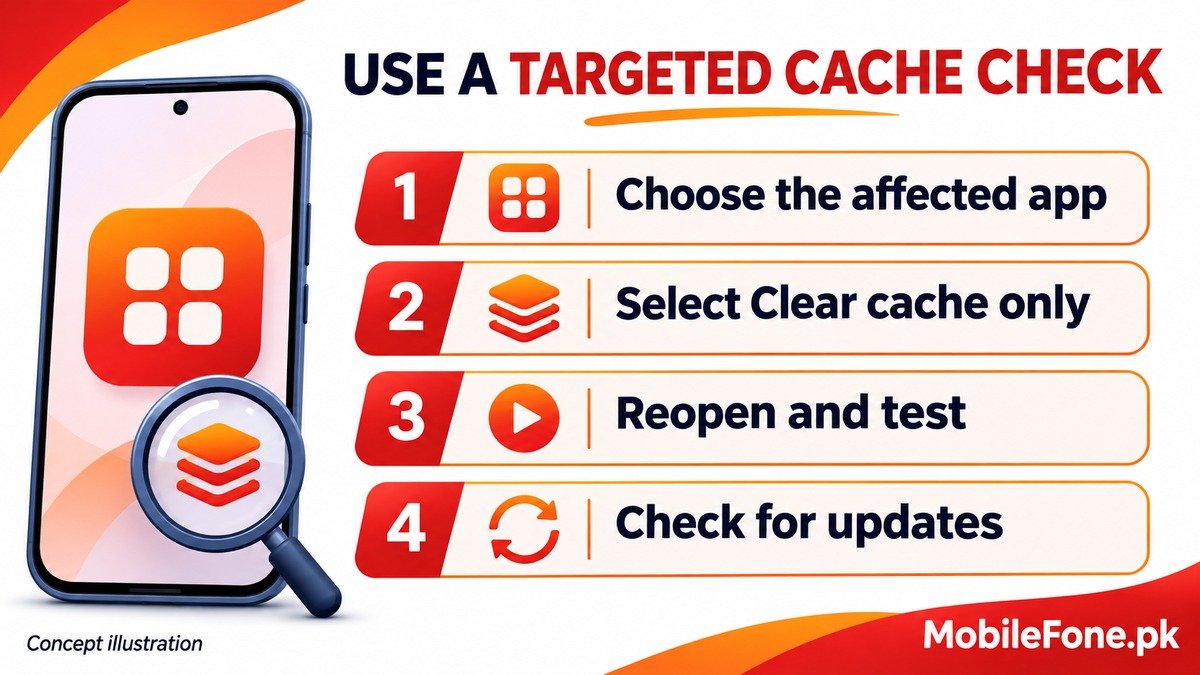
If the issue remains and there is a clear cache option, use the device’s own app settings. On supported Galaxy software, Samsung documents Settings, Apps, the affected app, Storage, Clear cache. A Galaxy A04 may have a different installed interface from a newer model, so confirm the actual labels on your phone.
- Choose the app that has the problem, rather than clearing unrelated apps.
- Open its storage information and read the available actions.
- Select Clear cache only. Do not substitute Clear data or Clear storage.
- Reopen the app, let any temporary content reload, and repeat the action that originally failed.
- Record whether the problem changed before trying another intervention.
On Xiaomi software, menu names and grouping can differ. For a Redmi 13C, confirm the app and installed release before following another phone’s screenshots. Xiaomi includes a Contacts cache check in its contact troubleshooting, but that is not a reason to clear the system Contacts Storage service or erase unsynced numbers.
Browser cleanup needs its own decision
If a website looks wrong while other apps work, the browser’s own cleanup options may be more relevant than resetting the browser app. Google explains that browser cache and cookies serve different purposes. Cached page resources and site sign-in information should not be treated as one disposable category.
Read the selected data types in Chrome’s Delete browsing data controls. Do not choose history, passwords, cookies or other categories merely because you intended to refresh cached page content. Deleting cookies can sign you out of some sites or remove preferences; account-synced browsing data can have wider effects.
If the problem returns, investigate it rather than cleaning on a schedule
- One app still fails: note the exact action and contact its developer after supported checks.
- Several apps fail: check available storage, system updates and whether the wider phone is affected.
- Space immediately fills again: identify which app or downloads are creating the files.
- You need offline content: confirm it remains available before relying on the cleaned app.
Before any later reinstall or data reset, verify the important content and sign-in access separately. A factory reset is not a sensible shortcut for routine cache housekeeping. The useful outcome is an explained improvement or a clearer fault report, not the smallest possible cache figure.

Related reading
 Mobile Problems & FixesAndroid Phone Running Slow: What to Check FirstNovember 14, 2026
 Mobile Problems & FixesPhone Keeps Restarting: Common Causes and Safe FixesNovember 14, 2026
 Mobile Problems & FixesPhone Turns On but Screen Stays BlackNovember 14, 2026
 Mobile Problems & FixesMobile Speaker Not Working During CallsNovember 14, 2026