Mobile Storage Full Even After Deleting Files

On this page
If your phone still says storage is full after you have deleted photos, videos or apps, check Settings > Storage first. Deleted items may remain in Trash, apps may hold large downloads or caches, and photos backed up to the cloud may still have local copies. Restarting the device can refresh an outdated storage reading, but it will not remove data that is genuinely occupying space. The safest route is to find the category using the most storage before deleting anything else.
Read the storage breakdown, not the warning alone
Open Settings and search for Storage. Android typically displays categories such as apps, images, videos, audio, system and other files. A large System or Other section is not automatically junk, and its contents can differ between Samsung One UI, Xiaomi HyperOS and other Android versions. Avoid random file managers that promise to delete system folders without explaining their purpose.
Google’s Android storage help distinguishes storage, which holds files, from memory, which runs apps. Clearing recent apps does not necessarily free internal storage, and buying a phone with more RAM would not resolve a nearly full flash-storage partition. This distinction explains why a memory-booster application is rarely the right tool for a storage warning.
| What you notice | Possible cause | Next safe check |
|---|---|---|
| Deleted photos still occupy space | Gallery or Files Trash | Review recently deleted folders |
| Storage rises after using an app | App cache or offline downloads | Check the app’s storage details |
| Videos disappeared, but capacity barely changed | Cloud copies vs local originals, or delayed indexing | Confirm source and restart once |
| Downloads category remains large | Old installers, ZIPs and exported files | Sort Downloads by file size |
| Other or System appears large | System data, app content or vendor categories | Check manufacturer storage tools |
Inspect Trash and recently deleted folders
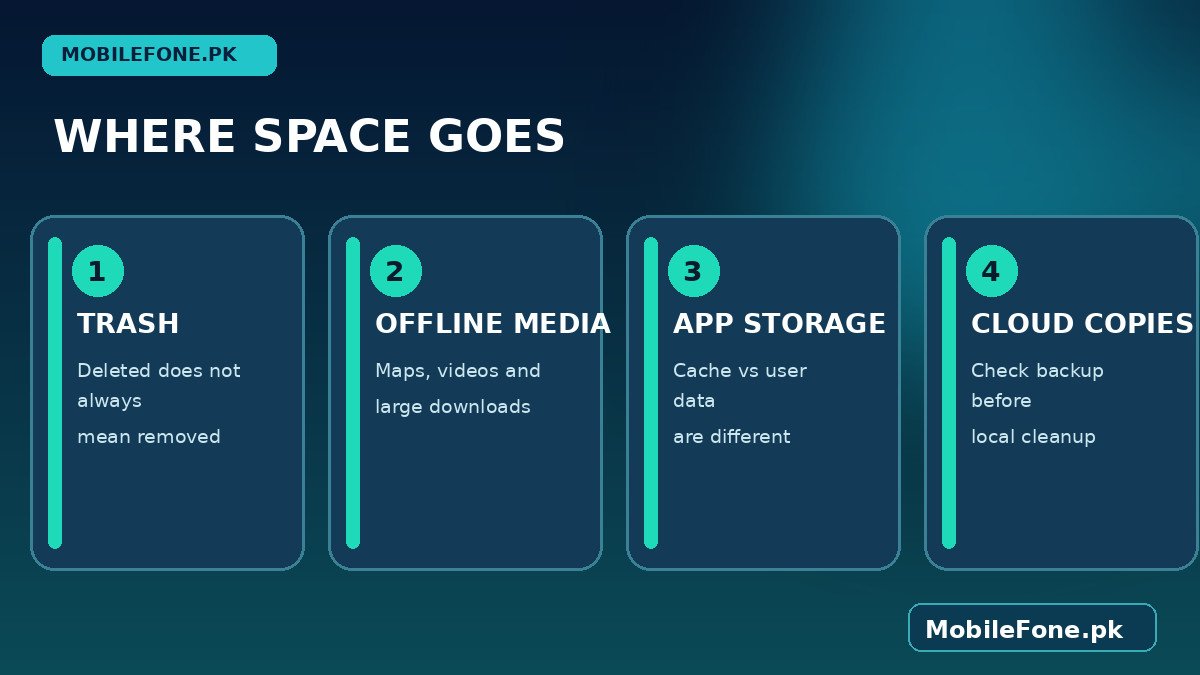
In Files by Google, files moved to Trash ordinarily remain there for 30 days unless you remove them permanently. Gallery apps and cloud photo services may keep their own recently deleted areas. Open the appropriate Trash folder and review its contents rather than assuming all deleted photos are safe to erase. Google’s Files by Google guidance also notes that items removed using certain junk-cleaning operations can bypass Trash entirely.
- Open Files by Google or your installed file manager.
- Find Trash, Bin or Recently deleted.
- Look for files you might want to recover, such as documents or family photographs.
- Only after you have verified backups, permanently delete items you no longer need.
- Return to Settings > Storage and check whether the available space changed.
Important: Emptying Trash is usually irreversible from that app. If a file matters, restore it and copy it to another location first. Some brands also have a separate gallery recycle bin that you must check independently.
Check app caches and offline media
Go to Settings > Apps, sort by size if your phone provides that control, and open the largest apps one by one. Media apps, video editors, browsers, social platforms and maps can store substantial offline files. Use each app’s own downloads or storage-management menu first, because it knows which files are safe to remove without destroying your account data.
Clear cache removes temporary data and may cause an app to load more slowly the next time. Clear storage or Clear data is far more disruptive: it can remove downloaded content, local settings and offline work, and may sign you out. Do not select it for messaging or note-taking apps until you have independently confirmed what is backed up. Cache also grows again during normal use, so it is not a permanent repair for undersized storage.
- Remove finished offline videos from streaming apps.
- Inspect map downloads that cover areas you no longer need.
- Review chat media and attachments in each messaging application’s storage controls.
- Sort the Downloads folder by largest files and check installers or duplicate archives.
- Uninstall unused apps through the normal Android app manager.
Use cloud photo cleanup without deleting memories
Google Photos offers Free up space on this device after it has confirmed that eligible photos and videos are backed up. This is different from using a generic Delete action in a synced library. Google’s Photos support page explains that local copies can be removed while backed-up items remain accessible in the Google Photos account. Check that you are signed into the correct account and can actually see your files online before using it.
Cloud availability requires access to the account and usually an internet connection; a phone without mobile data may no longer show those removed items in an ordinary offline gallery. In Pakistan, mobile-data costs and patchy coverage can make this a meaningful trade-off. Consider keeping a local set of essential documents and pictures instead of removing every offline file.
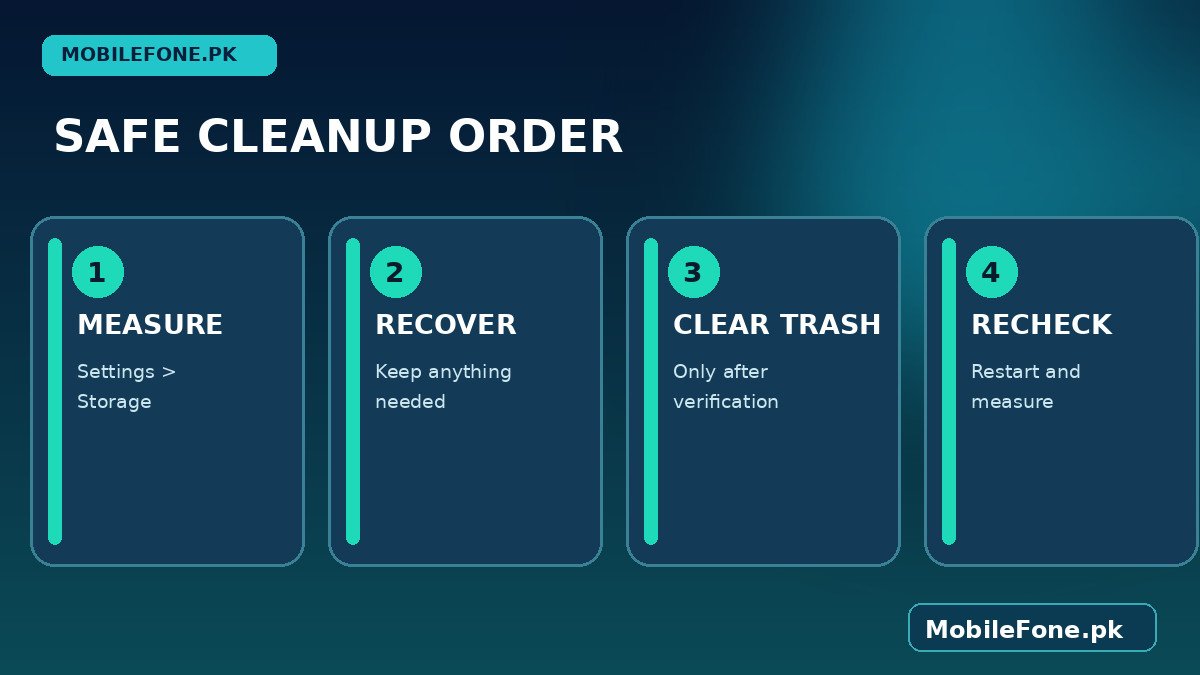
It also helps to distinguish duplicate files from a cloud library that merely displays the same photos on several devices. Seeing an image in Google Photos does not by itself show where its local file sits. A gallery app and a file manager may show the same photo without storing two copies. Before using any duplicate finder, compare filenames, file sizes and locations, then keep one verified original. For people who regularly receive school worksheets, large WhatsApp videos or work documents, setting aside time to review downloads every month may be more effective than repeatedly clearing caches. Track the free-space number after each change so you know which action worked.
Why the total sometimes stays wrong
A storage gauge may update only after a scan or restart. If you just cleared large downloads, restart the phone once and reopen Storage. If the number remains unexpectedly high, check whether another user profile, work profile or secure folder stores files separately. SD-card storage is not the same as internal storage, and moving a file to a card only frees internal space if the original internal copy was actually removed.
Do not install an unknown cleaner, remove Android system directories or factory-reset the phone as your first response. If the storage display is inconsistent, manufacturer support can help determine whether the device has a storage-system fault. Resetting is a last resort because it deletes local data. If a phone repeatedly cannot hold the apps and offline files you need, compare storage options carefully: our Samsung phone listings and iPhone listings can be starting points, but verify each exact model and storage variant before buying.

Related reading
 Mobile Problems & FixesAndroid Phone Running Slow: What to Check FirstNovember 14, 2026
 Mobile Problems & FixesPhone Keeps Restarting: Common Causes and Safe FixesNovember 14, 2026
 Mobile Problems & FixesPhone Turns On but Screen Stays BlackNovember 14, 2026
 Mobile Problems & FixesMobile Speaker Not Working During CallsNovember 14, 2026