When a Phone Problem Needs Professional Repair

On this page
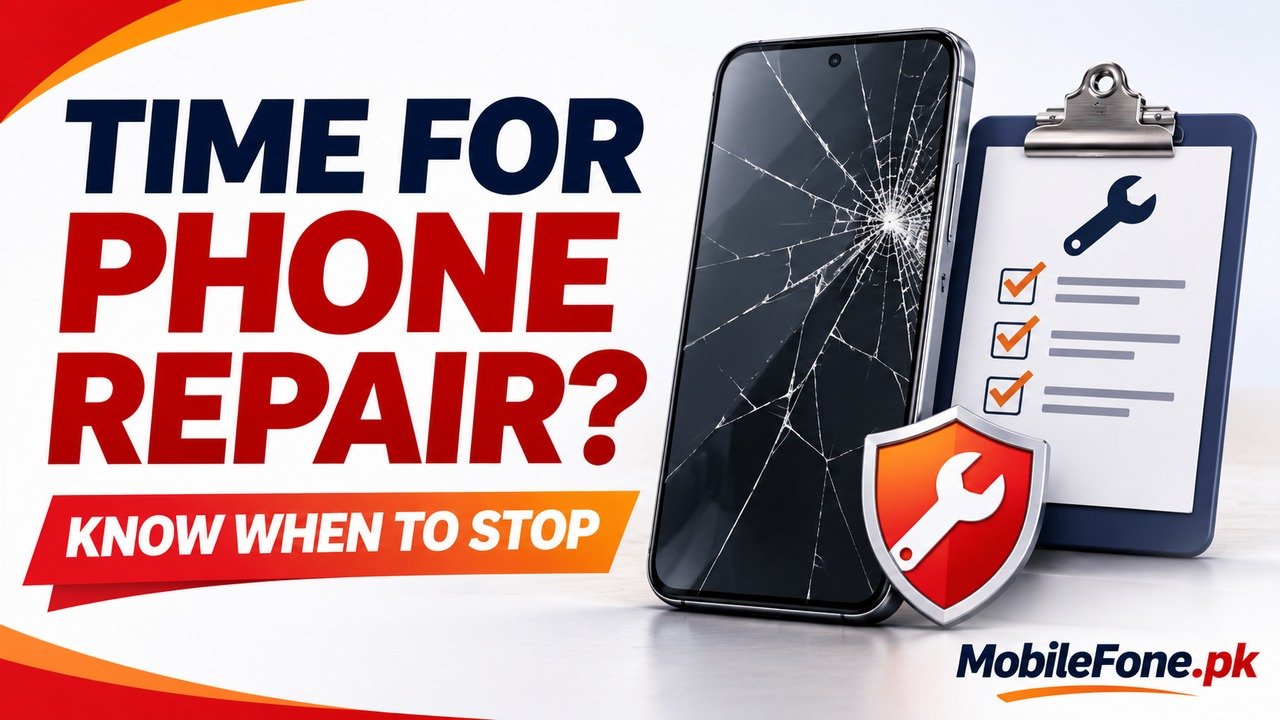
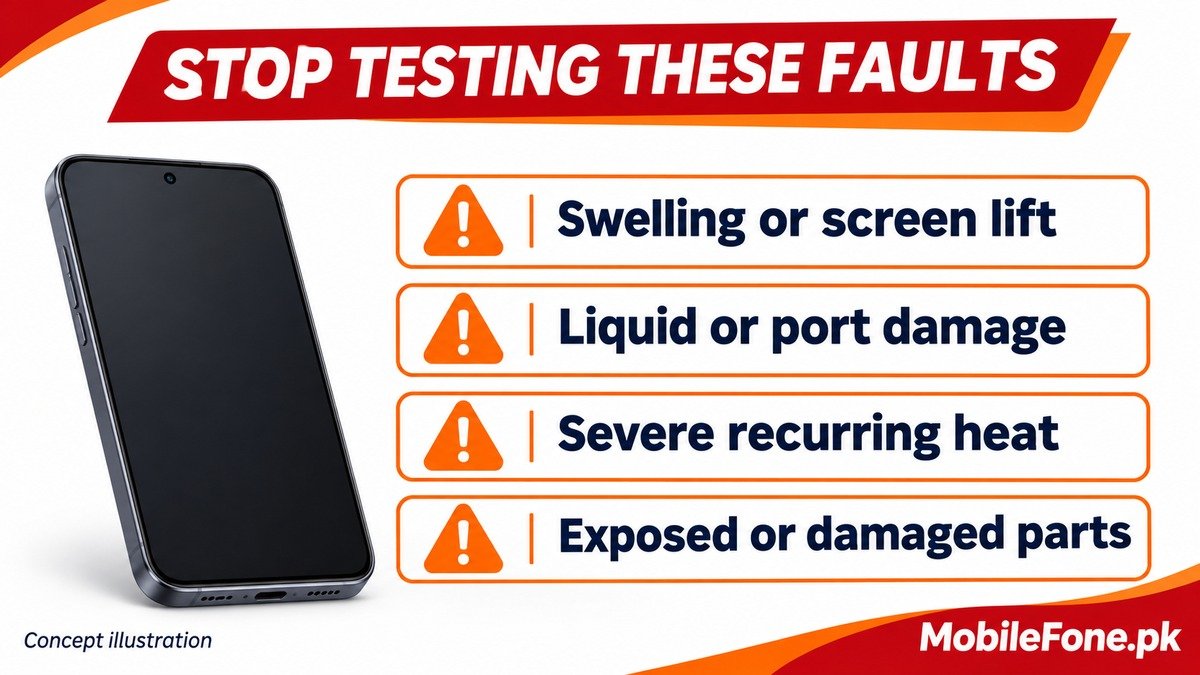
A phone needs professional inspection when there is suspected battery damage, a lifting screen, unsafe heat, broken exposed parts, or a charging connection that remains unreliable with suitable accessories. Repeated failures after safe software checks also justify support. Stop testing anything that may be physically unsafe. A technician should identify the fault before you authorise a repair; one symptom, a diagnostic app or a shop’s quick guess cannot reliably prove which component has failed.
Stop using a phone that may be damaged
Do not keep charging, squeezing or opening a phone with swelling, a lifting screen, damaged exposed parts or excessive heat.
Apple’s iPhone safety information says to discontinue use if damage to the device or battery is suspected, and warns against using cracked glass. Google’s swollen-battery guidance advises against pressing a device closed or trying to repair a swollen battery yourself. These are reasons to arrange appropriate service, not to attempt another charging experiment.
Liquid warnings deserve a different kind of pause. Disconnect the cable and follow the manufacturer’s drying instructions. Apple warns against external heat, objects in the connector and rice. A liquid alert is not permission to scrape the port or bypass protection for an ordinary test. Persistent alerts or charging trouble after proper drying need further assessment.
Use the pattern to decide what happens next
| What you observe | Safe response | What remains unproven |
|---|---|---|
| Swelling, screen lift or exposed damage | Stop routine use and arrange qualified inspection | The exact internal damage and repair scope |
| Severe heat or repeated cooling shutdowns | Stop demanding use, let it cool and seek support if recurring | Whether an app, battery or another component is responsible |
| Cable must be held at an angle | Stop stressing the connection; request inspection | Whether the cable, connector or port needs replacement |
| Only one app misbehaves | Try official updates and targeted app troubleshooting | That the phone needs a hardware repair |
| Failures continue after appropriate safe checks | Give support the pattern and test results | That a factory reset or a particular part will fix it |
The table sets priorities rather than diagnosing parts. Samsung’s temperature guidance explains that demanding use can cause warmth, while persistent excessive heat needs attention. One warm session and recurring shutdowns during light use are not equivalent situations.
Finish only the checks that are still safe
If there is no physical hazard, a normal restart, an official app or system update, and a check with a known-good compatible accessory may help narrow the problem. Stop if the device becomes unsafe or the connector is damaged. Do not factory-reset a phone just to make a repair visit appear more thorough.
Supported Galaxy phones offer Samsung Members diagnostics. Record a failed check, but treat a normal result as limited evidence too. A short test may not reproduce an intermittent fault that appears only while charging, moving the cable or using the device for longer.
- Record when the fault began and whether a drop, liquid exposure or update preceded it.
- Note what reliably triggers the problem, without deliberately recreating unsafe conditions.
- List the safe checks already tried and which accessories were used.
- Keep a photograph of visible damage or the warning message if it can be obtained safely.
This record gives a technician something specific to investigate. It also helps separate a fault that existed before handover from a new issue noticed after service.
Protect your data and account access before handover
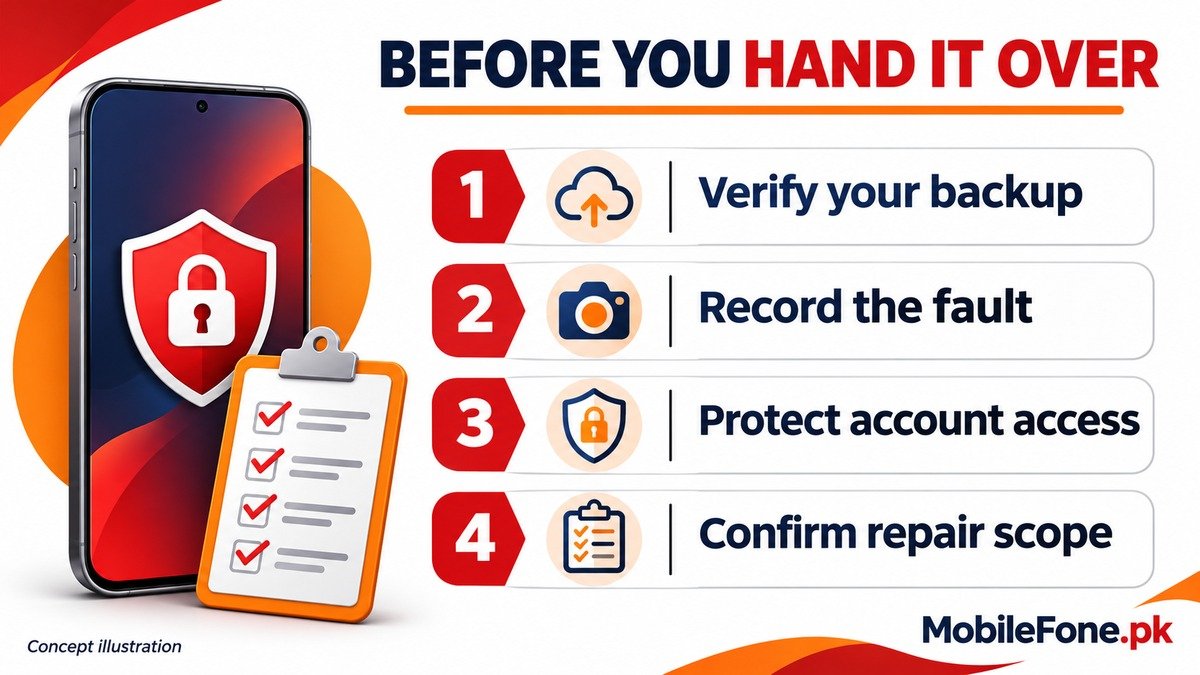
Back up important information while the phone remains safely usable, then verify what was actually copied. If it holds the only copy of irreplaceable files, say so before any reset, replacement or attempted repair. A repair may involve erasing the phone, and successful data recovery cannot be assumed.
Apple’s service preparation guide recommends a backup and says not to give anyone your Apple Account password, device passcode or account security details. For software work requiring you to enter a credential, remain present. Follow the current verified service instructions for your exact device and service type rather than disabling account protections on an unsolicited caller’s request.
On supported Galaxy software, Maintenance mode can help hide personal information during service. Availability varies, and Samsung still recommends a backup. A repair mode is not an independent copy of your files and does not guarantee that the device will return without being reset.
Get a clear repair scope before approving work
Give the shop the exact model and variant, not just the brand. An iPhone 12 Pro Max and other similarly named iPhones do not all use interchangeable parts. Likewise, confirm the precise Galaxy A04 model before accepting a parts recommendation. A listing helps identify the handset; the actual unit needs inspection.
- Ask what was diagnosed and which evidence supports the proposed repair.
- Request the total quoted scope, including parts, labour and any inspection charge.
- Ask about part type, data-loss risk, turnaround time and the written repair warranty.
- Confirm that extra work requires your approval rather than allowing an open-ended repair.
Apple’s repair information makes clear that inspection determines the final service estimate and service options vary by location. Do not assume a foreign online price applies to a repair in Pakistan. Before leaving with the phone, check the repaired function, charging, calls, touch response and your data as appropriate. Ask about any remaining limitations rather than assuming one replaced part certifies the entire phone.

Related reading
 Mobile Problems & FixesAndroid Phone Running Slow: What to Check FirstNovember 14, 2026
 Mobile Problems & FixesPhone Keeps Restarting: Common Causes and Safe FixesNovember 14, 2026
 Mobile Problems & FixesPhone Turns On but Screen Stays BlackNovember 14, 2026
 Mobile Problems & FixesMobile Speaker Not Working During CallsNovember 14, 2026