Why Mobile Internet Stops During Calls

On this page

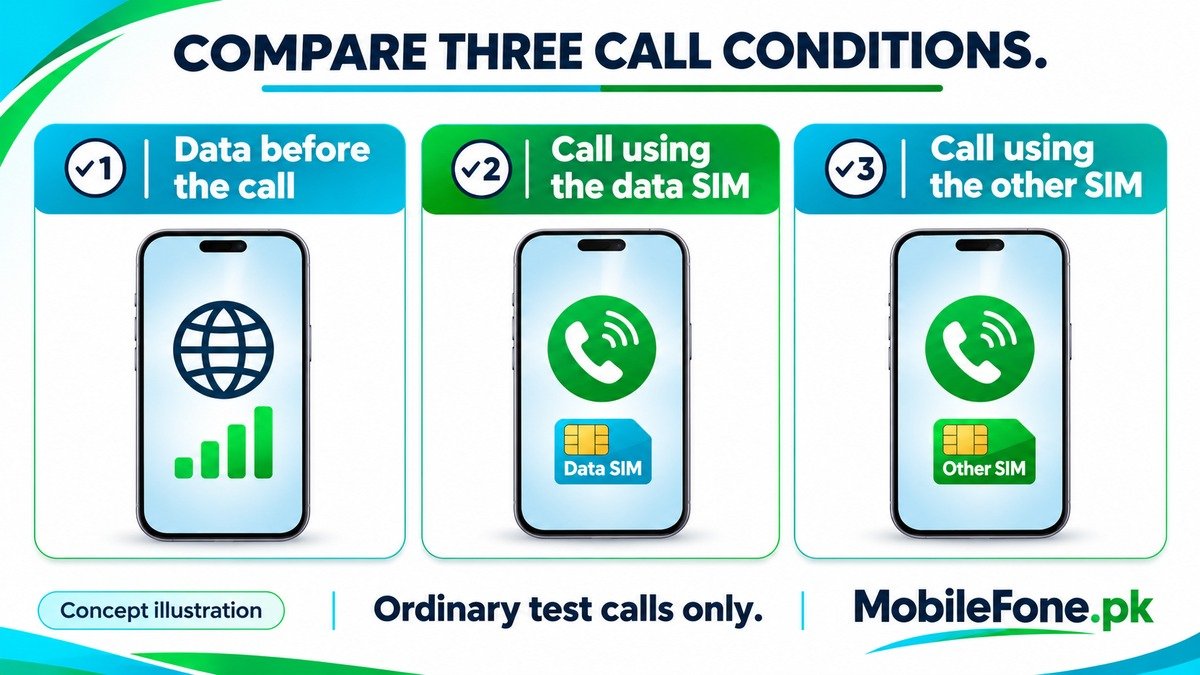
Mobile internet can stop during a voice call because the phone changes its network connection, the calling service does not support simultaneous voice and data on that setup, or a dual-SIM call uses a different line from the data connection. First check whether data works before the call and which SIM makes it. Then compare an ordinary call on the data SIM with one on the other SIM, keeping Wi-Fi out of the test.
Check whether the call changes the connection
Working internet before a call does not prove that the same connection will remain available during it. VoLTE carries voice over LTE; Ufone’s VoLTE explanation includes simultaneous voice and data among its benefits. That still depends on a supported handset and the operator’s service, not just a 4G symbol appearing while the phone is idle.
Watch what changes when the call connects. If the network indication changes and internet stops until the call ends, report that pattern to the operator. It suggests that the call and data arrangement needs investigation, but it does not identify the exact fault. A change from a 5G indication to LTE alone is not proof that internet must fail.
Samsung’s data-during-calls guidance makes support dependent on both the phone and network. It provides a VoLTE switch example for supported Galaxy software. Follow the controls available on your own device rather than forcing a menu or network mode from an unrelated tutorial.
Compare the data line with the line making the call
With two active SIMs, the line used for calls may differ from the preferred mobile-data line. The phone’s ability to keep data working during a call on the other line varies by model, software and operator. Two signal indicators do not establish that both connections can perform every task simultaneously. Google’s Pixel dual-SIM guide documents different behaviour for older and newer Pixel generations, including device-specific data-during-call and switching options.
Those instructions should not be copied wholesale to another Android brand. The practical question is what your exact phone supports when a call occupies the other line.
| Test condition | What to record | What it helps separate |
|---|---|---|
| Mobile data before any call | Whether a small webpage loads | A general data fault from a call-specific one |
| Call using the selected data SIM | Data result and network indication | Same-line voice and data support |
| Call using the other SIM | Whether the result differs | Dual-SIM call and data interaction |
| Immediately after ending the call | Whether data returns without another change | A temporary call-related interruption from a persistent fault |
Use switching features only when the phone supports them
On supported dual-SIM iPhones, Apple’s mobile-data switching explanation describes using the voice line for data during a call on the other number. It also warns about availability, possible fees and roaming limitations. Data switching is therefore a choice to understand, not a free universal repair.
For an iPhone 12 Pro Max, identify the actual SIM configuration and installed software before following that guidance. For a Redmi 13C, avoid assuming that instructions for the Redmi 13C 5G apply to the same handset. Xiaomi’s secondary-SIM VoLTE data instructions explicitly concern the 5G model and warn about data consumption.
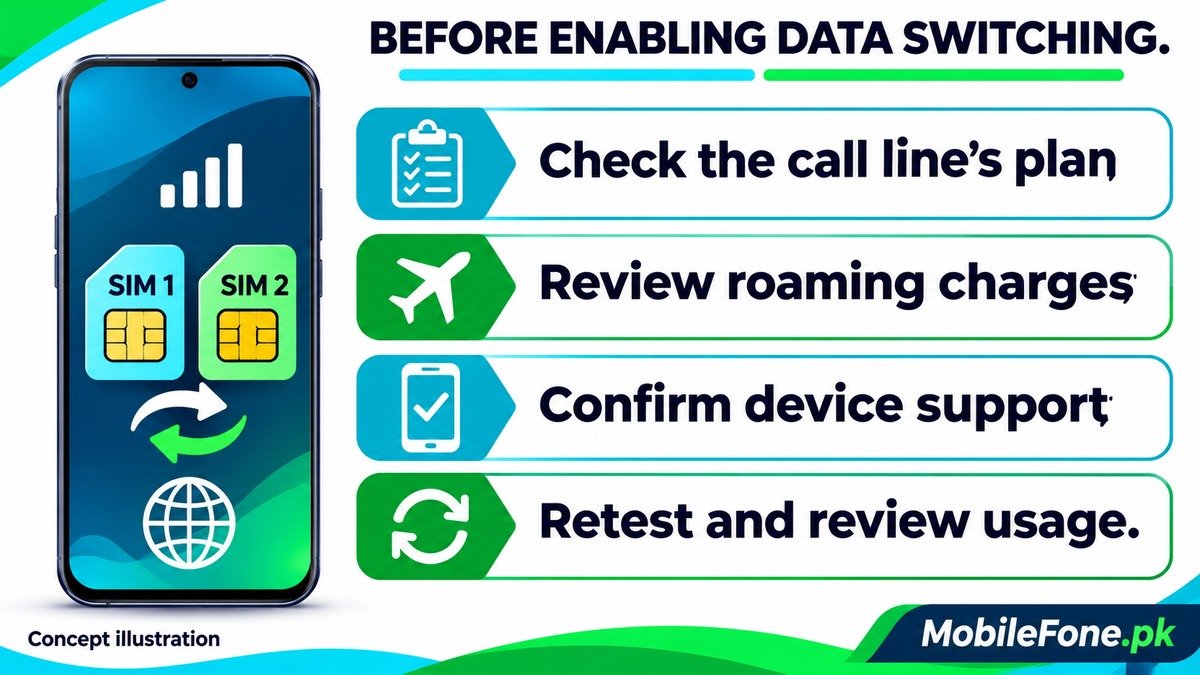
Before enabling data switching, check the plan and roaming conditions on the line that may start carrying internet traffic. The data bundle on your preferred SIM is not automatically transferred to the other number.
- Identify which SIM is selected for mobile data.
- Check which SIM the dialler uses for the test call.
- Confirm that the possible fallback data line has an appropriate plan.
- Review any automatic switching or roaming option before enabling it.
Rule out a data problem that also exists outside calls
If the webpage fails before the call starts, investigate ordinary data service first. Check the active SIM, remaining allowance and mobile-data setting. Samsung’s mobile-data troubleshooting covers these checks and the preferred data SIM. A call may merely be when you notice an existing problem.
If only one app fails, compare another small website before blaming the voice network. Supported phones can also restrict app connectivity or stop data at a configured limit. Samsung’s data-usage controls describe these separate settings. Do not disable every limit or background restriction just because one call interrupted a download.
Run a short test and give support a useful report
- Choose a location where the intended SIM already has working mobile data.
- Turn Wi-Fi off briefly and open a small webpage before making a call.
- Make an ordinary call on the data SIM, then compare the same page during and after it.
- If using two SIMs, repeat on the other call line without changing unrelated settings.
- Restore your normal connection choices and note the exact differences.
Do not use an emergency number for testing. Give the operator your model, software, call SIM, data SIM and observed network change. Ask whether VoLTE and that dual-SIM arrangement are supported on your account. If support confirms a device limitation, using a supported same-line arrangement or a working Wi-Fi connection may be more practical than repeated resets.

Related reading
 Mobile Internet & SIMDual-SIM Settings Explained for Android UsersNovember 14, 2026
 Mobile Internet & SIMWhy Can’t My Phone Receive Verification SMS?November 14, 2026
 Mobile Internet & SIMMobile Internet Connected but Not WorkingNovember 14, 2026
 Mobile Internet & SIMJazz APN Settings for Android: How to ConfigureNovember 14, 2026