Why Can’t My Phone Receive Verification SMS?

On this page
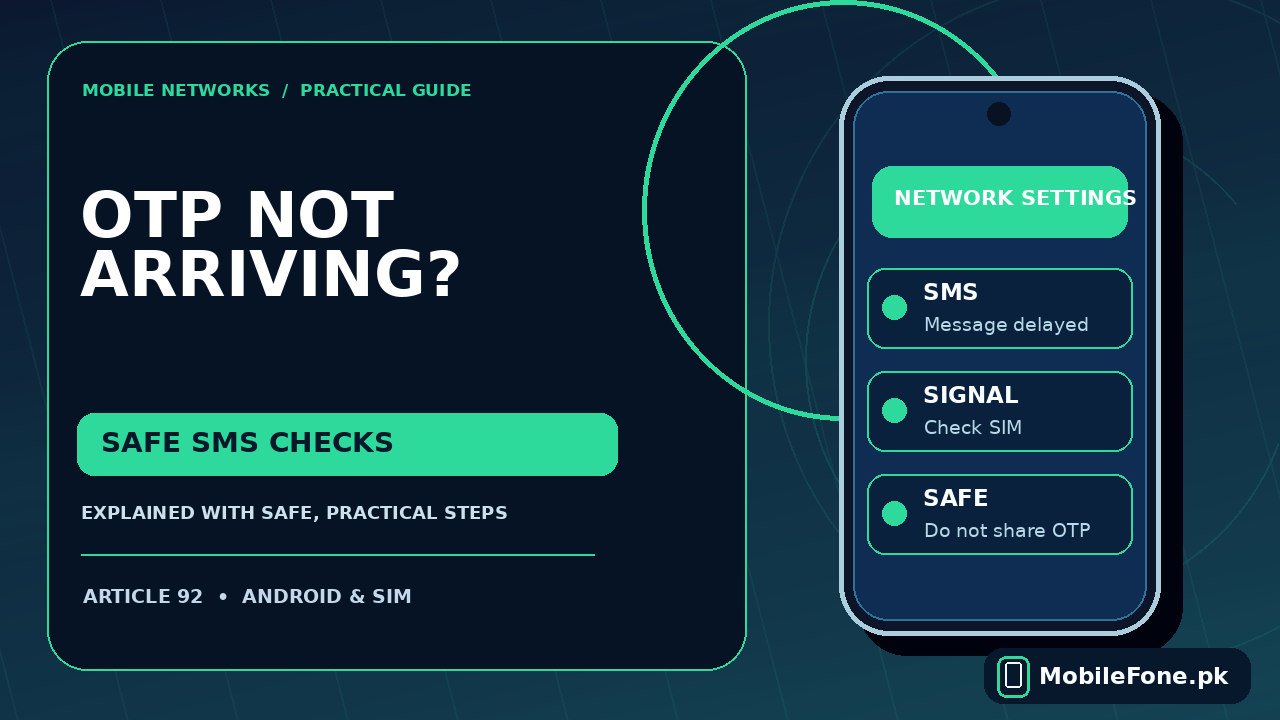
If your phone cannot receive a verification SMS, first decide whether all text messages are missing or only codes from a bank, WhatsApp, Google or another service. Ask someone you trust to send an ordinary SMS to the exact number you are trying to verify. If that arrives but the one-time code does not, the issue may involve the sending service, a blocked short code, a rate limit or message filtering. Repeatedly requesting codes and resetting the entire phone are poor first steps.
Separate a phone problem from a sender problem
The fastest useful test is a normal person-to-person text. Turn off Wi-Fi only if you are unsure which service is handling messages; ordinary SMS is delivered through your mobile network and does not require a mobile-data bundle, although your device must be registered on a working cellular service. Make sure you are checking the correct number, especially on a dual-SIM handset.
| What works | Likely area to inspect | Next step |
|---|---|---|
| No normal SMS or OTP | SIM, signal, phone messaging setup | Check reception and default SMS app |
| Normal SMS yes, OTP no | Short code, filtering, sending service | Check spam and contact sender/operator |
| OTP arrives much later | Sender delays or mobile routing | Use only the newest valid code |
| One service fails only | That service’s account or security controls | Use its official support/recovery options |
Google’s official Messages troubleshooting guidance recommends checking signal, SIM installation, airplane mode, your default texting app and carrier service. The sequence matters: a phone that receives other SMS already passes several of those checks, so focus on what makes the missing sender different.
Check the number, signal and default messaging app
- Confirm the full mobile number and country code entered in the account. For a Pakistani number, verify the correct +92 form if the service asks for an international format.
- Check that the appropriate SIM is switched on and connected. If your phone displays Emergency calls only, solve the network problem before requesting another OTP.
- Open your SMS app and look for the correct conversation, not just a notification. Confirm the app assigned as the default SMS app can receive ordinary texts.
- Check available storage. A nearly full phone can interfere with normal messaging behaviour and notifications.
- Restart the phone once and request a new code only after the line is receiving normal messages.
On dual-SIM Android, a preference for outgoing texts does not automatically redirect incoming SMS away from the number registered with the account. The code is sent to the number associated with the selected SIM or eSIM. Check both inboxes or conversation views and avoid removing the SIM while waiting. If you are investigating whether your device actually supports the second line, the Vivo Y03 listing is one example of a published dual-SIM phone specification; confirm your own handset model independently.

Look for a filtered or blocked sender
In Google Messages, open the Spam & blocked area and inspect it for a genuine message from the service. Android versions and messaging apps can place this option in different menus. Google’s spam-report guidance explains that blocked or reported conversations may be moved to a separate folder. If you identify a legitimate sender, follow the app’s unblock or not-spam action.
Do not disable every spam protection feature permanently just to receive one code. Fraudulent messages frequently imitate banks and courier services, and short text messages can carry misleading links. Open the bank or service app yourself instead of following a link in an unexpected SMS, and never disclose the one-time code to a caller claiming to be customer care.
Why verification providers may delay or refuse codes
Some login and recovery services restrict repeated attempts. Google’s account-recovery documentation specifically says there may be daily request limits and advises waiting if too many codes have been requested. It also names ported phone numbers and operator blocking of short codes as possible explanations. Those are examples of service-specific behaviour, not a universal 24-hour rule for every Pakistani bank or app. Consult the particular service’s official instructions before retrying. See Google’s account recovery advice for the documented cases.
After mobile number portability, routing between operators can take time to settle. For codes from only one company, its sending platform could be delayed or unavailable while ordinary messages continue to work. If the provider offers a verified in-app approval, authentication app, recovery email or call alternative, use those official options rather than unofficial OTP websites or forwarded codes.
When to contact Jazz, Zong, Ufone or your bank
- Contact the mobile operator when multiple independent senders fail, your SIM recently changed networks, or you suspect short-code SMS filtering at network level.
- Contact the bank or app when ordinary and other verification SMS arrive but one sender consistently fails. Ask whether the number is correctly registered.
- Check dual-SIM service if the registered number is on a second line that appears inactive or has no network.
- Avoid sharing screenshots of a real OTP, banking notification, card number or account password during support requests.
Explain to support whether normal SMS works, which service cannot deliver a code, when the problem began, and whether the number was recently ported. You do not need to reveal the code itself. Do not attempt unsupported SMS-center-number edits: they can make otherwise working text delivery worse and may differ by operator.

A safe finish: confirm delivery without weakening security
Once a normal SMS works and your spam folder is clear, request a single fresh verification code through the official login page. Use the most recent valid code within the stated expiry period. If the code still does not arrive, use the provider’s account-recovery channel and the operator’s SMS support instead of repeatedly erasing app data or factory resetting. A handset replacement is rarely justified by one missing sender; if you are assessing a new device for unrelated compatibility issues, compare its supported networks first using the published phone directory.
That sequence protects access to your account while producing information the operator or verification provider can actually use.

Related reading
 Mobile Internet & SIMDual-SIM Settings Explained for Android UsersNovember 14, 2026
 Mobile Internet & SIMMobile Internet Connected but Not WorkingNovember 14, 2026
 Mobile Internet & SIMJazz APN Settings for Android: How to ConfigureNovember 14, 2026
 Mobile Internet & SIMPhone Says Emergency Calls Only: What to CheckNovember 14, 2026