Dual-SIM Settings Explained for Android Users

On this page
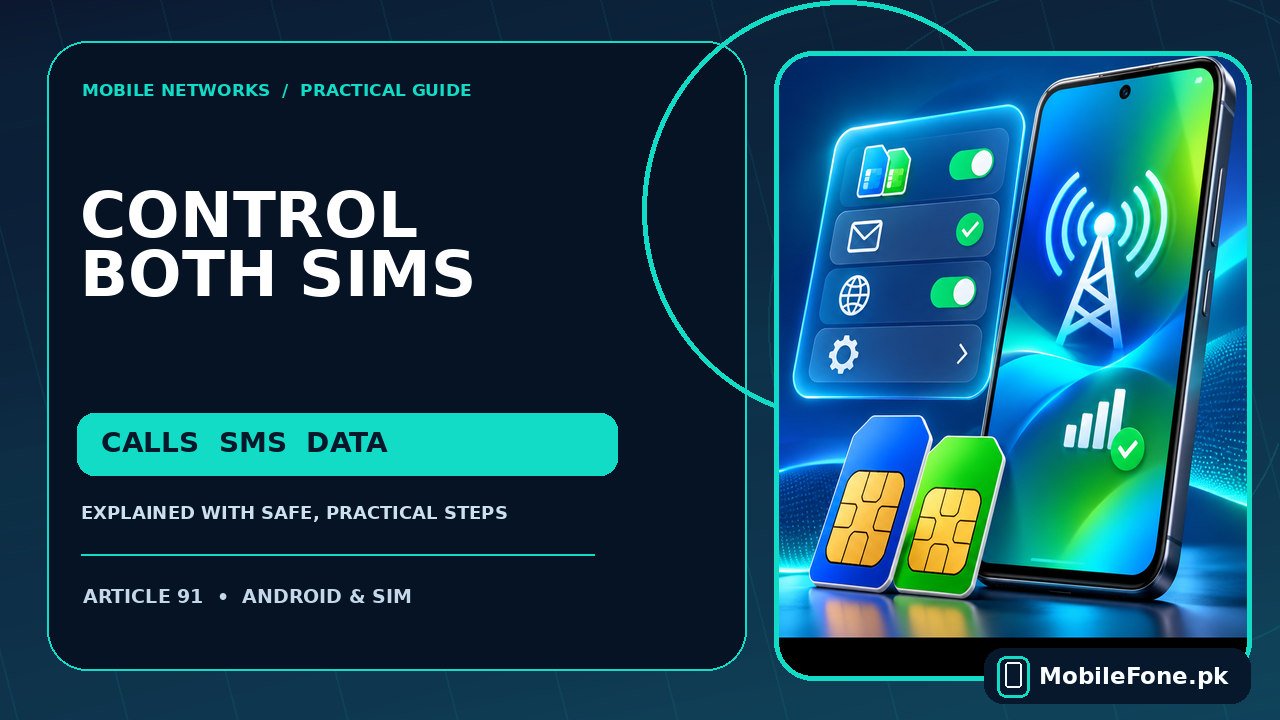
Dual-SIM Android phones can keep two mobile numbers active, but calls, messages and mobile internet do not always use the same card. The essential setting is the preferred SIM for each task. Open your phone’s SIM manager, check that both lines are enabled, then select which line should handle calls, SMS and data. Most phones let you use one line for cheaper internet and the other for personal calls. Menu names differ by manufacturer, and some advanced switching options depend on the model and mobile network.
What a dual-SIM phone actually lets you control
Two active SIMs are useful if you keep Jazz for calls and Zong for data, or separate family and work numbers. There are three independent decisions to make: which number you call from, which number sends ordinary text messages, and which mobile plan supplies internet access. Changing the mobile-data line generally does not move your WhatsApp account or transfer your mobile number.
A typical dual-SIM, dual-standby phone can monitor both lines while idle. That does not guarantee that both networks will maintain a separate high-speed data session during an ongoing call. Google documents different call-handling behaviour even between Pixel generations. Treat simultaneous calling and automatic data switching as device- and carrier-dependent features rather than a universal Android promise. Google’s dual-SIM instructions explain these differences.
| Setting | What it changes | Practical example |
|---|---|---|
| Calls | Number used for outgoing calls by default | Use SIM 1 for family calls |
| Texts | Number used when you send an SMS | Use SIM 2 for work replies |
| Mobile data | Plan normally used for browsing and apps | Use SIM 2 with an active data bundle |
| SIM enable/disable | Turns a configured line on or off | Temporarily disable an unused eSIM |
Find the settings on Samsung, Pixel and Xiaomi
Samsung Galaxy: open Settings → Connections → SIM manager. On supported software versions, select calls, messages or mobile data to choose a preferred line. Some models group options under Primary SIM instead. Samsung notes that available controls change with the device, operator and software. Its official dual-SIM guide is useful if your screen looks different.
Google Pixel: open Settings → Network & internet → SIMs and use the primary-SIM settings for calls, texts and mobile data. Pixel can offer Ask every time for outgoing calls. Google’s published instructions apply to specific Android and Pixel generations; do not assume every Android phone has exactly these controls.
Xiaomi, Redmi and POCO: look under Settings for SIM cards & mobile networks or Mobile networks, then select the line used for data or calls. The precise labels vary between MIUI, HyperOS and models. Xiaomi also documents a separate option for using mobile data during certain VoLTE calls on a secondary SIM, which must not be confused with the normal data default.

Set up the preferred SIM without losing service
- Check the signal icons or SIM list to confirm both lines are recognised and enabled. Name each line by operator so the selection is obvious.
- Select your preferred mobile-data SIM and verify that its package is active. Wait for the network to reconnect before judging the result.
- Choose a default calling line, or Ask every time if your phone offers it. Place a short test call and note which number appears.
- Set your default SMS line in the SIM manager or Messages app, then send a normal text to a trusted contact.
- Disable Wi-Fi briefly and load a fresh website to test mobile data, then restore Wi-Fi if you normally use it.
It helps to avoid changing all three preferences at once. If you make one change, test it, and move on, you can identify which selection actually solved the problem. For dual-SIM phones such as the Vivo Y03, confirm the specific model’s SIM configuration before following a menu path; product specifications tell you about hardware, not the exact on-screen wording.
What happens to internet access during phone calls?
Many people notice that data appears to stop when they answer a call on the other SIM. A phone may temporarily route mobile data over the calling SIM, suspend the non-calling data connection, or use a special switching feature if supported. Whether you can browse during a call depends on voice-over-LTE support, carrier provisioning and the handset’s radio configuration. A strong 4G symbol on the standby line does not prove every combination works.
If your phone offers Auto data switching or Data during calls, read its description before enabling it. It could use a different data allowance than you expect. In Pakistan, that may matter when one line has a package and the second charges from balance. Turn off unintended switching if you want predictable charges, then check the operator app after a test call.
Why one SIM disappears or refuses to provide data
- SIM disabled: a line can be present in the tray but switched off in Settings.
- Incorrect default: the active internet bundle may be on SIM 2 while data is assigned to SIM 1.
- Missing eSIM profile: activating a second line may require an operator-issued eSIM setup and a compatible handset.
- Hybrid tray: some models accept either a second physical SIM or a memory card, not both.
- Carrier or device limits: radio bands, network registration and software vary across imported models.
First reboot normally, toggle the affected SIM off and on if available, then test the physical SIM in another compatible phone only if needed and safe. Do not erase an eSIM as a troubleshooting experiment: it may require a replacement activation code from the operator. If the problem began after switching phones, confirm the SIM or eSIM is provisioned for the new device.

What to check before buying a dual-SIM replacement
Do not assume a phone supports two physical SIMs because a listing simply says dual SIM. Some versions support a physical SIM plus an eSIM; others use a hybrid tray. Network band support and Pakistani carrier compatibility are separate from the number of SIM slots. If you are shopping, use MobileFone’s handset directory as a starting point, then confirm the exact regional variant and carrier support with the manufacturer.
A practical final check is to place a call from each line, receive a text on each number, and open a website using the intended data SIM. Those three tests cover most real dual-SIM needs without resetting the phone or changing security settings.

Related reading
 Mobile Internet & SIMWhy Can’t My Phone Receive Verification SMS?November 14, 2026
 Mobile Internet & SIMMobile Internet Connected but Not WorkingNovember 14, 2026
 Mobile Internet & SIMJazz APN Settings for Android: How to ConfigureNovember 14, 2026
 Mobile Internet & SIMPhone Says Emergency Calls Only: What to CheckNovember 14, 2026