VoLTE Option Missing on Android

On this page
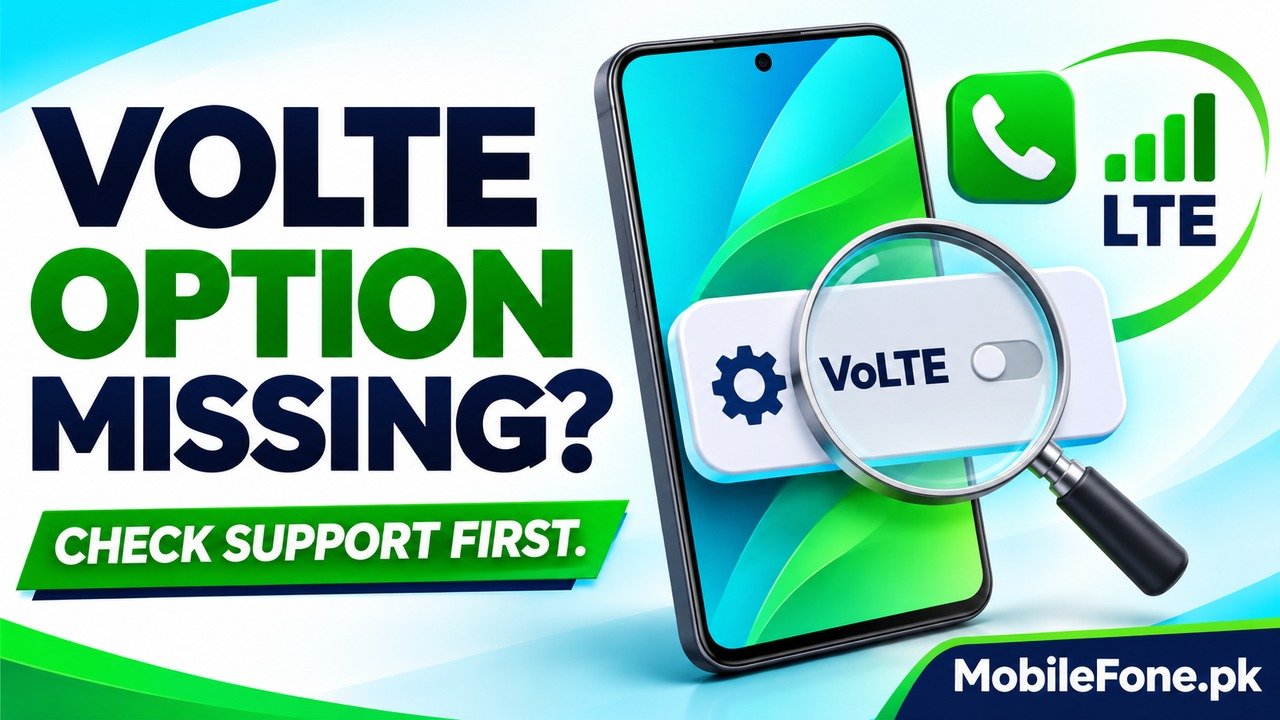
A missing VoLTE option does not, by itself, prove that an Android phone cannot make calls over LTE. The visible controls depend on the phone, installed software and operator configuration. Check the exact handset variant, the operator’s supported-device requirements and the service on the affected SIM before changing settings. If calls work but the switch is absent, ask the operator whether VoLTE is provisioned and how it is controlled on that particular device.
Separate a missing control from a missing service
VoLTE means voice over LTE. It requires more than a phone that can browse on a 4G connection: the handset and the operator must support the calling service together. A screenshot from a different phone, country or software release is therefore a poor test of what should appear on yours.
Samsung’s mobile network options guide explicitly qualifies available controls by carrier and network. Xiaomi also explains that a greyed-out VoLTE control can reflect regional or SIM-network support rather than proving that the phone lacks the capability. A grey control and a completely absent menu are different observations; record which one you actually see.
| Observation | Useful interpretation | Next check |
|---|---|---|
| No VoLTE menu appears | The expected control is not exposed on this setup | Ask how this exact variant and operator manage the feature |
| A VoLTE option is greyed out | The control exists but cannot currently be changed | Check the SIM’s service eligibility and regional support |
| 4G data works before a call | The phone has a working LTE data connection there | Confirm voice-service support separately |
| Data stops only during a call | The call path or dual-SIM behaviour needs checking | Record the call SIM, data SIM and network indication |
| Calls fail altogether | This is a broader service problem | Check account, coverage and registration with the operator |

Identify the handset and installed software first
Open the phone’s About section and note its model number, software version and build. The marketing name alone may not identify its original sales region or network configuration. This matters particularly for imported or second-hand phones where the box, listing and actual handset may not tell the same story. A Galaxy A04 model listing is a useful starting point for identifying the handset, but it does not certify VoLTE on your SIM.
Similarly, a Redmi 13C should not be treated as a differently named 5G variant or as another Xiaomi model merely because a tutorial looks familiar.
Check for official updates using the manufacturer’s settings. Google’s Android version and update guidance explains how to find version information and notes that update availability varies by device, manufacturer and carrier. Installing an available official update is reasonable; promising that an update will reveal a switch is not.
Look for the supported control on the correct SIM
On Galaxy software that exposes it, Samsung documents Settings, Connections, Mobile networks, then the VoLTE calls switch. Treat that as a supported example, not a universal Android route. Your phone may use another label or provide different controls. Check its current support instructions before concluding that a missing item is a fault.
If two SIMs are installed, identify the line you are investigating. A working setting or call on one operator does not verify the other line. Check that the intended SIM is enabled and registered, and distinguish the default mobile-data line from the line used for the voice call.
Do not use hidden dialler codes, unofficial firmware or an LTE-only lock just to make a VoLTE label appear. A visible switch cannot create missing operator support, and changing unsupported network controls can leave ordinary calling unavailable.
Ask the operator about the complete support combination
Check the operator’s current compatibility information for your actual model. For example, Ufone’s VoLTE page publishes a supported-handset list and describes simultaneous voice and data. This is more relevant than a seller saying that every 4G phone supports the service. A broad model match should still be confirmed when the regional variant is uncertain.
Network activation and handset controls are separate checks. Jazz’s self-service settings reference says its VoLTE handset instructions assume the service has first been activated. Ask support to confirm eligibility and provisioning on the affected number, as well as any SIM replacement or approved software requirement. Do not assume that another subscriber’s activation method applies to your account.
- Provide the exact model and installed software version.
- Name the operator and the SIM whose VoLTE option is missing.
- Explain whether normal calls and mobile data work separately.
- Ask whether this variant should show a switch or use another supported control.
Retest one condition at a time and keep the result
- Confirm that mobile data works on the intended SIM before a call.
- Make an ordinary test call, within your plan, using that same SIM.
- With Wi-Fi briefly off, check a small webpage and note any network-label change.
- If using dual SIM, repeat separately with the other call line and record the difference.
Use these observations to describe the problem, not to certify VoLTE from a single icon. Data continuing during a call is useful evidence, but Wi-Fi, the selected line and device-specific switching can affect what you observe. Never call an emergency number as a test.

If calls disconnect or registration is unreliable as well, Samsung’s Galaxy connection troubleshooting covers supported software, network and diagnostic checks. Avoid a broad reset as your opening move. Record important connection settings and read the consequences before any support-recommended network reset. If the operator confirms a compatibility limitation, repeated resets will not add the missing support.

Related reading
 Mobile Internet & SIMDual-SIM Settings Explained for Android UsersNovember 14, 2026
 Mobile Internet & SIMWhy Can’t My Phone Receive Verification SMS?November 14, 2026
 Mobile Internet & SIMMobile Internet Connected but Not WorkingNovember 14, 2026
 Mobile Internet & SIMJazz APN Settings for Android: How to ConfigureNovember 14, 2026