How to Check Whether Your Phone Supports eSIM

On this page
To check eSIM support, identify your exact phone model and original sales region, read the manufacturer’s specifications for that variant, and look for the supported eSIM controls and EID information. Then confirm that your operator accepts the device and can activate the intended plan. A 5G label, two IMEI numbers or a dual-SIM tray is not enough evidence on its own. Hardware support and successful service activation are separate questions.
Start with the model number and sales region
Find the model identifier in the phone’s About information and compare it with the box or purchase record where available. Use that identifier when asking the manufacturer or operator. A shared product name can cover regional versions with different SIM arrangements, which matters when buying an imported or used handset.
Apple’s eSIM setup requirements identify compatible iPhone families while also describing regional exceptions. Its two-nano-SIM guidance explains that certain models sold in China mainland, Hong Kong and Macao use two physical cards. Do not turn either statement into a blanket rule that every version of an iPhone has the same SIM hardware.
For an iPhone 12 Pro Max, establish which regional unit you have before ordering an eSIM. A model listing helps you identify the phone, but the label on the actual device and manufacturer confirmation should settle a variant-specific compatibility question.
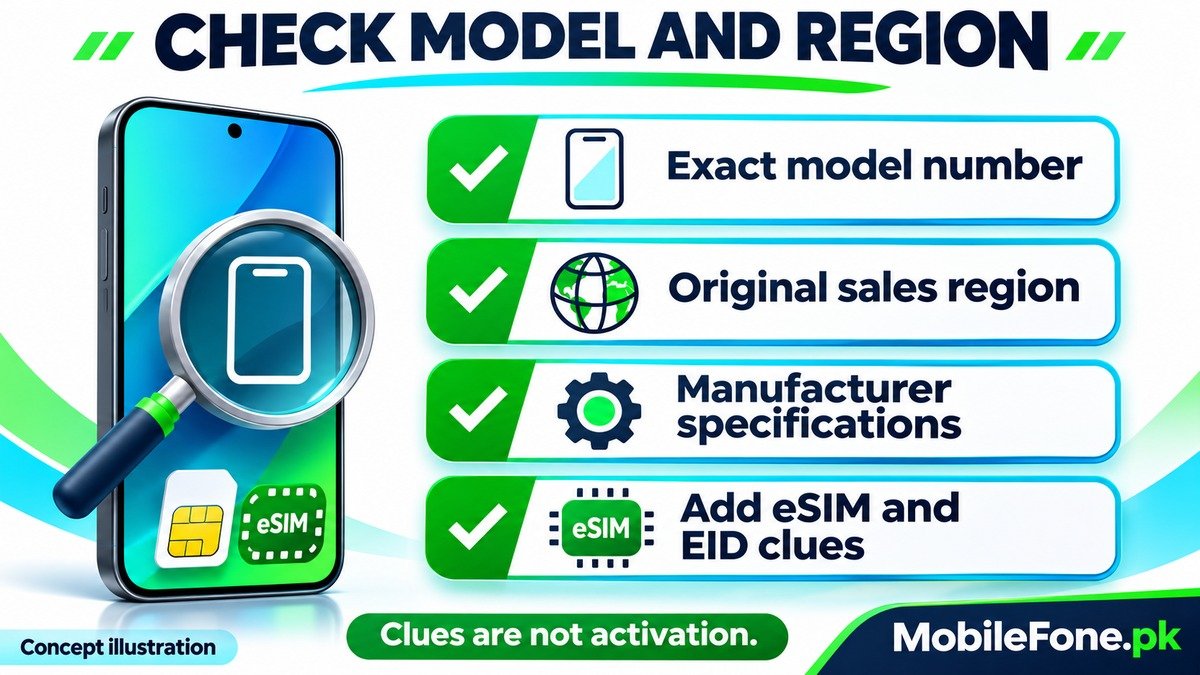
Check the manufacturer’s evidence before scanning anything
Look for an explicit eSIM entry in the official specification or a support answer for the exact model. Samsung’s Galaxy eSIM reference qualifies support by region and carrier. A feature on a newer Galaxy does not establish the same feature on every handset with Galaxy in its name. For example, identify a Galaxy A04 precisely before applying instructions from a different Samsung range.
Do not assume that dual physical SIM support also means an embedded SIM is present. If an operator list and a manufacturer specification appear inconsistent, ask both parties about the exact model code rather than buying first and testing later.
| Evidence | What it helps confirm | What it does not guarantee |
|---|---|---|
| Exact model and sales region | Which hardware variant needs checking | That an operator will activate it |
| Official eSIM specification | Manufacturer support for that variant | Eligibility for every local plan |
| Add eSIM or equivalent control | A relevant setup option is exposed | A valid account or successful activation |
| EID information | An embedded-SIM identifier for provider checks | Acceptance by every operator |
| Operator confirmation | Eligibility under the provider’s current requirements | That a different variant or another network will work |
Use settings and EID as supporting checks
On supported Galaxy software, look under Settings, Connections, SIM manager for Add eSIM or the documented equivalent. Samsung’s eSIM instructions also describe locating EID information on the box or in device status. Menu names differ across releases; a missing option warrants a specification check, not an unofficial activation trick.
On supported Pixels, Google’s phone identification guide gives About phone, SIM status as an EID location and distinguishes it from IMEI information. Two IMEIs alone do not prove eSIM support: two physical-SIM arrangements also exist. Share identifiers only through a verified provider channel when needed, not in a public troubleshooting screenshot.
Confirm operator eligibility separately from hardware
Ask the intended operator to check your model code, regional version and plan. For a Pakistan example, Zong’s eSIM information describes its provider-issued profile and activation process. Use that page as the route to its current requirements; do not rely on a broad compatibility-list name when the manufacturer gives a narrower regional qualification.
An imported phone can also have a carrier restriction. Apple’s carrier-lock guidance explains where to check Carrier Lock and that only the carrier can unlock an iPhone. An eSIM does not remove a network lock or settle device-registration requirements.
Do not delete a working SIM profile, share an activation QR code or pay for conversion until compatibility and the provider’s process are confirmed.
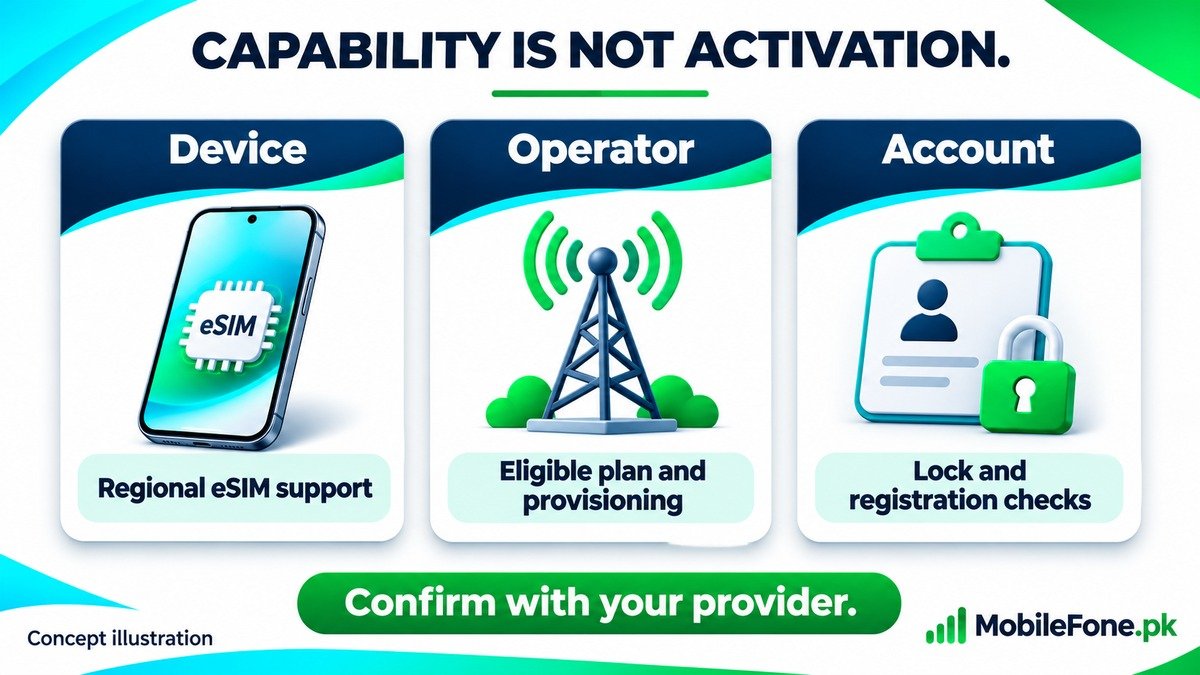
- Confirm the exact regional variant, not just the family name.
- Ask whether your intended number and plan are eligible.
- Check lock and applicable device-registration status separately.
- Keep access to the working line until the verified transition is complete.
Finish with a clear yes, no or unresolved result
- Record the model identifier and sales region.
- Match them to the manufacturer’s explicit eSIM information.
- Check supported settings and EID information without altering the working plan.
- Ask the operator to confirm activation eligibility for that exact unit.
If the evidence remains inconsistent, treat support as unresolved. A clear provider answer before purchase or conversion is more useful than repeatedly scanning codes on a phone whose variant has not been confirmed.

Related reading
 Mobile Internet & SIMDual-SIM Settings Explained for Android UsersNovember 14, 2026
 Mobile Internet & SIMWhy Can’t My Phone Receive Verification SMS?November 14, 2026
 Mobile Internet & SIMMobile Internet Connected but Not WorkingNovember 14, 2026
 Mobile Internet & SIMJazz APN Settings for Android: How to ConfigureNovember 14, 2026