Is Overnight Phone Charging Safe?

On this page
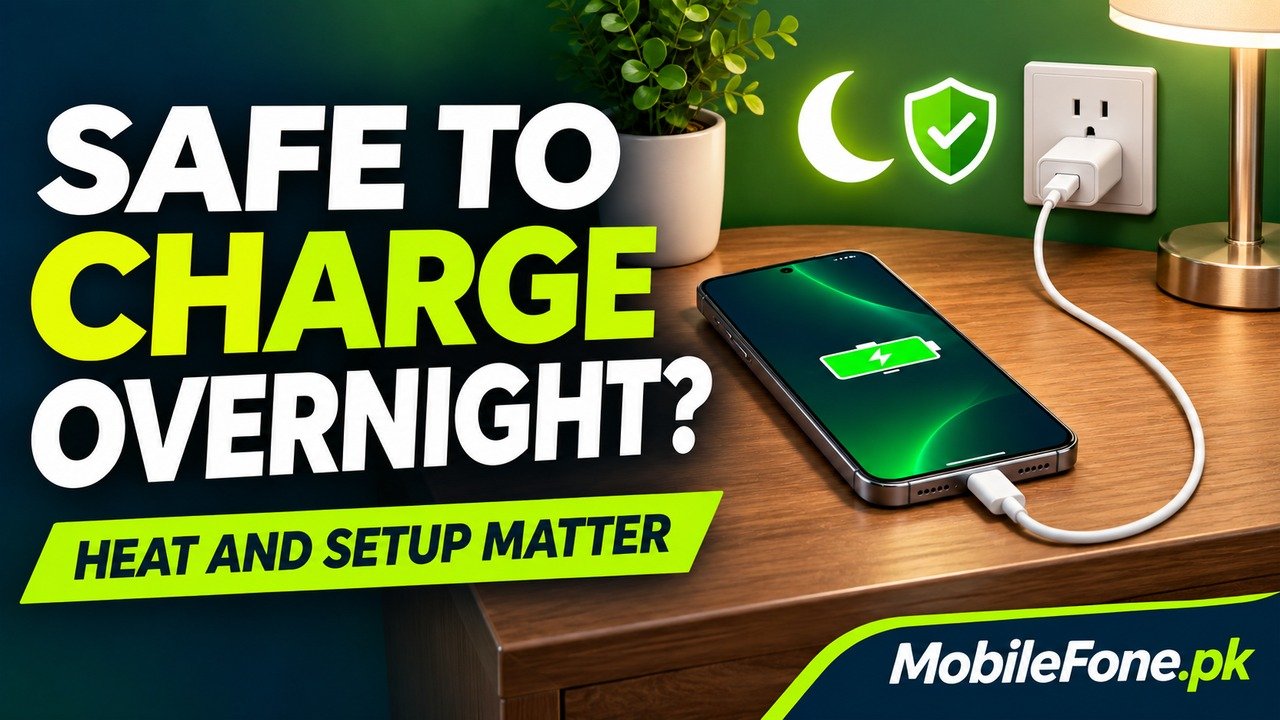
Overnight charging is generally acceptable for a phone in good condition using compatible, undamaged accessories in a dry, ventilated setup. Modern charging controls stop continuous charging at full, but they do not make a damaged charger, wet connector or phone under a pillow safe. For everyday battery care, use the charging optimisation your model supports and keep heat under control. Safety and long-term battery wear are related questions, but they are not the same question.
What stops a working phone from overcharging?
Apple says an iPhone automatically stops charging when full and can remain connected overnight. Its charging and maintenance guidance also recommends unplugging when practical and explains how optimisation reduces the time spent fully charged. This describes intended operation of a working device, not a guarantee about every accessory or damaged phone.
Samsung similarly explains overnight overcharge protection on Galaxy phones. The battery is not simply receiving uncontrolled charge for every hour the cable remains connected. However, a charging controller cannot correct every unsafe socket, cable or placement choice around it.
You do not need to wake up at an arbitrary hour because the phone reached 100%. A better routine is to check the equipment and placement before bed, then choose a supported charging mode that fits when you normally unplug.
Build a safer charging setup before bed
Do not charge a phone or adapter under a pillow, blanket or your body.
Apple’s iPhone safety guidance requires ventilation and warns about damaged accessories, moisture and prolonged contact with warm charging equipment. Put both the phone and adapter where heat can escape. Keeping the phone uncovered while burying the adapter in bedding does not solve the problem.
- Choose a firm, uncovered surface with room around the phone and adapter.
- Check the cable, connector and adapter for damage or an unreliable connection.
- Use a dry connector and a secure, accessible socket. Follow any instruction to disconnect charging.
- Move the setup away from direct sunlight or another heat source, including where morning sun will reach it.
- Leave the cable positioned so it is not trapped, tightly bent or pulled by the phone’s weight.
Google gives comparable ventilation, moisture, connector and cable precautions in its Pixel safety guide. These are more useful bedtime checks than installing an app that claims to prevent all charging risk.

Use accessories that match the actual handset
A plug fitting the port does not establish safe quality or the phone’s preferred charging mode. Buy from a trustworthy source and check the manufacturer’s compatibility information. A larger advertised wattage does not repair a loose connector or make a damaged cable usable.
For a Samsung Galaxy A04, identify the exact handset and check its supported charger rather than copying a newer Galaxy flagship’s accessory recommendation. Product specifications help identify the model; inspect the charger and cable actually being used with it, especially when buying a used phone.
Stop using a socket or connection that is loose or visibly damaged and arrange appropriate repair. Repeatedly repositioning the cable to maintain charging is a reason to investigate the connection, not a reliable overnight arrangement.
Separate immediate hazards from optional battery-care choices
| Situation | Why it matters | Practical response |
|---|---|---|
| Damaged cable, wet connection or loose socket | The equipment or connection needs attention | Stop using that setup |
| Phone or adapter covered by bedding | Heat cannot escape properly | Move both to an uncovered, ventilated position |
| Phone reaches full charge before morning | Extra time at a high charge can affect long-term care | Consider supported optimisation or a suitable limit |
| Phone pauses at its selected upper limit | A protective preference may be working normally | Read the setting before changing it |
| Swelling, unusual heat or a recurring warning | A condition needs assessment rather than a new routine | Stop charging and obtain qualified support |
The optional longevity choices do not replace the equipment checks. Conversely, a phone reaching 100% normally does not mean that an electrical fault has occurred.

Choose optimisation that fits your routine
Supported phones can delay the final part of a charge or stop at a chosen upper limit. Google distinguishes these options in its Pixel charging optimisation guide. Samsung’s battery-protection guidance also describes sleep-time behaviour and model-dependent limits. Read what the mode does instead of treating every pause as a fault.
On an iPhone 12 Pro Max, use the controls available to that generation. Apple’s charging-options guide separates Optimised Battery Charging on earlier iPhones from selectable limits on newer supported models. An irregular sleep pattern may make a routine-based schedule less predictable, so check the displayed completion information when timing matters.
There is no need to deliberately empty the battery before charging at night. Apple’s lithium-ion explanation says partial charging is acceptable and that charge cycles reflect accumulated usage, not simply the number of times you plug in.
Stop the routine when the equipment changes
- Replace a damaged accessory instead of continuing because it still charges.
- Follow a moisture or temperature warning rather than bypassing it.
- Do not press a swollen phone closed or attempt to repair its battery yourself.
- Seek support for repeated abnormal heat, interruptions or a connection that only works at an angle.
Google’s swollen-battery handling advice warns against pressing the device closed or attempting a repair yourself. If a phone needs inspection, changing its bedtime charging target will not establish that it is safe. With sound equipment, the useful habit is a checked, ventilated setup and appropriate charging optimisation, rather than repeatedly waking to unplug it.

Related reading
 Battery & ChargingWhy Does My Phone Battery Drain Overnight?November 14, 2026
 Battery & ChargingFast Charging Not Working on AndroidNovember 14, 2026
 Battery & ChargingPhone Charging but Battery Percentage Not IncreasingNovember 14, 2026
 Battery & ChargingPhone Gets Hot While Using Mobile DataNovember 14, 2026