Phone Says Emergency Calls Only: What to Check

On this page
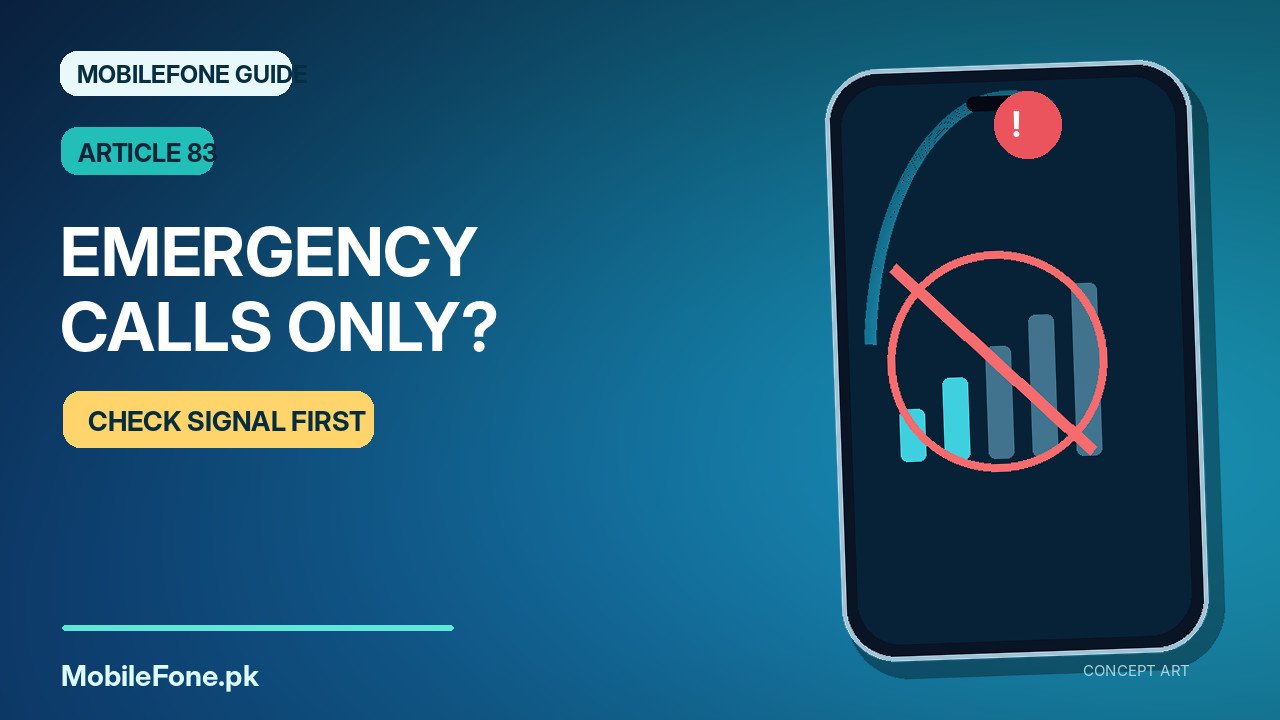
“Emergency Calls Only” usually means your phone is not registered for normal service on a mobile network. Begin by checking whether airplane mode is off, the correct SIM is enabled and there is coverage. Restarting the phone and trying a different location are safer first steps than deleting an eSIM, resetting the handset or changing hidden settings. This message does not establish that the SIM is blocked by PTA, and it does not guarantee that an emergency call will connect from your location.
Understand the message before you change anything
Sometimes the phone detects a SIM yet cannot authenticate with its operator. In other cases the card is absent, disabled or damaged. Poor signal, an outage, an inactive account, unsuitable network mode and a carrier lock can lead to similar symptoms. The lock-screen phrase varies by Android manufacturer and software version, so look at the network indicator and SIM status as well as the words on the display.
Do not place a real emergency call just to see whether the message is accurate. Emergency service availability is conditional, and test calls can interfere with legitimate help requests. If you actually need urgent assistance in Pakistan, use the relevant emergency service through any available safe channel. The guidance below is for ordinary troubleshooting, not for testing an emergency system.
| What you see | Likely area to investigate | First safe check |
|---|---|---|
| Message appears in one room or street | Indoor coverage or temporary operator issue | Move outdoors or try a known coverage area |
| Only this SIM fails in several phones | SIM activation, service status or card fault | Contact the operator or test a known-good SIM |
| Several working SIMs fail in this handset | Network mode, lock, hardware or device restriction | Check automatic network selection and IMEI status |
| Calls recover but mobile data is absent | Mobile data, plan, APN or selected SIM | Check plan and data settings separately |
| Problem started immediately after a setting change | SIM or radio setting may have changed | Reverse the specific setting, then restart |
Try five reversible checks in the right order
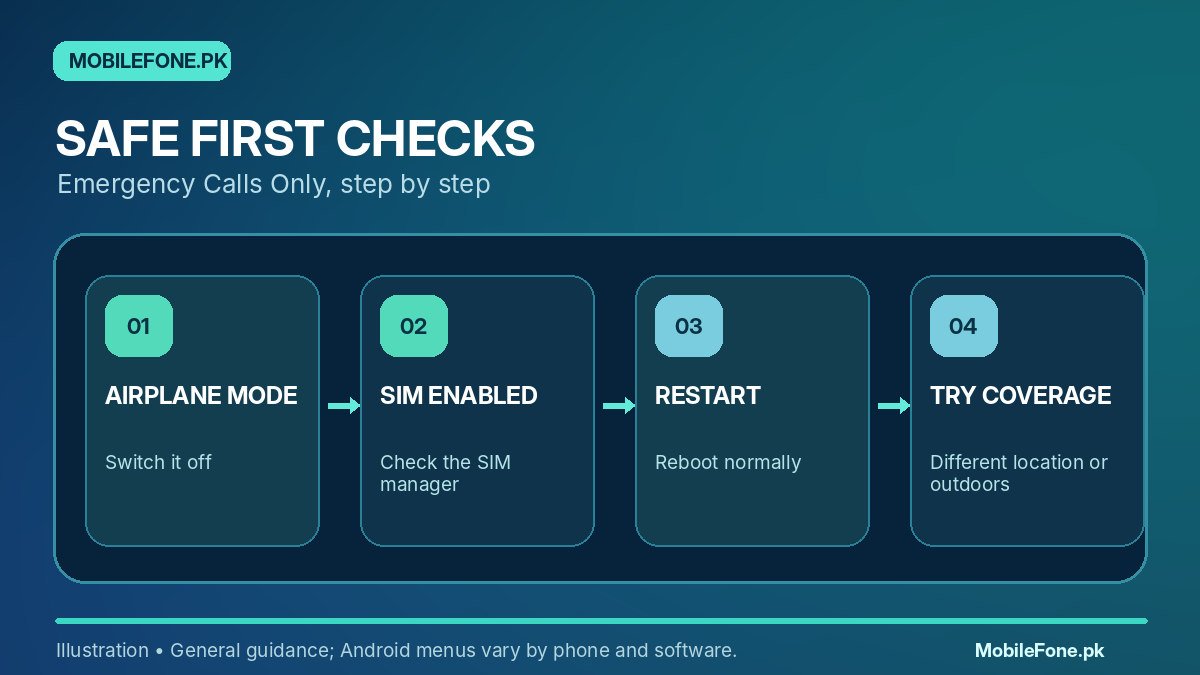
- Check airplane mode: open Quick Settings, switch it off, then give the phone a moment to reconnect.
- Check the active SIM: on many Pixel phones use Settings > Network & internet > SIMs; on Samsung devices look under Settings > Connections or SIM manager. Confirm the affected SIM is turned on.
- Restart normally: a normal restart can clear a temporary network registration fault without erasing personal files.
- Change location: move away from thick walls or try a spot where your operator usually has coverage. Compare with another phone on the same carrier if available.
- Use automatic network selection: avoid forcing a network generation or selecting an operator your subscription cannot use.
These actions follow the general approach in Google’s mobile connection guidance and Samsung Pakistan’s troubleshooting instructions. Menu names depend on model and Android release; do not follow a menu path blindly when it does not match your software.
Use one controlled SIM test to locate the failure
If you can safely borrow a known-working SIM from a trusted person, test it in your phone. Also try your own SIM in a compatible phone if it is convenient. This can distinguish a line-specific problem from a handset problem without any factory reset. Power off the phone before moving a physical SIM if the manufacturer recommends it, and make sure the SIM tray closes properly. Do not bend or cut cards or insert metal objects in the contacts.
A SIM that fails on more than one phone may need operator support, replacement or account verification. A phone that fails with several active SIMs requires further device or compatibility checks. If only one location is affected, contact the operator about service disruption. These tests suggest the next step; they are not a laboratory diagnosis or a warranty verdict.
When PTA status or a carrier lock may matter
For a used or imported handset in Pakistan, unresolved IMEI registration can affect local service. You can check the number using *#06# and then the official DIRBS procedure, including SMS to 8484 or the approved verification portal. This is a separate check from measuring signal. A phone showing Emergency Calls Only is not enough evidence to call it PTA-blocked.
A handset originally sold by an overseas operator might also be carrier-locked. A network lock and PTA registration status are different issues; neither can be solved by changing an APN. If you are researching whether another model supports local networks, use the MobileFone latest phones directory as a starting point for model identification, but confirm the exact radio variant with the manufacturer and your operator.
Network resets: useful, but not the first move
Only after the simpler checks should you consider a mobile network settings reset. On current Pixel devices, Google documents Settings > System > Reset options > Reset mobile network settings. On many Galaxy devices, Samsung uses Settings > General management > Reset > Reset mobile network settings. The reset affects cellular configuration and may require you to restore network preferences or settings supplied by your carrier; related Wi-Fi/Bluetooth reset options can clear saved networks or pairings.
Do not select factory reset. A full wipe removes personal data and is disproportionate to an unverified signal issue. Do not delete an eSIM or remove a mobile plan without knowing how to reactivate it. Google’s support documentation warns about the data-loss consequences of the full-reset option. If the handset is physically damaged or unusually hot, stop troubleshooting and seek an appropriate professional inspection.

What to tell your operator or repair centre
Give the carrier your device model, software version, location, time the problem began, whether other users of the same operator have service and what happened in the SIM-swap test. Ask them to check activation, coverage, account restrictions and any operator provisioning issues. Do not share passwords or one-time verification codes with an unknown caller. When buying a replacement, compare the market alternatives using the mobiles under Rs. 100,000 directory and verify compatibility before purchasing.
If a carrier confirms the SIM and service are working but the same phone still fails with multiple cards, the next sensible step is device-specific diagnosis. Preserve your data and avoid risky firmware fixes merely because the status bar displays an alarming message.

Related reading
 Mobile Internet & SIMDual-SIM Settings Explained for Android UsersNovember 14, 2026
 Mobile Internet & SIMWhy Can’t My Phone Receive Verification SMS?November 14, 2026
 Mobile Internet & SIMMobile Internet Connected but Not WorkingNovember 14, 2026
 Mobile Internet & SIMJazz APN Settings for Android: How to ConfigureNovember 14, 2026