How to Secure Your WhatsApp Account

On this page
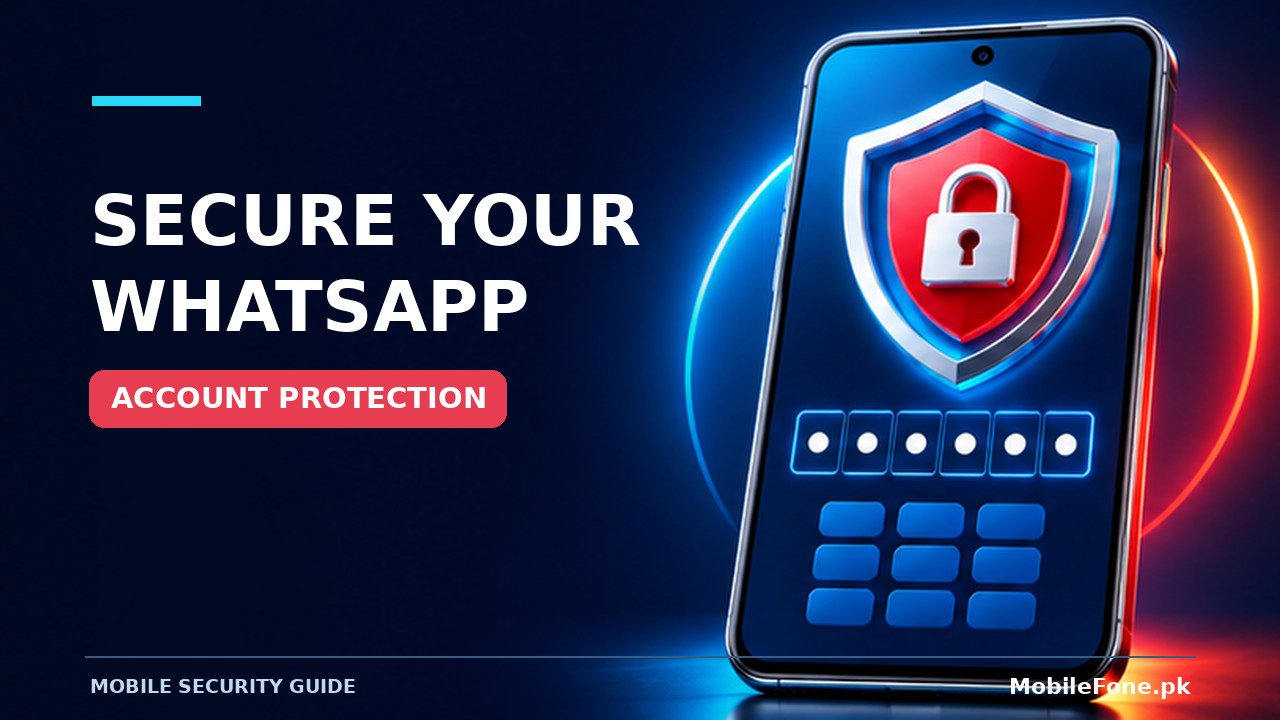
A WhatsApp account is most vulnerable when someone convinces you to disclose a registration code, gets access to your unlocked phone, or links a device you do not recognise. Start by keeping your six-digit login code private, enabling the account’s additional security options, and checking linked devices. You do not need a third-party security app to do these checks. The important distinction is between protecting an account you still control and recovering one that another person has already taken over.
Protect the phone number that controls your account
WhatsApp registration is tied to a phone number. A scammer may enter your number on another phone and then call or message you, pretending that a code was sent by mistake. WhatsApp’s official explanation of unexpected verification codes says that an unsolicited code request does not by itself mean your account has been taken over. Someone still needs the verification information to complete that attempt.
Never send a WhatsApp registration code, QR-linking code, account password, or two-step verification credential to a person in chat, even if the request appears to come from a relative, business, or help desk. If a friend seems to be asking, call them through a separate channel you already trust. Messages from a compromised friend’s number can look convincingly familiar.
Also protect your SIM and the account used to manage it. A strong screen lock makes casual access to incoming messages harder. If your SIM stops working unexpectedly and the loss of service is unexplained, contact your mobile operator through its published support channels. SIM problems have several causes; do not assume every signal loss is a takeover attempt.
Turn on additional WhatsApp security
Open the official WhatsApp app, go to its Settings, and review the Account and Privacy security options offered on your version. WhatsApp’s account security guidance lists additional safeguards including two-step verification, email-based recovery options, passkeys where supported, app lock and encrypted backups. Availability and menu labels can vary by platform, app release and account.
- Enable two-step verification if the option is available; choose a credential you do not reuse elsewhere.
- Add or check a recovery email you personally control, and secure that email with its own strong sign-in protection.
- Turn on a phone screen lock and, where supported, WhatsApp app lock.
- Review Privacy settings for profile photo, last seen, groups and incoming calls according to your needs.
- Keep WhatsApp and the operating system updated through their official update channels.
Do not confuse these measures with an account recovery procedure. Adding a passkey or changing a password after a stranger has already taken control may not remove that stranger. WhatsApp explicitly separates prevention from recovering a compromised account; recovery uses a different verification process.

Check linked devices rather than guessing who is connected
WhatsApp can connect compatible computers and companion devices to one account. Review the Linked devices section in WhatsApp on your primary phone. On many Android versions, it is available from the main menu; on iPhone, look in Settings. The location can change as the app is updated. Inspect device types and activity shown, and log out any session you do not recognise. When in doubt, confirm whether a household computer or an old laptop belongs to you before removing it.
A linked session is not the same thing as an unauthorised account registration. That difference matters when deciding what to do next: unknown linked devices should be signed out; a full loss of access calls for account recovery. After signing out an unknown session, secure your phone and its screen lock too, because someone with routine physical access could otherwise attempt to link another device.
| What you notice | What it may mean | Safer next step |
|---|---|---|
| Unrequested login code | Someone entered your number | Do not share code; review account security |
| Unknown linked computer | Unrecognised companion session | Log out that session and secure phone |
| Contacts report unusual requests | Impersonation or compromised access | Warn contacts and check account access |
| Suddenly logged out | Possible registration on another device | Follow official recovery guidance |
Recognise common WhatsApp scams
A message asking for a six-digit code is straightforward to reject. Other scams are subtler: a fake delivery notice, an urgent request to transfer money, or an invitation to join a supposed support call. The common feature is pressure to act before checking the sender. Suspicious QR codes and unexpected sign-in instructions deserve the same caution as suspicious links.
Do not install a modified WhatsApp application or a chat-recovery APK offered in a message. An app outside official distribution can request access to notifications, files or other private information. If the message claims a payment is necessary to keep your account, check the real app or official WhatsApp Help Center instead of trusting the message.
Group privacy is related but different. A regular group can expose your phone number to members; account protection does not automatically hide it. MobileFone.pk’s existing WhatsApp group number-privacy guide explains why controlling group membership matters. Review a group’s members before sharing anything sensitive there.

What to do if your WhatsApp account is compromised
If you can still use WhatsApp, first examine linked devices, remove unfamiliar sessions, secure the device and warn people who might receive fraudulent messages from you. If you have been logged out and another person appears to control your account, use the official WhatsApp app to re-register your number. WhatsApp’s compromised-account recovery instructions explain using a verification code sent to your number. Follow the prompts on screen rather than any instructions forwarded by a stranger.
WhatsApp says re-registering with the six-digit code signs out other devices using the account, but a two-step PIN set by someone else can introduce a waiting period. The published guidance describes a possible seven-day wait when the PIN is unknown. This is not a reason to share codes with anybody promising faster recovery. Do not pay a third-party account recovery service or attempt software that claims to bypass verification.
Let close contacts know through a channel they recognise that money requests or unusual links from your account may be fraudulent. Preserve screenshots of suspicious requests if safe to do so. If a bank transfer has already occurred, contact the affected bank promptly through a known official channel; account recovery and financial dispute handling are separate processes.
Keep backups and privacy settings in proportion
Chat backups and account login security solve different problems. A backup may help restore conversations after a device change, but it cannot stop a scammer from persuading someone to reveal a registration code. If you use cloud backups, review any available end-to-end encrypted backup options and keep the recovery key or password in a safe place. Losing that credential can make a protected backup impossible to restore.
Finally, review what strangers can learn from your profile and group participation. Tightening profile visibility can reduce unnecessary exposure, but no setting can guarantee that a determined scammer will never contact you. The practical routine is simple: never disclose login codes, check linked devices periodically, secure the phone and recovery email, and use WhatsApp’s own recovery flow when account access is lost.

Related reading
 Mobile SecurityWhat to Do if Your Phone Is Lost or Stolen in PakistanNovember 14, 2026
 Mobile SecurityHow to Locate a Lost Android PhoneNovember 14, 2026
 Mobile SecurityHow to Spot Suspicious Android AppsNovember 14, 2026
 Mobile SecurityHow to Protect Your Data Before Selling Your PhoneNovember 14, 2026