UFS 2.2 vs UFS 3.1 vs UFS 4.0

On this page
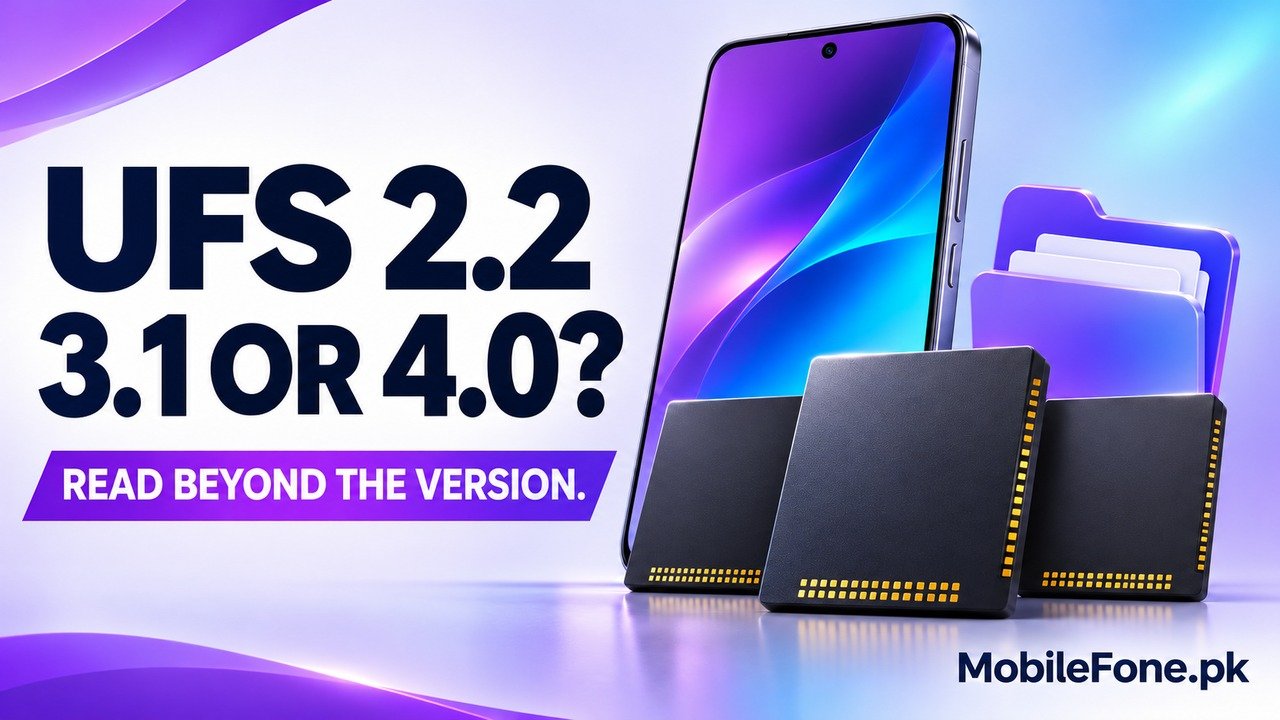
UFS 2.2, UFS 3.1 and UFS 4.0 are generations of Universal Flash Storage used for internal device storage. Newer generations provide greater interface capability, but the version is not a guaranteed app-opening time or a complete phone-performance rating. Compare the exact storage implementation and capacity alongside the processor, physical RAM and software. A well-chosen phone with an older UFS version can still suit ordinary use better than a different phone chosen only for its storage label.
Know what UFS describes before comparing the numbers
UFS is a storage technology, not the phone’s physical RAM or its mobile-network generation. It concerns how persistent files and application data are stored and accessed. Google’s storage and memory explanation distinguishes storage for files from memory used to run programs. A larger storage capacity and a newer UFS version are separate specifications.
The interface also sits within a larger system. MIPI’s M-PHY overview explains its role alongside UniPro in JEDEC UFS. Faster interface capability gives designers more headroom; the NAND flash, controller, firmware and the rest of the phone still determine what happens during a real task.
That is why a version number should begin a comparison rather than end it.
Compare the generations without inventing universal speeds
Samsung’s UFS product overview describes UFS 2.2 implementations with WriteBooster support. UFS 2.2 is therefore not simply a label for slow storage with no write-performance features. Whether it is sufficient depends on the device and workload, not just its position below newer numbers.
Samsung’s UFS 3.1 reference describes Write Booster and publishes capacity-dependent product performance. That qualification is useful: even within one generation and supplier’s product family, a capacity change can affect the advertised result. Do not assume all UFS 3.1 devices share one measured read or write speed.
For UFS 4.0, Samsung’s development announcement describes greater interface bandwidth and a particular controller-and-NAND implementation. Its product figures are not compulsory minimums for every UFS 4.0 phone. They also do not mean the complete handset runs every task twice as fast.
MIPI’s physical-layer history table maps these UFS generations to different signalling capabilities. The rounded per-lane figures below describe the associated M-PHY generation at its listed high-speed capability, not a phone’s measured file-copy rate. Bits per second on a link must not be mistaken for bytes per second of useful storage throughput.
| Version or factor | Evidence-backed distinction | Useful buying question |
|---|---|---|
| UFS 2.2 | Associated M-PHY capability about 5.8 Gbit/s per lane; documented products can include WriteBooster | Does the complete phone handle your ordinary tasks well? |
| UFS 3.1 | Associated M-PHY capability about 11.6 Gbit/s per lane; product and capacity differences remain | Is the exact capacity supported by relevant device evidence? |
| UFS 4.0 | Associated M-PHY capability about 23.3 Gbit/s per lane; greater interface headroom | Will your workloads benefit enough to justify the trade-off? |
| Storage capacity | Space for files; also part of a particular storage configuration | Will you have enough usable room for your library and updates? |
| Whole-device design | Processor, RAM, software and thermal behaviour remain involved | What do matched tests of the actual phone demonstrate? |
Verify the exact phone and storage capacity
Find the model code, regional variant and selected capacity in official information. Xiaomi’s Xiaomi 14 storage specification is an example that explicitly names its RAM and UFS storage separately. Use documentation for the actual product rather than borrowing a standard from another phone in the same family. If a manufacturer does not publish the storage standard, say that it is unconfirmed.
Capacity alone cannot establish UFS version. Nor can the processor’s supported storage interface prove which storage package the phone maker installed. A capability supported by one component is not the same as a documented finished-device specification.
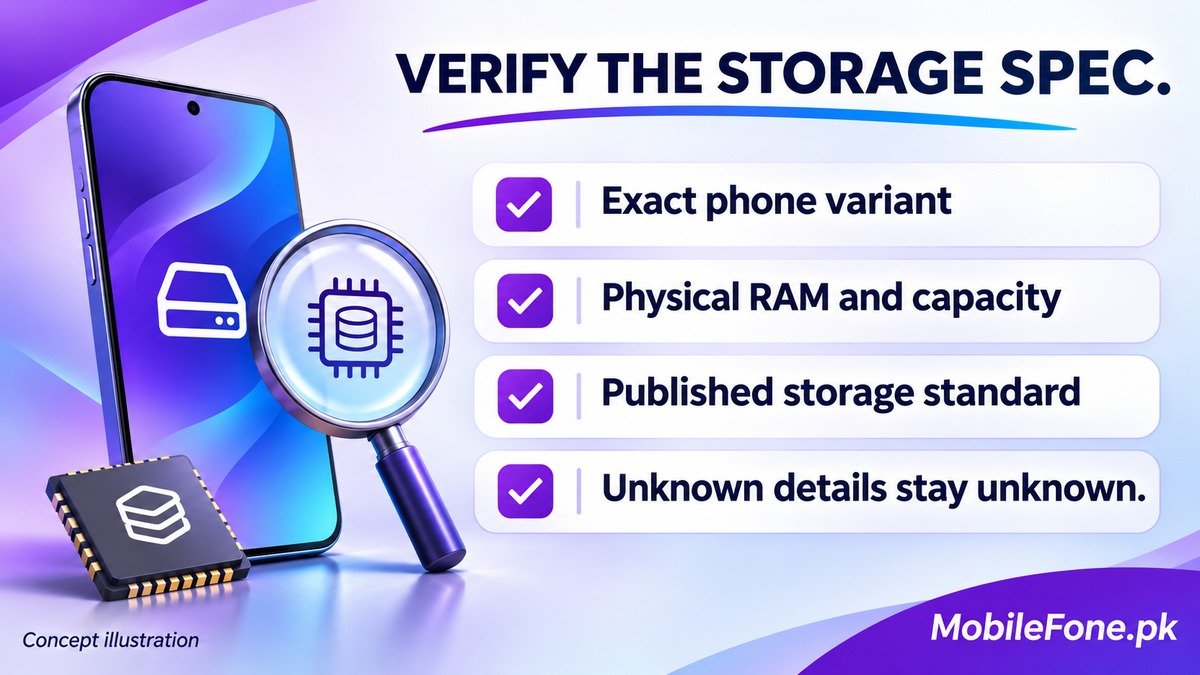
- Match the exact model and sales region.
- Record physical RAM and the chosen storage capacity separately.
- Find an explicit manufacturer statement for the storage standard.
- Check whether any test or specification applies to that same capacity.
- Keep unsupported details marked unknown rather than guessing.
Understand which tasks can expose a storage difference
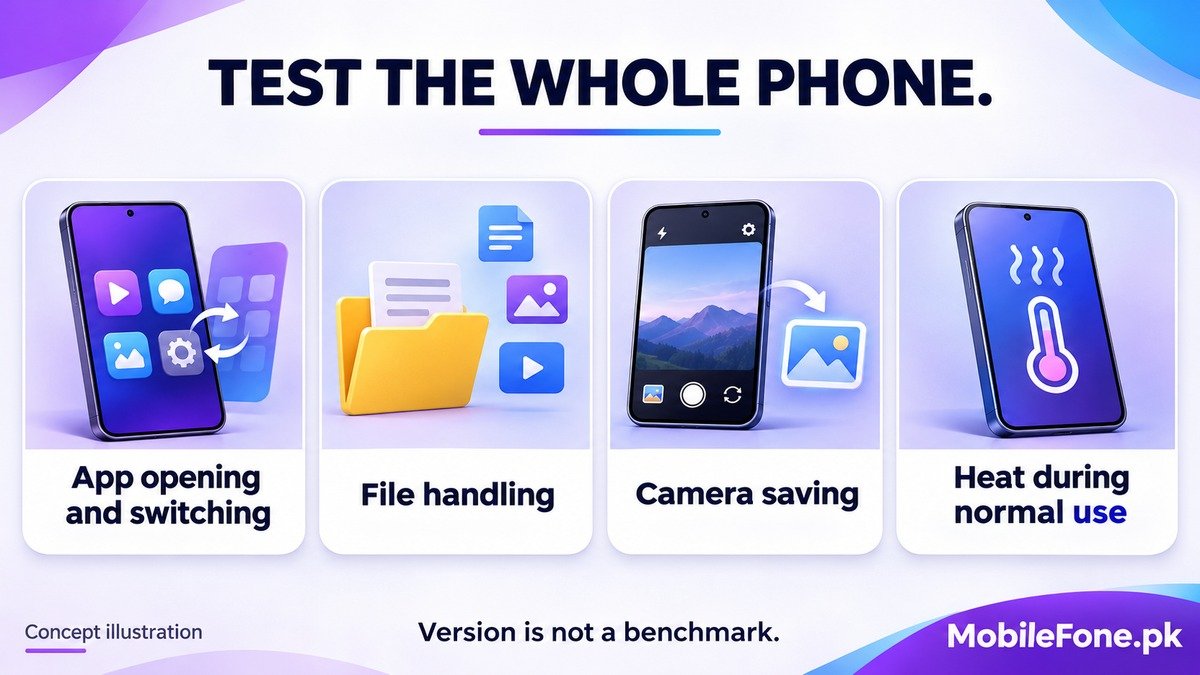
Storage matters when data must be read or written, including installation, file handling and saving media. Yet those tasks can involve processing, software work and other limits as well. A download can be limited by the connection; a camera workflow can involve image processing. A UFS badge cannot isolate the bottleneck on its own.
Read the test description as carefully as the result. Sequential transfers of large continuous files and small random accesses describe different workloads. A good result in one does not establish the same advantage in the other. Interface bandwidth also differs from a finished storage product’s measured throughput, so do not compare differently labelled figures as if they were identical tests.
Supplier results also describe specific products. Micron’s UFS 4.0 announcement discusses its own firmware and storage package. Such evidence demonstrates why implementation matters; it is not an independent comparison of every handset using that standard.
For everyday messaging and browsing, the storage generation may be less important to your decision than enough capacity, a comfortable display and remaining software support. For larger local media workflows, look more closely at relevant measured device results. Neither situation justifies a universal claim that one version is always the right purchase.
Compare the complete phone under relevant conditions
- Use the phone directory to identify candidates and exact variants.
- Check the published storage standard and capacity for each candidate.
- Use the comparison tool to keep processor, RAM, storage and other requirements together.
- Review trustworthy tests or permitted ordinary app and file tasks on the actual configuration.
- Choose the phone that meets the whole requirement set and complete purchase cost.
A UFS generation is not a promise of a particular benchmark result, frame rate or app-launch time. The installed storage hardware determines its supported generation; a software setting cannot turn an older chip into a newer one. Verify the phone you can actually buy, then decide whether its demonstrated behaviour matters to your use.