PTA Registration vs Network Compatibility

On this page
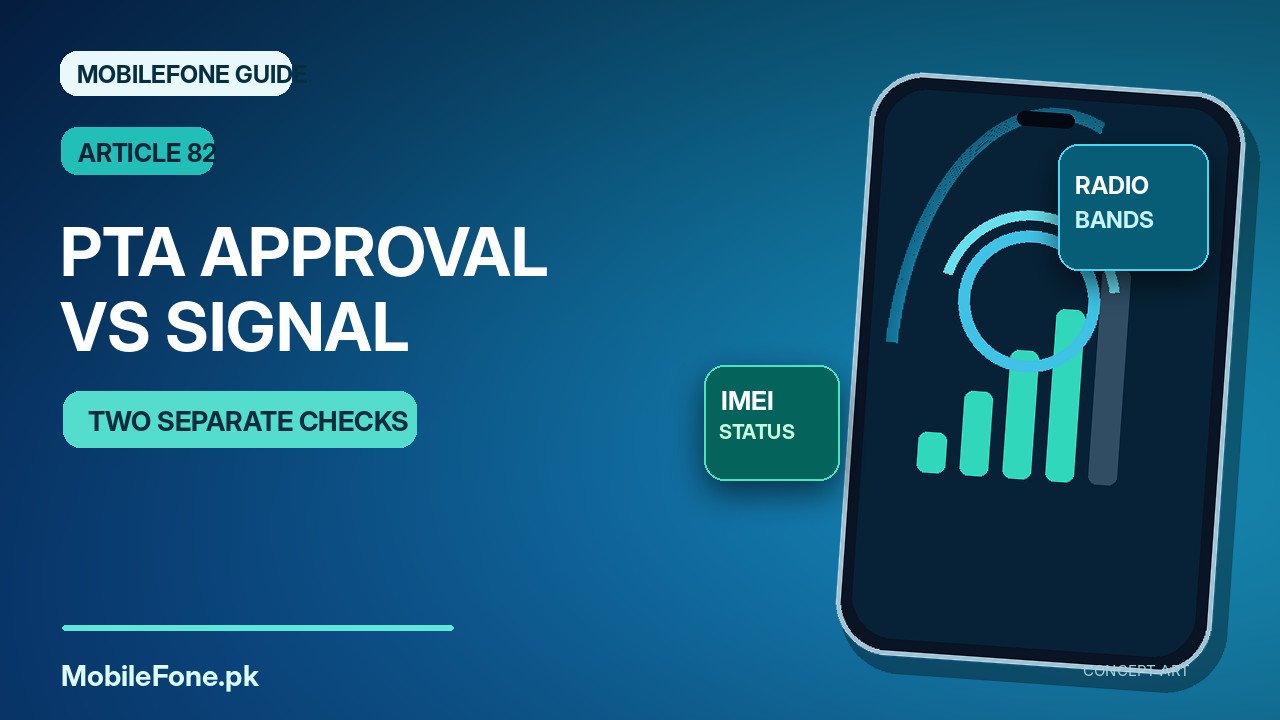
PTA registration and network compatibility are separate requirements. A phone can have a compliant IMEI on Pakistan’s DIRBS system but still fail to use a particular SIM, 4G service or carrier feature. Registration concerns the device identifier and its status on local networks; compatibility concerns the phone’s radio hardware, supported bands, operator provisioning, SIM account and settings. When an imported handset shows weak signal or missing data, checking only one of those areas can produce the wrong diagnosis.
Two different questions that should never be confused
DIRBS is the registration and blocking system described by FBR for detecting non-compliant mobile devices. A compliant status does not certify the phone’s physical condition or guarantee support for every Pakistani operator. Conversely, a handset may physically support a network band but still face restrictions if the particular IMEI has an unresolved DIRBS status.
| Check | What it tells you | What it cannot prove |
|---|---|---|
| PTA / DIRBS IMEI check | Whether the particular identifier has an official device status | That the phone supports all bands or is carrier-unlocked |
| Manufacturer model and band list | Which radio technologies and frequencies that variant supports | That local service is activated or coverage exists |
| Carrier SIM and plan test | Whether your subscription can attach and use services in a location | That all IMEIs will remain compliant indefinitely |
| Carrier-lock or network-lock status | Whether the phone accepts a different operator SIM | Whether the handset has working RF hardware |
| Network-mode and APN settings | Whether a configuration may be blocking the expected service | That regulatory approval has been granted |
Take the practical example of an overseas Android model sold with an international warranty. It may have a valid registration status and work for calls but lack a locally useful band for consistent data in a particular area. Another imported phone might support the operator’s LTE frequency yet be locked to its former overseas carrier. Neither situation is corrected by submitting the same IMEI check again.

Start with the exact model variant, not the brand name
Two phones sold under similar names can differ in radios, eSIM support, region firmware and carrier settings. Find the model number in Settings > About phone or on the device’s original documentation. Compare that specific variant with the manufacturer’s official technical specifications, including supported cellular network bands and SIM format. A generic online specification for the same marketing name may be inaccurate for your unit.
Operators can deploy different bands across regions and sites. A “4G” or “5G” label on the box describes a capability under certain conditions, not a promise that the relevant coverage exists at your location. Google’s mobile connectivity guidance highlights that the phone model and operator network both affect supported service. Browse the latest phone listings for general product research, then confirm network-band details on a manufacturer’s regional support page.
How to check the regulatory side correctly
- Display the handset’s IMEIs using *#06# and note each relevant identifier.
- Check them using the official DIRBS-supported verification methods, including SMS to 8484 or the genuine PTA portal.
- Read the precise result rather than interpreting any automated reply as “approved.”
- If clarification or regularisation is required, follow the official path before attempting paid registration or relying on the phone for service.
For an eSIM plus physical SIM handset, there may be more than one identifier. The user who tested only one may incorrectly conclude that every line is covered. The official status cannot be inferred from a screen that shows bars, a data icon or an overseas network logo. For the standard we use when discussing uncertain PTA approvals on product pages, see MobileFone’s fact-checking and device-status policy.
Check why the SIM may still refuse to connect
Once the regulatory status is understood, switch to ordinary mobile-network diagnostics. First check whether the SIM is active, the operator has coverage, airplane mode is off and the carrier is selected automatically. On Google Pixel, mobile settings commonly appear under Settings > Network & internet > SIMs; Samsung Galaxy has its own menus, often under Connections > Mobile networks. Samsung Pakistan’s no-signal guide documents the relevant network-mode and reset tools, while noting differences between models and versions.
- SIM or account: test the same SIM in a known-working compatible phone, if safe.
- Radio band: compare the exact device variant with official carrier support and coverage information.
- Carrier lock: ask the original carrier or seller whether the phone is network-unlocked.
- APN or plan: if calls work but internet does not, verify active data service and default APN rather than focusing immediately on PTA.
- Hardware: persistent failures across multiple known-good SIMs can warrant qualified inspection.
Do not confuse “SIM not detected” with “No service.” The first describes a reading or provisioning problem; the second can appear after a SIM is detected but the phone cannot register on an available network. Those different symptoms deserve different tests.
Can a PTA-compliant phone still have weak 4G or 5G?
Yes. Radio compatibility, tower availability, building materials, congestion, operator plan and the phone’s antenna condition all matter. A 5G-capable device may fall back to another network where 5G service is unavailable; this is expected behaviour under the relevant equipment and service conditions, not proof of a registration fault. If you are comparing handsets, the Rs. 100,000 mobile directory can help identify price brackets, but it does not establish that every listed model is compatible with every Pakistani network.
Network modes should usually remain on an automatic or recommended selection unless the manufacturer or carrier advises otherwise. Forcing a poorly supported mode can make coverage worse. Avoid unofficial network unlock applications, firmware patches or altered IMEIs. These are not legitimate workarounds for a regulatory or carrier issue and may create additional problems.
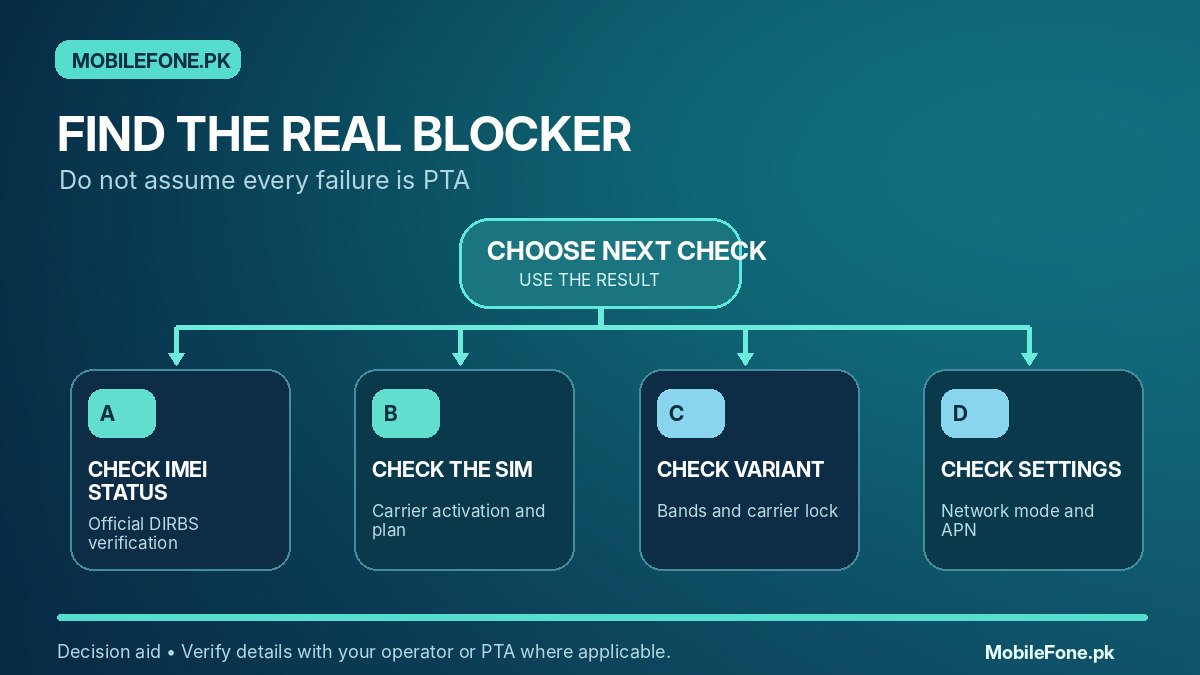
A simple decision path for imported phones
Check the IMEI status first. If there is an official compliance concern, resolve that through PTA/DIRBS. If registration is clear yet no SIM works, examine SIM activity, carrier lock, bands and the handset. If calls work but data does not, inspect the data plan, selected SIM and APN. If only one operator has trouble, compare that operator’s service and frequency support with the exact hardware variant.
The useful question is not “Is this phone PTA approved, yes or no?” in isolation. It is whether this actual device, with this operator and this subscription, can lawfully and technically deliver the services you need. Those checks should happen before paying a seller for an imported phone.

Related reading
 PTA & Mobile RegistrationHow to Check PTA Approval Using an IMEINovember 14, 2026
 PTA & Mobile RegistrationHow to Find an IMEI on Android and iPhoneNovember 14, 2026
 PTA & Mobile RegistrationPTA Compliant vs Non-Compliant Mobile: What It MeansNovember 14, 2026
 PTA & Mobile RegistrationHow Mobile Registration Works Through DIRBSNovember 14, 2026