How to Inspect a Used Samsung Phone Before Buying

On this page
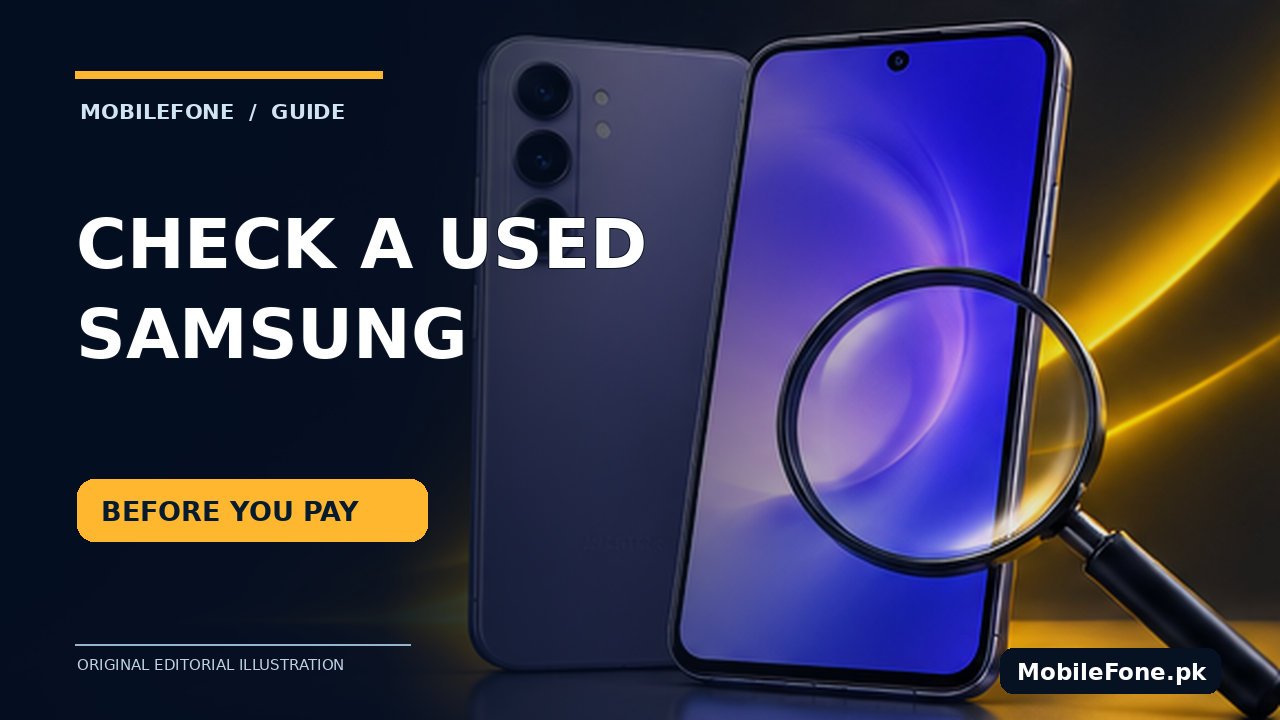
Before buying a used Samsung Galaxy, confirm the exact model and IMEI, inspect the body and screen, test calling and mobile data, and run Samsung Members diagnostics where available. Finish by checking that the seller can remove accounts and that the phone is legally usable on Pakistan’s mobile networks. A clean exterior or impressive benchmark screenshot is not enough. Spend time testing the specific handset you will receive, and do not pay if its identity or ownership cannot be established.
Verify the model, IMEIs and seller’s claim first
Open Settings → About phone to check the model code, serial number and listed IMEI identifiers. Samsung also documents *#06# as a way to display device identity on compatible models. Match the handset’s numbers against the packaging and receipt if available. A box can be swapped, so a matching label adds evidence but does not prove authenticity. Refer to Samsung Pakistan’s model and IMEI guide rather than a seller’s handwritten sticker.
In Pakistan, check the status of each relevant IMEI through PTA’s official DIRBS verification channel before payment. PTA’s documented device-verification service includes sending an IMEI to 8484; the government DIRBS procedure explains the service. A seller saying “PTA approved” is not evidence. The check establishes a reported regulatory status, not whether the phone has a hidden display problem, original camera or legitimate seller ownership.
| Check | What to test | Reason to pause |
|---|---|---|
| Identity and PTA | Settings model, all IMEIs, official status. | Mismatch or unresolved registration status. |
| Display | Solid colors, touch edges, brightness and burn-in. | Dead zones, flicker, persistent ghost image. |
| Cameras | Each usable lens, focus, video, microphones. | Fogging, focus failure, missing lens modes. |
| Power | Charging, port fit, battery condition. | Excess heat, swelling or unstable charging. |
| Network and accounts | SIM call/data, Wi-Fi, Bluetooth, setup readiness. | Lock, unknown account, blocked service. |
Inspect the display and physical condition carefully
Remove a removable case and screen protector only with the seller’s permission. Look at the frame, rear glass, camera lenses and charging port under good light. A cracked seam, swelling, moisture staining or uneven back-panel fit should make you cautious; do not pry open a sealed device at the counter. Switch between light and dark backgrounds at different brightness levels and look for lines, large discolored areas, AMOLED burn-in and unresponsive touch zones.
Test the entire screen by slowly dragging an icon or drawing in a trustworthy built-in test where available. Try the fingerprint sensor, face unlock if offered, rotation, physical buttons and vibration. A replaced display is not necessarily unacceptable, but it changes value and may affect brightness, sealing or biometric function. Ask for documented repair history and a meaningful return period instead of accepting “original screen” on trust.

Use Samsung Members diagnostics, then test real features
Samsung Members provides model-dependent phone diagnostics covering components such as battery, touchscreen, speakers, camera and sensors. Samsung Pakistan explains the Support → diagnostics process. Some models show a Test all option; others offer individual checks. A test result is useful, but it cannot certify unseen repair history or future reliability.
- Open Samsung Members, sign in if required and find the Support or Diagnostics section.
- Run touchscreen, speaker, microphone, vibration, camera and battery tests that are offered.
- Place a real call using your SIM, then test mobile data without Wi-Fi.
- Connect to Wi-Fi and Bluetooth, take photos at different focus distances and record a short video.
- Charge briefly with a known-good compatible cable while monitoring for unusual heat or disconnects.
Where possible, test the phone on the same network you plan to use. Do not enter banking credentials, personal email passwords or sensitive apps into a shop handset. Check installed software version and whether updates are offered normally, but do not assume every used Galaxy is still receiving security patches. Compare the exact model’s support status with Samsung’s own notices.
What the battery check can and cannot tell you
Samsung Members may report battery status such as Normal, Weak or Bad rather than one universally comparable battery-health percentage. Samsung Pakistan’s battery-status explanation describes the intended use. A short test at the counter cannot establish all-day endurance; age, charging behavior and storage conditions may matter. Treat unexpectedly hot charging, bulging panels or sudden shutdowns as safety or repair concerns, not bargaining points to ignore.
Also check the USB port for looseness without inserting metal tools. Observe whether audio works through the earpiece and speaker separately. Dust, microphones and camera stabilization problems may only appear when the phone is used normally. Give yourself a few quiet minutes rather than having the seller rush through the test.

Make account removal and reset part of the handover
Have the owner remove their Samsung and Google accounts and explain how the phone was acquired. Before final payment, insist on a legitimate reset and setup process that shows the phone can be activated without the previous owner’s credentials. Do not use FRP bypass tools or unofficial firmware. If a device is still company-managed, carrier-restricted or locked to someone else, walk away until the issue is resolved through authorized channels.
Keep a purchase receipt with the model, storage variant, serial or IMEI reference handled privately, seller information and any return terms. Use the MobileFone specifications directory to compare the claimed RAM, storage and launch generation, but rely on the physical phone for its condition. For an entry-level budget check, a known Galaxy A04 listing is an example of how different Galaxy families can have very different specifications; it is not a condition report for the unit in your hand.
Decide whether the discount justifies the risk
Ask for the exact price and written return terms, then estimate the likely cost of any battery, screen or charging-port work. Compare that total with a legitimately warrantied alternative. A discounted phone that needs an expensive panel and has unresolved PTA status can be a worse deal than a simpler working handset. Refuse pressure to pay before testing, and avoid claims that a repaired or registered phone is “brand new” merely because it has fresh packaging.
The safest decision is not always the cheapest listed price. Buy only when identity, SIM usability, accounts, essential hardware and seller terms agree. If any critical check is blocked, do not replace evidence with a promise of a quick software fix.

Related reading
 Mobile Buying GuidesMobile Buying Checklist for Pakistani BuyersNovember 14, 2026
 Mobile Buying GuidesHow to Inspect a Used iPhone Before BuyingNovember 14, 2026
 Mobile Buying GuidesRefurbished vs Used vs Open-Box PhonesNovember 14, 2026
 Mobile Buying GuidesHow to Check a Used Phone’s Battery ConditionNovember 14, 2026