What Is Optical Image Stabilization?

On this page
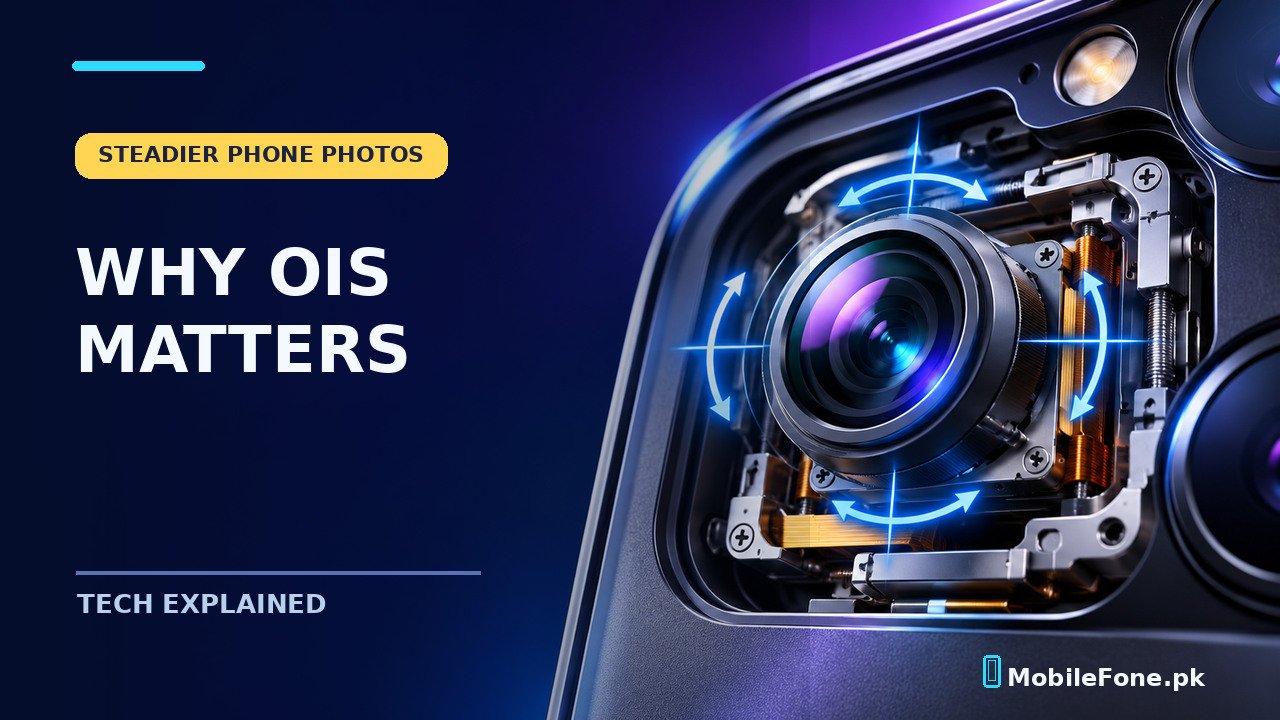
Optical image stabilization (OIS) is a camera feature that physically adjusts part of the camera system to counter small movements of your hand. On a phone, that usually means tiny movements of the lens or image sensor while a picture or video is being captured. Its biggest advantage is reducing camera shake, particularly in dim light. OIS does not freeze a walking person, replace good autofocus or guarantee smooth handheld video. Those distinctions matter more than the feature badge on a specification sheet.
How OIS works inside a phone camera
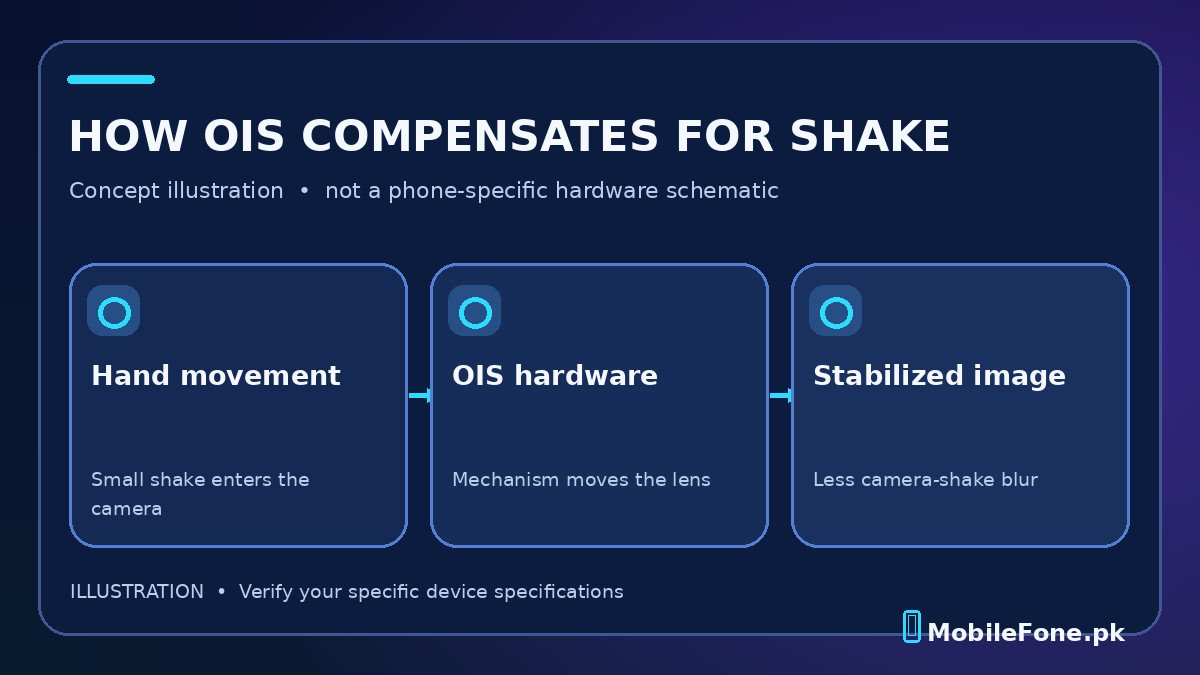
A phone camera needs light to reach its sensor during an exposure. If your hand moves while the shutter is open, details can smear across the image. With OIS, motion sensors detect small shakes and the camera’s stabilizing mechanism shifts optical components in a compensating direction. Samsung’s explanation of OIS hardware describes the moving lens mechanism used by compatible Galaxy cameras.
Think of photographing a receipt at a shop counter at night. You are trying to hold the phone still, but a small tremor happens as you tap the shutter. OIS can help keep stationary print sharp during that movement. The exact improvement depends on exposure time, lighting, stabilization design and the photographer’s movement. A camera with OIS can still take blurred pictures.
The feature normally applies to particular rear camera modules, not automatically to every lens on the phone. A specification that says ‘OIS’ might refer to the main camera only. Check the manufacturer’s full camera specifications instead of assuming the ultrawide, telephoto and selfie cameras all have it.
When does optical stabilization make a visible difference?
The strongest case is a still subject photographed in limited light. A camera may keep its shutter open longer to gather enough light; the longer exposure increases the risk that small hand movements will show. OIS can make that exposure more forgiving, although a steady grip remains useful. It may also help reduce small jitters during handheld video recording.
| Situation | Likely benefit | Important limit |
|---|---|---|
| Evening building or still scene | Less blur from slight hand movement | Very long exposure can still need support |
| Indoor document or product photo | More room for minor hand shake | Focus and adequate lighting still matter |
| Child or pet moving quickly | Steadies the camera, not the subject | Subject motion may remain blurred |
| Walking while filming | Can soften small camera vibrations | Large body movements need more stabilization |
| Bright outdoor landscape | Usually less critical at fast shutter speeds | Lens quality and exposure also matter |
If your main use is daytime food photography in sunshine, OIS may be a nice extra rather than the deciding feature. If you regularly photograph indoor events without flash, it becomes more relevant. The rest of the camera system still determines whether the picture looks good.
OIS, EIS and autofocus are not the same thing
Optical stabilization works by moving physical camera components. Electronic image stabilization (EIS) processes image frames, often cropping the video image to leave room for correction. Some phones combine both approaches for video. Autofocus is different again: it changes focus to make a chosen distance look sharp. A phone can use multiple systems at once, but they are solving different problems.
- OIS: addresses movement of the camera during capture, especially helpful for some still photos.
- EIS: adjusts digital framing to reduce apparent movement in video; results and cropping vary by device.
- Autofocus: adjusts the focus plane; it cannot compensate for every shake or for a rapidly moving subject.
- Night mode: may combine several frames using software; stabilization helps, but software processing is a separate feature.
The name on a marketing poster is not enough to predict video quality. Check whether the stabilizing mode works at the video resolution and frame rate you plan to use, since brands may restrict combinations. The sensible comparison is a full camera specification and credible footage from the same mode, not just ‘OIS: Yes’.
Can OIS remove blur from a moving subject?
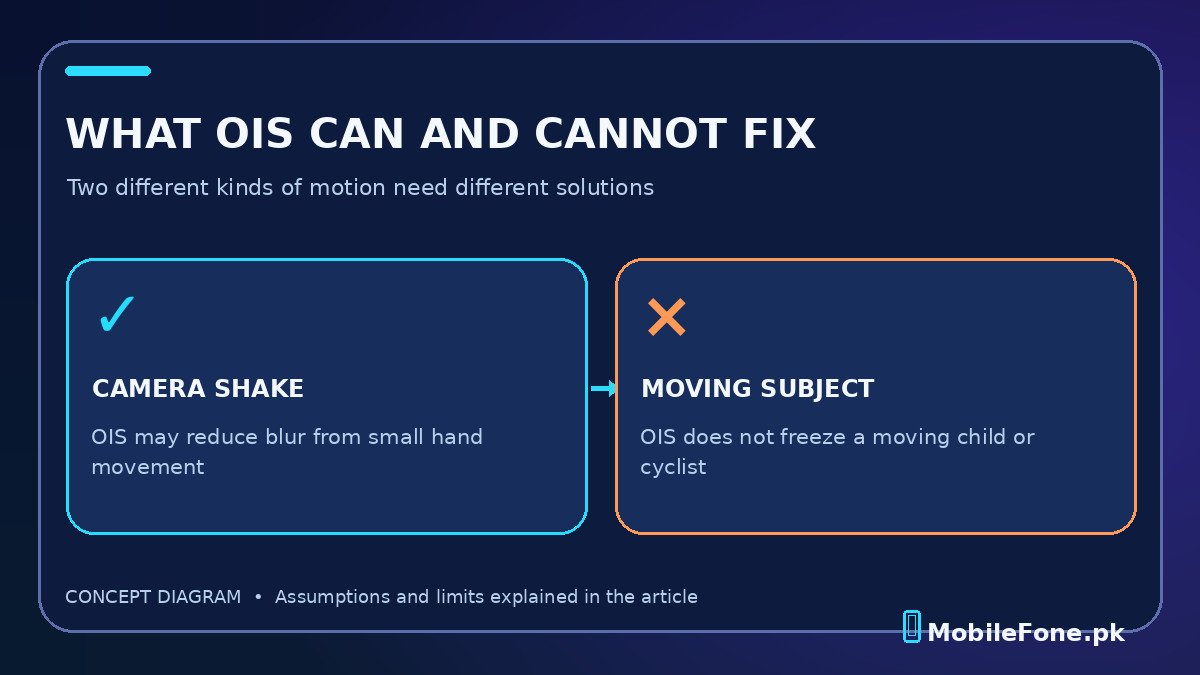
Not reliably. There are two distinct sources of blur: the whole camera moving and the subject moving within the scene. OIS targets the first. If a cyclist crosses your frame during a slow exposure, the cyclist can still streak even while the buildings behind remain sharp. Faster shutter speed, sufficient light and suitable focus tracking are more useful for freezing movement.
Similarly, OIS cannot turn a weak lens or small sensor into a professional camera. Dynamic range, noise handling, autofocus reliability, exposure processing and optics all affect the result. A well-executed camera without OIS may outperform a poorly implemented one with it in certain scenes. That is a reason to evaluate actual image quality rather than comparing isolated acronyms.
How to confirm a phone really has OIS
Start with the exact model number and regional variant. Read the manufacturer’s camera specifications and find which lens includes optical stabilization. If it is not documented, do not treat a seller’s general ‘anti-shake’ claim as proof. Search for model-specific review footage that identifies the recording mode and whether stabilization was switched on.
- Record the full model and variant shown on the box or in Settings.
- Check the manufacturer’s camera table for ‘OIS’, ideally against the main or telephoto camera entry.
- Separate references to EIS, gyro-EIS, video stabilization and night mode from optical stabilization.
- Look for sample stills of dim indoor scenes and correctly labeled video clips rather than unsupported side-by-side marketing claims.
- Compare the camera package alongside software support, battery and price before buying.
If you are comparing models available locally, use the MobileFone phone directory to assemble your shortlist and the latest phone listings to explore newer alternatives. These directories help with discovery; confirm lens-level OIS support through official model documents before paying a Pakistani retailer.
What about the rattling sound from a camera?
Some phones with optical stabilization make a faint rattle when gently moved while the camera is inactive. Samsung notes that movement of the stabilization assembly can cause such a sound on supported models. That observation does not prove every rattle is harmless. A phone that has been dropped, has a visibly damaged camera, or shows focus and stabilization failures deserves professional inspection. Avoid deliberately shaking it to perform a test.
For most buyers, the practical decision is simple: give OIS extra weight if you often take handheld pictures indoors or in the evening. If you mainly shoot moving sports, pay at least as much attention to shutter behavior, autofocus and lighting. A reliable camera comparison considers the whole system, not one letter on the product page.