How to Check a Used Phone’s Battery Condition

On this page

A used phone’s battery condition is not the same as the battery percentage shown beside its signal bars. Before paying, inspect the manufacturer’s available health information, check charging behaviour, and ask whether the battery was replaced. On iPhone, Battery Health provides a capacity estimate on supported models; on many Android phones, the available diagnostic is more limited. A short shop test can reveal obvious problems, but it cannot prove how many hours a used battery will last.
Start with battery condition, not the advertised capacity
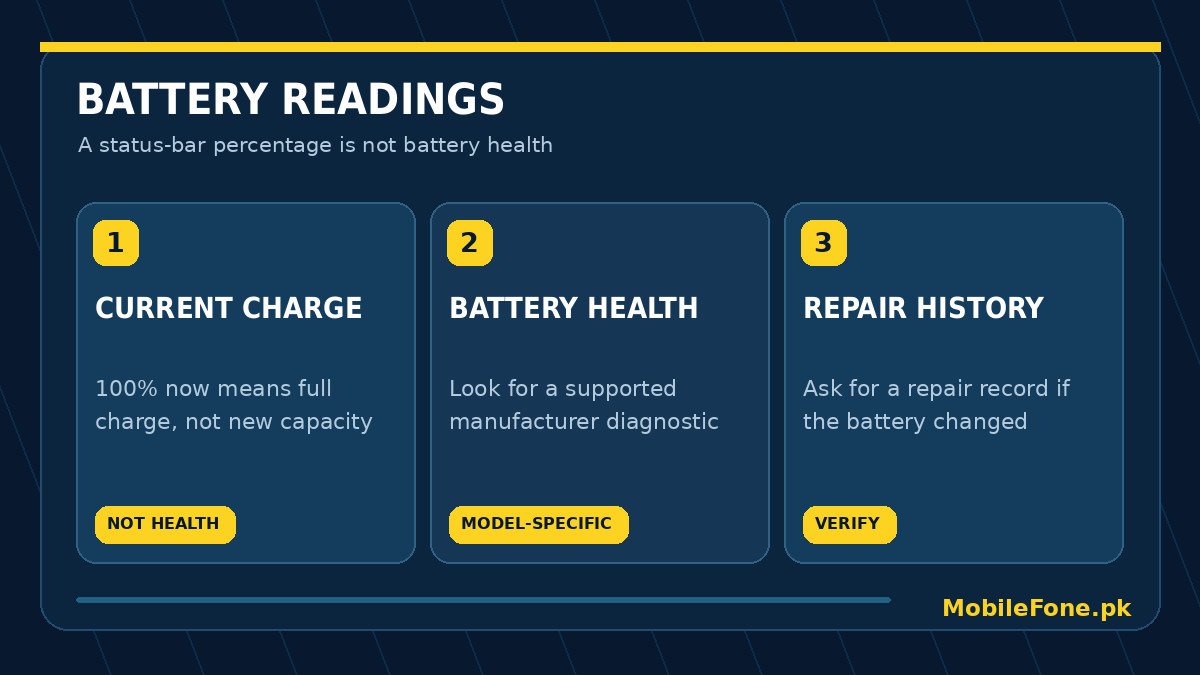
A listing that says 5,000mAh usually describes the phone’s original design capacity, not the current usable capacity of a battery that has been charged for several years. Likewise, 100% on the status bar means the battery is currently full according to its charge gauge; it does not mean the cell is as healthy as new. Heat, age and charge history influence lithium-ion batteries, and a small drop in maximum capacity is normal as a device gets older.
Ask the seller whether the battery is original, whether the phone has ever shut down unexpectedly, and whether battery life changed after a repair. Those answers are useful starting points, not proof. Compare the phone’s original battery specification in the MobileFone device directory with what the actual handset reports, without treating the specification as a live battery-health test.
Check iPhone battery health and repair information
On supported iPhones, open Settings and select Battery. For iPhone 15 models and later running supported iOS versions, tap Battery Health; you may see maximum capacity, cycle count and replacement advice. For iPhone 11 through 14 models, Apple documents the Battery Health & Charging screen. The layout can change with iOS and model, so follow the labels on the specific handset rather than a borrowed screenshot. Apple’s battery-performance guide explains what maximum capacity means and why it changes.
- Ask the seller to unlock the phone and open its own Battery settings in front of you.
- Read maximum capacity where the model provides it; note any service or performance message.
- On supported models, inspect Settings > General > About for Parts and Service History.
- If the battery was replaced, ask for a dated invoice and whether the repair was performed by an authorised provider.
- Write down the displayed observations before comparing the price with another handset.
Apple’s Parts and Service History documentation explains that the available labels depend on model and software and may include Genuine, Unknown or Used. No entry does not prove a phone has never been repaired. A replaced battery can be perfectly sensible if the work was completed correctly; uncertainty about the work should lead to more questions, not an automatic diagnosis.
Android battery checks vary by manufacturer
Android does not guarantee one universal battery-health percentage in Settings. On Samsung Galaxy phones, Samsung Members includes Phone diagnostics with a battery-status check. A result such as Normal, Weak or Bad gives a condition signal, rather than the same numerical capacity estimate shown by some iPhones. Follow the current Samsung Pakistan battery diagnostic instructions because menus and app versions can differ.
Google documents cycle-count information for certain Pixel models and also notes that a charge cycle can be built from partial discharges. Its Pixel battery guide lists model-specific support; do not assume the same option is present on an Oppo, Vivo, Infinix or Xiaomi device. Battery-analysis apps may estimate behaviour from limited access and should not be represented as manufacturer-verified replacement reports.
| Observation | What it supports | What it does not prove |
|---|---|---|
| Current charge is 100% | The charge gauge reports a full battery | The cell has its original capacity |
| iPhone maximum capacity is reduced | Some capacity loss is estimated | Exactly how long it will last today |
| Samsung diagnostic says Weak | Battery efficiency may be reduced | Which internal component is faulty |
| Phone charges unusually slowly | Accessory, settings or hardware need checking | The battery alone is the cause |
| Phone shuts down under light use | A reliability concern needs attention | A guaranteed battery-only repair |
Make a short, fair in-store test
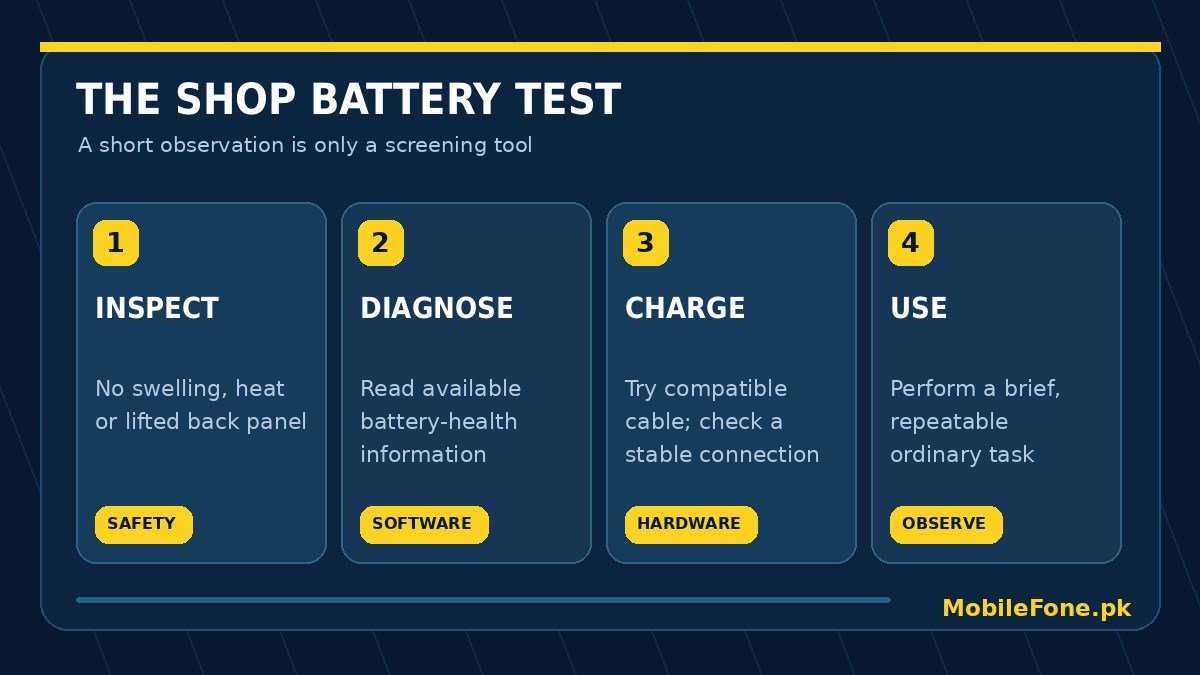
Choose an ordinary task that you could repeat on two phones: open the camera, browse a few pages, make a short call, and try recording video. Start with a known battery percentage and similar brightness and network conditions. Watch for sudden shutdowns, erratic charge readings or excessive heat, not a magical pass/fail percentage. A phone that loses several percent may simply be doing more work; a ten-minute observation cannot establish full-day endurance.
Use a compatible charger and cable for a brief charging check. Confirm that the port is secure and charging is recognised; intermittent connection can be caused by the accessory or connector rather than battery ageing. If you see battery swelling, a lifted back panel, smoke, a burning smell or abnormal heat, stop using or charging the device and ask for qualified help. Never press, puncture or open a suspect lithium-ion battery in a shop.
Turn battery findings into a buying decision
The useful question is not whether a phone has a perfect health number. It is whether the battery’s remaining value, its likely service requirements and the seller’s disclosure justify the price. Compare two identical models, their repair histories and warranty terms; then subtract the realistic cost of a reputable battery replacement from the amount you are comfortable paying. Avoid a seller who refuses basic diagnostic access or insists you rely on a screenshot of somebody else’s phone.
- Strong candidate: reasonable manufacturer diagnostics, stable charging, no physical danger signs and a documented repair history where applicable.
- Needs negotiation: visibly reduced health, unclear battery replacement or weak endurance, with a trustworthy repair route available.
- Walk away: swelling, overheating, repeated unexpected power-offs or a seller blocking normal checks.
- Budget alternative: compare a new phone under Rs. 30,000 or models in the larger-battery directory, while remembering that capacity alone does not determine endurance.
Ask the shop to state any return or checking period on the receipt and make sure the test findings are noted before payment. An older device can still be a good purchase, but only when its battery condition and the risk of later replacement are reflected in the deal.

Related reading
 Mobile Buying GuidesMobile Buying Checklist for Pakistani BuyersNovember 14, 2026
 Mobile Buying GuidesHow to Inspect a Used Samsung Phone Before BuyingNovember 14, 2026
 Mobile Buying GuidesHow to Inspect a Used iPhone Before BuyingNovember 14, 2026
 Mobile Buying GuidesRefurbished vs Used vs Open-Box PhonesNovember 14, 2026