How to Check Whether a Phone Screen Was Replaced

On this page
- Start with the seller’s repair history, not a secret dial code
- iPhone: check Parts and Service History first
- Inspect the edges and picture quality without damaging anything
- Run a five-minute touchscreen and sensor test
- Ask the right questions about replacement quality and water resistance
- When to accept the phone and when to walk away
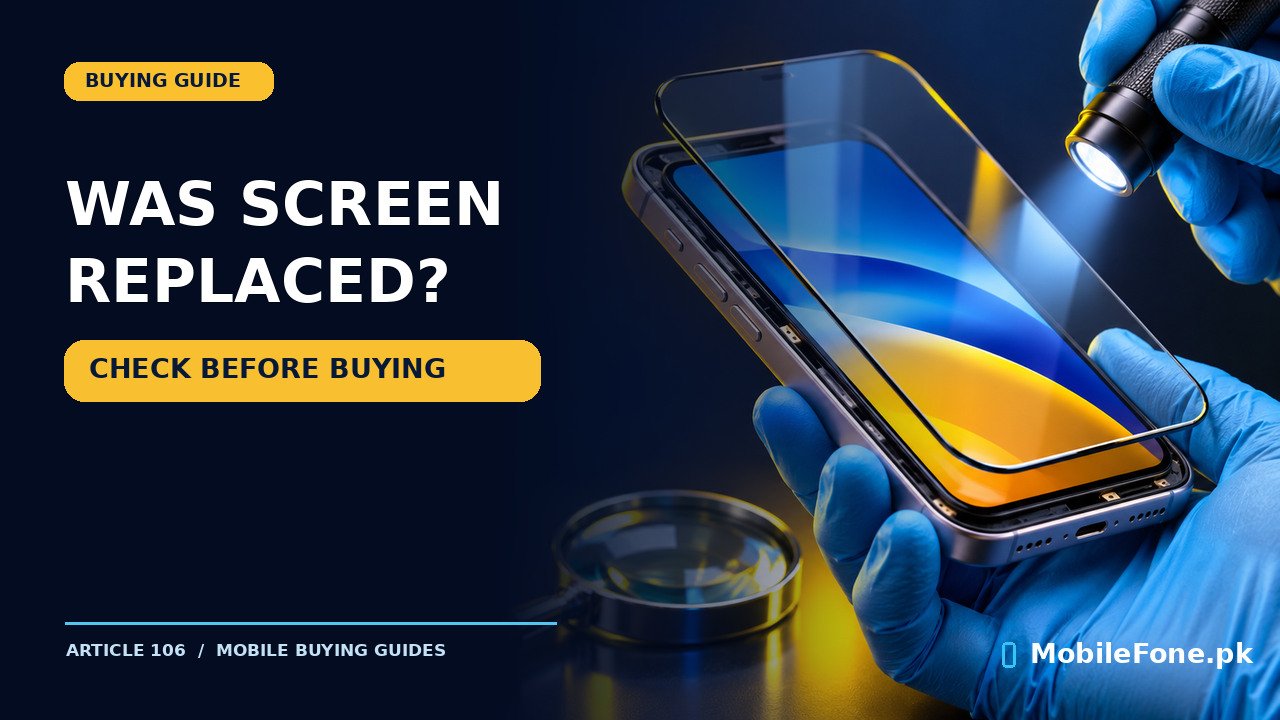
A replaced phone screen is not automatically a bad screen, but the buyer should know what was fitted and whether it works properly. On supported iPhones, Parts and Service History is the most useful starting point. On most Android phones, there is no universal setting that proves a display was changed. You need a combination of repair documentation, careful visual inspection and functional tests. A bright screen and a seller’s assurance are not sufficient evidence of original parts.
Start with the seller’s repair history, not a secret dial code
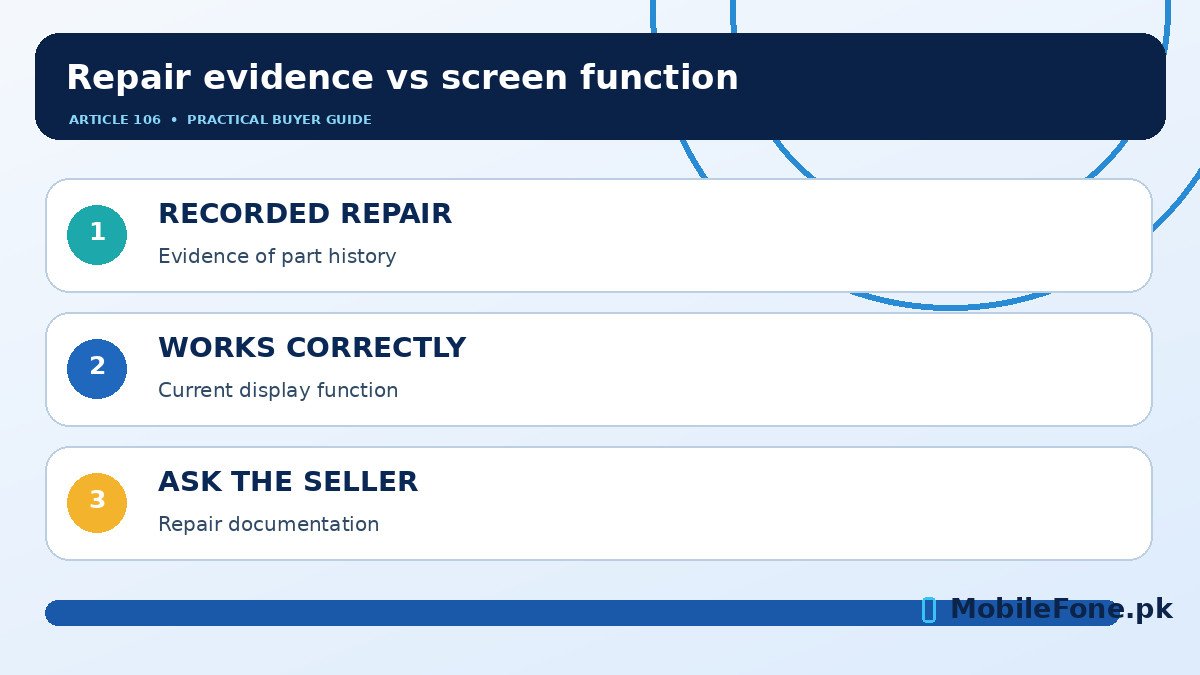
Ask a direct question: Has this phone ever had its display, glass or touch assembly replaced? Those are not necessarily the same repair. Some workshops replace the front glass while retaining the original panel; others replace the entire display module. A receipt should identify the component, workshop, date and any remaining repair warranty. If the seller says the screen was never touched but cannot explain obvious workmanship marks, stop and clarify before negotiating.
There is no reliable universal Android code that reads every previous screen replacement. Diagnostic menus and apps can test certain functions, but successful tests cannot certify the part’s provenance. A replacement may be genuine and fitted competently, while an original panel may already be damaged. Separate the question of what happened from the question of how well the phone works now.
Begin the comparison with the exact model and variant. Our MobileFone mobile directory directory can help you identify comparable phones, but always confirm specifications against the manufacturer’s documentation rather than assuming all regional models use the same display. Take a few minutes at the shop in good lighting and, with permission, remove a loose case that hides the edges.
iPhone: check Parts and Service History first
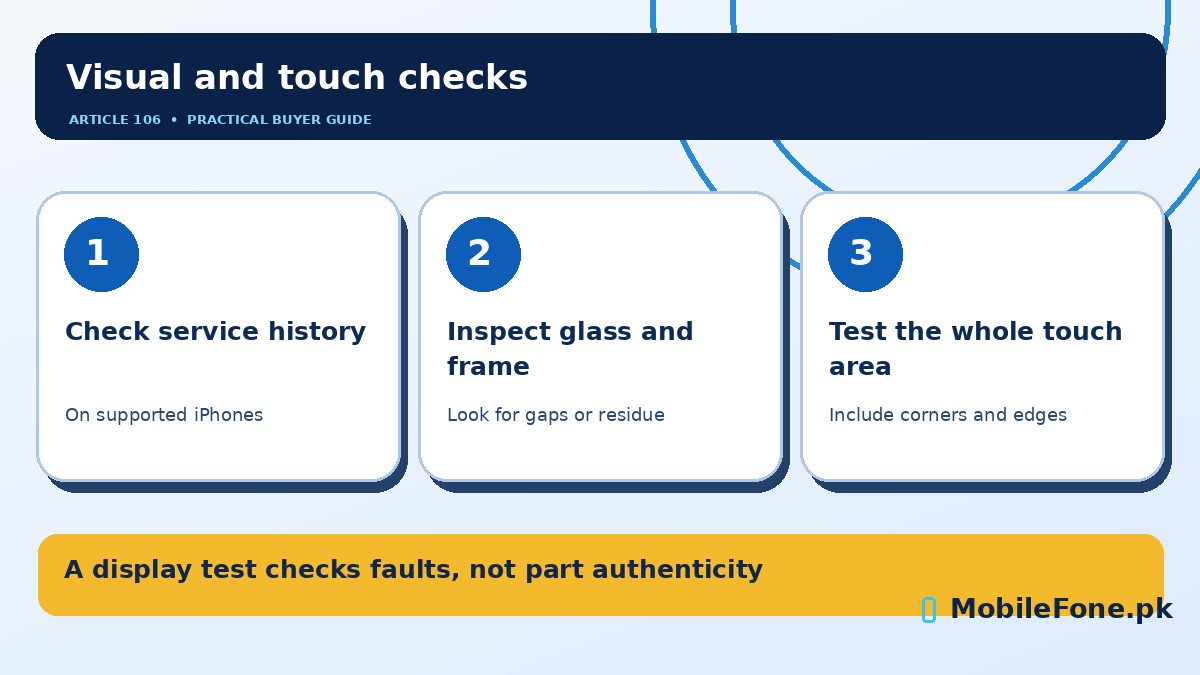
On compatible iPhones using iOS 15.2 or later, go to Settings → General → About. If supported repair information is recorded, look for Parts and Service History. Apple’s Parts and Service History guide explains labels such as Genuine, Used, Unknown and Finish Repair. The parts shown depend on the model and its software. For example, display history is supported on iPhone 11 models and later, with exclusions noted in Apple’s documentation. A missing entry does not prove that an older or unsupported phone has never been repaired.
Genuine generally indicates a completed repair using Apple’s genuine-part process; Used can indicate a part previously installed in another compatible iPhone; Unknown has several possible explanations, including unverified installation or a malfunction. Do not translate every Unknown message into a claim that the seller installed a counterfeit screen. Ask for a repair record and an authorized evaluation if the history and explanation do not agree.
Apple also notes that improperly functioning or non-genuine display repairs can be associated with lost or degraded True Tone behaviour, inconsistent brightness, poor colour accuracy and unintended touch responses. Its genuine iPhone display guidance describes these as possible symptoms, not a one-test guarantee. True Tone availability itself varies by model, so the presence or absence of one toggle is not decisive.
Inspect the edges and picture quality without damaging anything
Hold the phone at an angle under soft light. Look for a raised corner, uneven gap, disturbed adhesive, dust under the front glass, unusual glue residue or a frame that no longer sits flush. Compare both sides rather than judging one shadow. Poor fit can indicate a repair or impact damage, but it may not reveal which component was changed. A tiny mark can be cosmetic while a clean-looking repair may still conceal a lower-grade replacement.
Next, show a plain white image, a dark image and a normal photograph at several brightness levels. Check for persistent coloured patches, flicker, lines, unexpected tint and an unusually dim section. Look at the screen directly, not only at an extreme viewing angle. If the panel is OLED, black levels and brightness behaviour differ from LCD, so don’t demand identical appearance across different technologies.
| Check | Possible finding | What it proves |
|---|---|---|
| Frame and glass edges | Gap, residue or lifting | Reason to investigate repair or damage, not proof of a replacement |
| Solid colour images | Tint, line or dead area | Current display defect; origin still uncertain |
| Touch around corners | Missed swipes or ghost touches | Touch problem needing diagnosis |
| Brightness and sensors | Unexpected dimming or proximity behaviour | Functional issue; could have several causes |
| iPhone service history | Recorded display repair label | Model-dependent repair information supplied by Apple |
| Repair invoice | Part and workshop identified | Documentary evidence, subject to authenticity |
Run a five-minute touchscreen and sensor test
- Open the keyboard and type across its entire width. Pay attention to the extreme left and right edges.
- Drag an icon or scroll a page slowly through the corners. Note any point where contact repeatedly drops.
- Rotate the device and repeat a few swipes in landscape if the interface permits it.
- Adjust brightness manually, then test automatic brightness if the model supports it and ambient light changes sufficiently.
- Make a short ordinary call with the seller’s permission and check whether the screen behaves sensibly near your ear; avoid triggering emergency calls.
- Test the available fingerprint or face-unlock feature using the owner’s permission; a failed setup can have causes beyond the screen.
If touch input works only after repeated presses, do not let a seller dismiss it as ‘normal for this model’. The complaint matters even when you cannot identify the replacement part. On a Samsung Galaxy phone, Samsung Members offers Samsung Members diagnostics guidance; available tests and menu labels depend on device and software. A passing diagnostic is supporting evidence of present function, not a manufacturer certificate that the display is original.
Ask the right questions about replacement quality and water resistance
If the screen was replaced, ask whether the repair used an original service part, a used genuine part or an aftermarket assembly. Request an itemized invoice and check who will handle faults after the sale. Screen replacement can affect the quality of sealing and water resistance; do not perform water-immersion demonstrations, even if a phone was advertised with an IP rating when new.
Also check that the phone has not been assembled from mismatched parts, and that cameras, earpiece and front sensors still work. These components sit near the display on many models and may be disturbed during repair. The cheapest replacement is not automatically the best value if it creates touch, colour, biometric or resale concerns. Compare its asking price with alternatives on phones listed under Rs. 50,000 or the broader latest-mobile directory list, while verifying current retailer quotes separately.
When to accept the phone and when to walk away
- Reasonable to consider: repair openly disclosed, documentation credible, panel functions normally and the price reflects the repair.
- Negotiate cautiously: minor cosmetic workmanship marks, limited paperwork or unclear part grade, but no critical failures after testing.
- Leave the deal: seller prevents inspection, repair information contradicts the story, persistent ghost touch, major display defects or missing basic functions.
- Before paying: also check account locks and every IMEI with the appropriate official service; screen condition is only one part of used-phone safety.
A buyer’s practical goal is not to win a debate about whether the panel was ever opened. It is to know the part’s history where possible, identify current defects and pay a price that reflects both. If you cannot inspect the phone properly, do not treat the seller’s photo or a shop’s short ‘check warranty’ promise as a substitute.

Related reading
 Mobile Buying GuidesMobile Buying Checklist for Pakistani BuyersNovember 14, 2026
 Mobile Buying GuidesHow to Inspect a Used Samsung Phone Before BuyingNovember 14, 2026
 Mobile Buying GuidesHow to Inspect a Used iPhone Before BuyingNovember 14, 2026
 Mobile Buying GuidesRefurbished vs Used vs Open-Box PhonesNovember 14, 2026