How to Inspect a Used iPhone Before Buying

On this page
Never pay for a used iPhone until you have checked Activation Lock, confirmed that it can be set up without the previous owner’s Apple Account, and inspected battery condition, Parts and Service History, cameras and network service. In Pakistan, verify the relevant IMEI or IMEIs with PTA separately. Apple’s own pre-owned iPhone guidance explicitly says not to buy a device that is Activation Locked. A beautiful screen or high reported battery percentage cannot compensate for an account lock or unresolved device identity.
Start with ownership and Activation Lock, not cosmetic condition
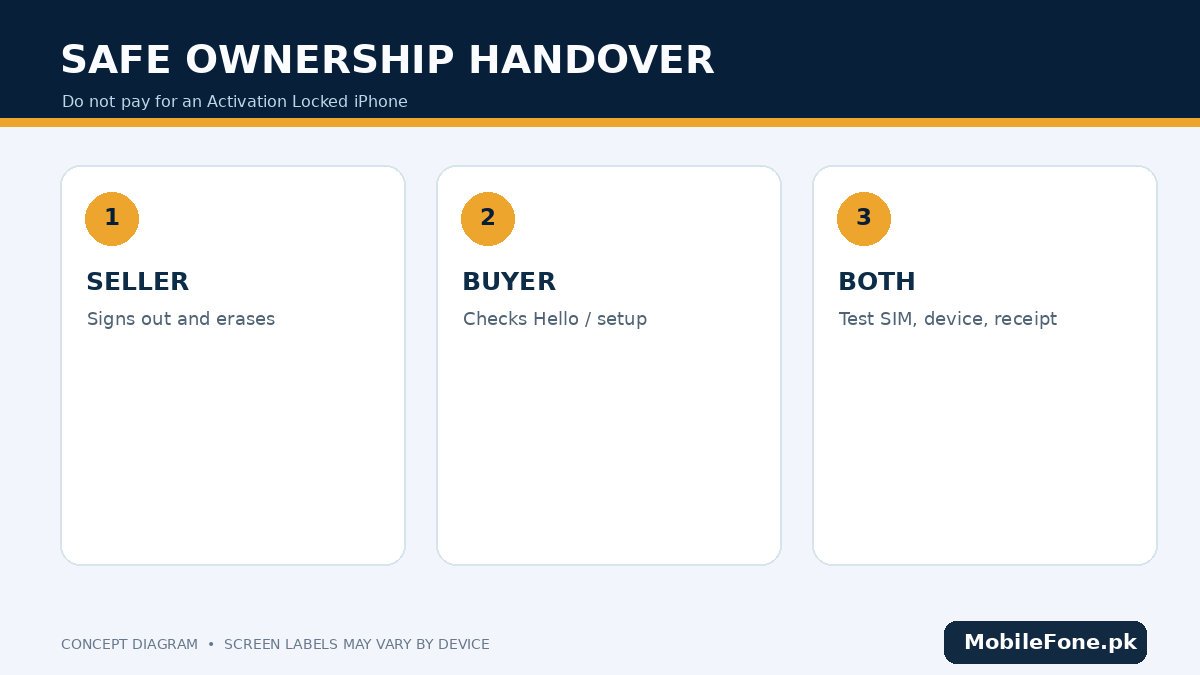
Ask the seller to show that the iPhone is theirs to sell and that any personal data has been backed up. Apple advises buyers to look for the “iPhone Locked to Owner” message and refuse a device still linked to somebody else. Have the seller erase it through legitimate Settings while present; then begin setup to confirm it does not request a previous owner’s account credentials. See Apple’s pre-owned iPhone checklist and its separate Activation Lock instructions.
Do not accept a video showing that “iCloud is off” on another phone, a receipt without matching details, or an offer to bypass locks using a shop tool. Do not perform the final ownership test using your main Apple Account until you are comfortable with the transaction and the handover conditions. A locked device may be useful only for salvage, not as a normal working iPhone, and should not be sold as such.
| Item | Where to check | Risk it reveals |
|---|---|---|
| Activation Lock | Erased setup and owner removal. | Previous account may block use. |
| Battery condition | Settings → Battery → Battery Health, model dependent. | Degraded endurance or service recommendation. |
| Repair history | Settings → General → About. | Genuine, used, unknown or other part labels. |
| Carrier lock | Settings → General → About → Carrier Lock. | SIM restrictions that affect your operator. |
| IMEI and PTA | Settings identifiers and official DIRBS check. | Possible local-network registration problem. |
| Camera and display | Hands-on photos, calls, touch and brightness. | Visible or functional defects. |
Check battery health and Parts and Service History
On a compatible iPhone, open Settings → Battery → Battery Health, or Battery Health & Charging on some versions. On newer models additional battery details may appear. Look at the displayed health information, service messages and charging behavior rather than treating a single percentage as a guarantee of remaining life. An old battery may still work, but replacing it can materially affect the actual purchase cost.
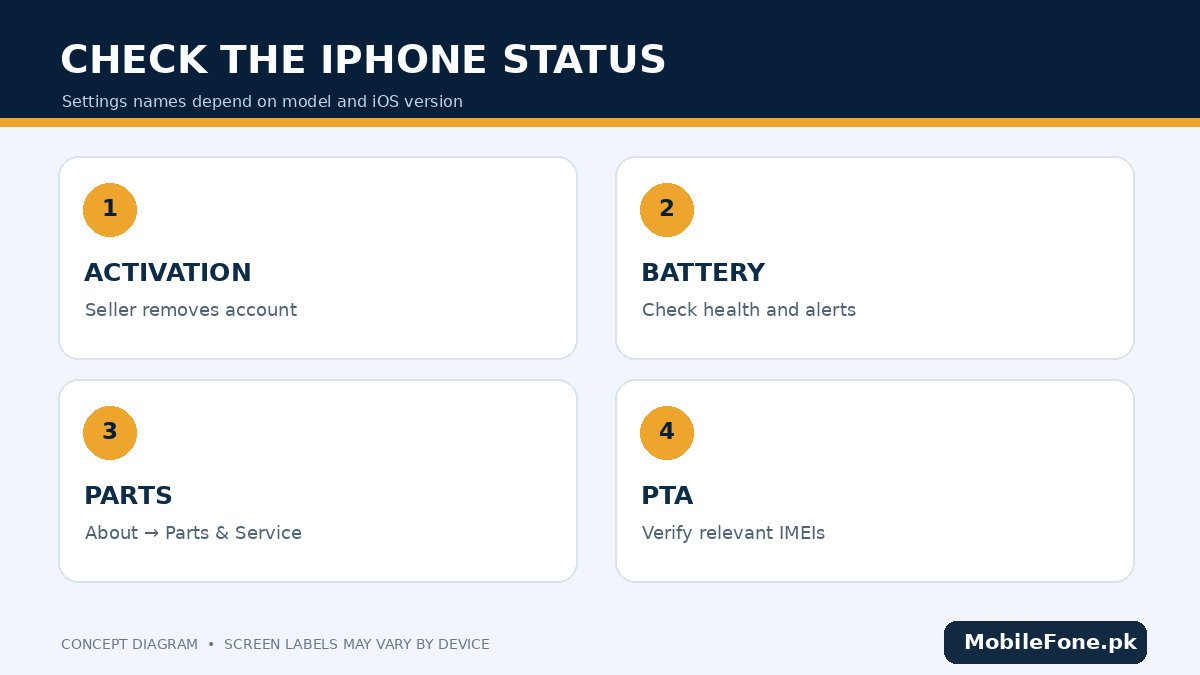
Next open Settings → General → About. On models and iOS versions that support it, Parts and Service History can indicate work on the battery, screen, cameras or other components. Apple explains labels such as Genuine, Unknown, Used and Unverified, depending on model and software. A missing section does not prove the phone has never been repaired; availability depends on the specific device and iOS version. Read Apple’s current Parts and Service History reference before drawing conclusions.
Verify SIM compatibility and PTA status in Pakistan
In Settings → General → About, confirm model number, capacity, carrier-lock information and any available IMEI identifiers. Apple’s serial and IMEI support instructions describe where these appear. On a dual-SIM or eSIM model, do not overlook a second IMEI. Verify regulatory status through PTA’s official DIRBS channel, described in the government device verification documentation, which includes SMS checking via 8484.
A PTA response is about the reported status of the device identity; it does not authenticate parts, establish original ownership or guarantee carrier-unlocked operation. Conversely, an iPhone that works perfectly over Wi-Fi might still have a cellular restriction. Test a real SIM or eligible eSIM on the operator you intend to use. If the seller claims a foreign model supports your carrier, confirm its variant-specific cellular bands and eSIM support independently.
Inspect display, cameras and everyday functions
- Remove the case with permission; check seams, lens glass, frame damage and signs of moisture or swelling.
- Display a white and dark screen to inspect brightness uniformity, lines and discoloration; test touch across corners and edges.
- Take a photo with each available camera, focus near and far, record a short video and check the microphone.
- Test a cellular call, speaker, earpiece, Wi-Fi, Bluetooth, charging port and physical buttons.
- Check Face ID or Touch ID on models that support it, using temporary setup only with the seller’s cooperation.
- Complete the legitimate erase-and-setup ownership check before money changes hands.
Face ID not working can be a costly issue. A camera that captures photos but fails to focus may have a fault that does not appear in an ordinary shop selfie. Pay attention to unusual heat while charging, unexpectedly low speaker volume and intermittent mobile connectivity. A short inspection does not certify water resistance, even if the model originally had an IP rating.
Evaluate the price, repair risk and return terms
A seller may call an iPhone “factory unlocked,” “non-PTA,” “JV,” “approved,” “panel changed” or “battery boosted.” These are local trading descriptions, not standardized Apple condition grades. Ask the seller to explain each claim in concrete terms and demonstrate it. Do not assume a stated battery-health figure proves original parts. A fake packaging seal or generic warranty card adds little protection.
Compare the exact model and capacity against the MobileFone mobile directory before negotiating, but confirm the current used-market price with more than one seller. For a new-device alternative, browse phones listed under Rs. 100,000, checking current prices and warranties; a new midrange model might offer less camera prestige but clearer support. Neither directory establishes the condition of a used unit.
Make the final handover verifiable
Keep a written receipt identifying the exact device, seller, date, price, disclosed repairs, activation condition and return agreement. If bought remotely, favor a transaction with an actual inspection and return process. Apple recommends understanding the seller’s return policy before ordering a pre-owned iPhone. Never hand over sensitive Apple Account credentials to a seller or repair technician.
If the device will not erase cleanly, activates only with someone else’s account, shows unresolved IMEI status or has undisclosed functional faults, leave the deal. A used iPhone is worth considering only when ownership, registration, network compatibility and condition are demonstrated on the unit you are buying.

Related reading
 Mobile Buying GuidesMobile Buying Checklist for Pakistani BuyersNovember 14, 2026
 Mobile Buying GuidesHow to Inspect a Used Samsung Phone Before BuyingNovember 14, 2026
 Mobile Buying GuidesRefurbished vs Used vs Open-Box PhonesNovember 14, 2026
 Mobile Buying GuidesHow to Check a Used Phone’s Battery ConditionNovember 14, 2026