How to Check PTA Approval Using an IMEI

On this page

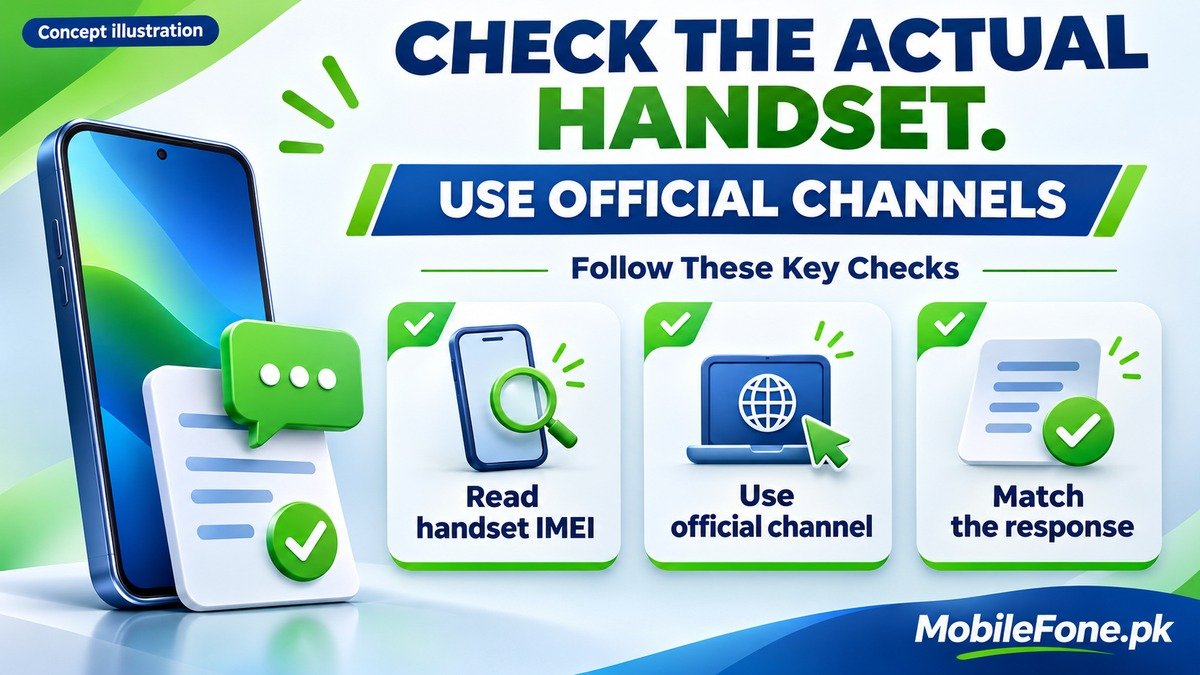
To check PTA approval using an IMEI, read the number from the actual handset, then send that IMEI by SMS to 8484 or use the official DIRBS verification website at dirbs.pta.gov.pk. Read the complete response and match it to the identifier you submitted. If the phone has multiple relevant IMEIs, check each one separately. A working SIM, shop advertisement or saved screenshot is not a substitute for this check.
Verification tells you what the official system reports. It does not submit a registration application or pay any outstanding assessment.
Get the identifiers from the handset
Use the phone’s device-information settings or enter *#06# in its supported dialler. Zong’s DIRBS instructions describe both retrieval and the SMS check. On Android, About phone and related information menus vary by manufacturer; on iPhone, look under Settings, General, About. Copy a field explicitly labelled IMEI, not a phone number or serial number.
Check the device in front of you before comparing the box. Packaging, invoices and a seller’s photograph can help corroborate the identity, but the number being checked should belong to the handset offered. If the seller refuses to show it or the records disagree, pause the purchase instead of accepting a promise to sort it out after payment.
Ufone’s device-identification guidance says a dual-SIM handset requires its relevant IMEIs to be checked separately. Keep each entry’s label with its response. Do not send both numbers as one continuous string or assume the result for IMEI1 automatically covers IMEI2.
Check through an official verification channel
- Read and privately record the handset’s relevant IMEIs and model.
- For the SMS route, send one IMEI to 8484 and read the complete reply. Repeat for other relevant IMEIs.
- For the web route, navigate independently to the official DIRBS address and follow its current device-verification prompts.
- Match the response with the exact submitted identifier, noting any warning or required action.
- Keep the response and check date privately, and resolve unclear results before buying or paying for registration.
Do not confuse the SMS destination 8484 with a separately formatted USSD code, and do not assume an SMS is free; your operator’s current charging terms apply. The official website can change its layout or verification prompts, so follow the live page rather than copying an old tutorial’s button positions.
PTA’s warning reported by APP names the official DIRBS website and SMS route while warning about impersonation through messages and social media. A link sent by an unknown contact is not evidence that you need to pay urgently. Type the recognised address yourself.
Do not share banking passwords or one-time banking codes to verify a device. This check concerns the handset identifier. If a page demands unrelated financial credentials, stop and independently confirm you are using the correct official service.
Read the result and keep a useful record
The wording matters. A genuine device needing registration, a duplicated identifier and a reported-stolen device do not have the same next step. The government-published DIRBS procedure distinguishes device-identity conditions as well as registration issues. The table below uses plain descriptions to help interpret the action; it is not a screenshot or an exhaustive list of live response messages.
| Response situation | Meaning for your decision | Next action |
|---|---|---|
| Compliant, matching this handset | The checked identifier has the reported compliant status | Save the result and complete other purchase checks |
| Genuine device not registered | Registration is not settled by a shop’s promise | Establish the appropriate official registration route |
| Invalid, duplicate or identity warning | Payment alone may not resolve the problem | Pause and seek official clarification |
| Lost/stolen report or blocking warning | A separate ownership or blocking issue needs attention | Use the appropriate official review route |
| No usable result or identifier mismatch | The check has not established this handset’s status | Recheck the copied value and contact official support if unresolved |
Keep the full response, the identifier checked and the date together. If you are discussing the result with a seller, those details are more useful than an isolated “approved” word copied into a chat. Hide sensitive numbers before seeking advice in public.

Know what a successful check cannot prove
PTA status is one part of assessing a handset. It does not measure battery condition, establish local warranty coverage, remove a previous owner’s account lock or guarantee that an imported phone is carrier-unlocked. Continue those separate checks before agreeing to the sale.
- Check the current response for the actual unit, rather than relying on the model’s popularity.
- Keep all relevant IMEI responses; one successful check does not settle an unchecked entry.
- Treat unexplained mismatches as unresolved, even if calls work at the counter.
- Do not accept IMEI alteration or cloning as a registration service.
The MobileFone phone directory helps identify models, and a page such as the iPhone 12 Pro Max listing can clarify which variant you are discussing. These are model references. They do not provide a live official status result for a seller’s individual handset.
Handle an unclear or unsuccessful check
First compare the copied IMEI with the handset again, including any leading zero, and make sure it has not been combined with another identifier. If a channel is unavailable, use the other official route or wait and retry rather than entering your details into an unverified alternative. No response means the check remains incomplete, not that approval has been granted.
The FBR overview of DIRBS explains the system’s registration and blocking purpose. If your result requires action, follow the current official instructions for that case; do not infer a universal tax amount, deadline or guaranteed approval from a general guide. Keep your purchase and verification evidence until the issue is resolved.

Related reading
 PTA & Mobile RegistrationHow to Find an IMEI on Android and iPhoneNovember 14, 2026
 PTA & Mobile RegistrationPTA Compliant vs Non-Compliant Mobile: What It MeansNovember 14, 2026
 PTA & Mobile RegistrationHow Mobile Registration Works Through DIRBSNovember 14, 2026
 PTA & Mobile RegistrationHow to Check an Imported Phone Before BuyingNovember 14, 2026