How To Check Sim Owner Name With Mobile Number

On this page
To check the registered name for your own SIM in Pakistan, use your operator’s official ownership or account-verification route. The published MNP-to-667 procedure returns information about the SIM sending the message; it is not a public search for somebody else’s name, CNIC or address. If you only have an unfamiliar caller’s number, these official consumer tools do not turn it into an owner directory. First decide whether you need to verify your own line, check SIMs against your CNIC or report unwanted contact.
Choose the check that answers your question
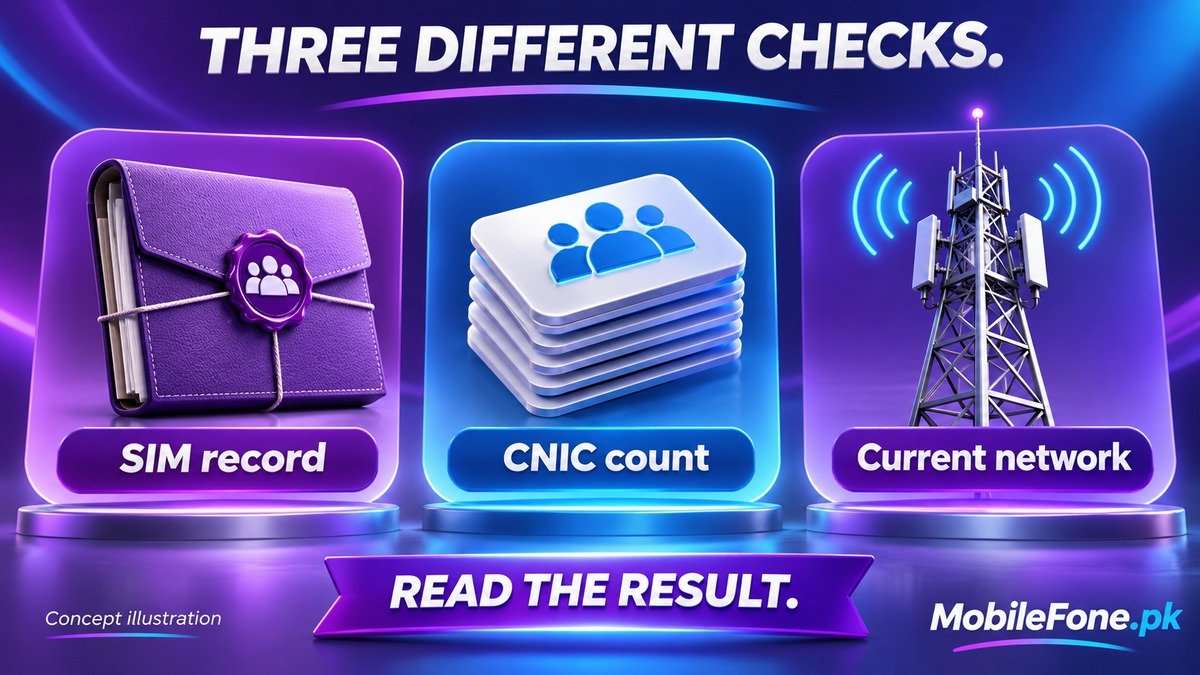
Several services are often described as a SIM owner check even though they return different information. A subscriber record concerns a particular connection. A CNIC check concerns how many SIMs are registered against an identity. A network check identifies the operator carrying a number. None of those results should be presented as a stranger’s live location.
| What you need | Appropriate route | What it does not provide |
|---|---|---|
| Registration details for a SIM you control | Your operator’s documented ownership/account process | A search of every person using another number |
| The count of SIMs against your identity | The official SIM Information System or documented 668 route | A public name-and-address lookup |
| The current network of a number | The network-check service described by the SIM Information System | The subscriber’s identity or position |
| An incorrect registration record | The operator’s verified support or service centre | An automatic ownership transfer through a website |
| Threats or repeated unwanted calls | Preserve records, block unwanted contact and report appropriately | Permission to obtain or publish private subscriber data |
The official SIM Information System describes its CNIC service as a count of registered SIMs. It separately describes a number’s network check. Read those labels carefully before assuming a result contains ownership information.
Check your own SIM through the documented 667 route
Ufone’s official port-in instructions describe sending MNP to 667 and receiving connection information, including the registered name and identity details. Telenor’s published self-service reference also identifies MNP to 667 as a SIM ownership check. Use your own affected SIM and confirm availability with its operator.
- Open the SMS app on the phone holding your own SIM.
- On a dual-SIM phone, select the line whose registration you need to check.
- Compose the text MNP and address it to 667.
- Check the operator’s applicable SMS charges before sending.
- Read the reply privately and confirm that it concerns the selected line.
- If details are unexpected or no reply arrives, contact the operator through a verified channel.
Keep the reply private. Do not post it in comments or upload it to an owner-lookup website. The message can contain sensitive subscriber information. This check does not require you to publish that information to prove that the service worked.
The Ufone page continues into a number-porting procedure. If your purpose is only checking the record, do not follow its later forwarding or switch-network steps. Read an instruction in the context of what it is designed to do, rather than sending every code appearing on the same page.
Check SIMs against your own CNIC separately
If you are worried that an unexpected connection exists against your identity, use the official CNIC route rather than trying random mobile numbers. PTA’s subscriber-security guidance describes checking SIMs issued in your name through 668 and asking for unauthorised connections to be blocked. The web SIM Information System is another official starting point for the registered-SIM count.
A count that differs from your expectation needs investigation, not an immediate accusation. You may have an older connection to account for, or an incorrect record to resolve. Ask the relevant operator what it requires to identify the connection and correct or close an unauthorised registration. Do not assume the count alone identifies who physically used a SIM.
For example, someone with one everyday line may see more than one registered connection. The next useful action is a private operator enquiry about their own record. Searching a leaked database for relatives or sharing a CNIC screenshot in a public group does not resolve the discrepancy.
Resolve a mismatch or a SIM you cannot access
If the SIM is lost, blocked or unable to send messages, use operator support instead of trying the same SMS repeatedly. Zong’s official contact page, for example, lists 310 from a Zong line and a separate external contact route. Use the current contact details for your actual operator; do not assume one network’s short code works everywhere.
Explain whether you need a registration check, replacement or correction. Ask which identity documents and registered-owner verification are required before visiting a service centre. An SMS reply showing an unexpected name is a reason to pause and clarify the record, not proof that possession of the phone has transferred ownership to you.
- Keep the affected number and any support reference in a private record.
- Give sensitive information only through the operator’s verified process.
- Do not pay an unknown person to change a subscriber record.
- Distinguish a registration problem from a SIM PIN or PUK lock.
If the screen specifically requests a PUK, our Telenor PUK recovery guide explains the operator-based route for that separate problem. A PUK does not reveal or change the registered subscriber’s identity.
What if you only know an unknown caller’s number?
A caller-name app, messaging profile or third-party database is not an official subscriber-verification service. Avoid websites offering private CNIC, address or family records for any number. Their claims do not establish that the information is accurate, current or authorised for disclosure.
Preserve threatening messages and call times for an appropriate report, and block unwanted contact where suitable. Our explanation of mobile-number and Google Maps tracking limits separates consensual sharing from identifying an unknown caller. For your own SIM, continue through the operator’s registration process; for someone else’s number, use legitimate reporting channels.