Free Web To Mobile Sms In Pakistan Without Registration

On this page
Sending a free SMS to a Pakistani mobile number from a website without creating an account sounds convenient, but there is an important catch: no public, no-registration service could be independently confirmed as a dependable way to reach every Pakistani network. Some websites still advertise free web-to-mobile texting even when their sending facility is unavailable. If a message matters, using your own mobile network’s SMS service or an agreed internet-messaging app is usually a more practical option.
Can you still send a free SMS online without signing up?
A web-to-mobile SMS service takes the text you enter in a browser and attempts to deliver it to an ordinary mobile number through an SMS provider or gateway. The receiver generally needs only a working phone and mobile connection; they do not need to open the same website. That distinguishes a real SMS from a message sent inside WhatsApp, Messenger or another app.
In principle, a website may offer this service without registration. In practice, the presence of a text box and a green Send button is not evidence that the message was accepted by a Pakistani operator, and a successful website confirmation is not necessarily a handset delivery receipt. Sender identification, spam controls, operator rules and the provider’s commercial arrangements can all affect whether a message gets through.
For a concrete warning, the HamaraQuetta free-SMS page currently reports that its service is down. Another publicly listed Pakistan free-SMS page describes its feature as coming soon. Neither should be advertised as a presently working, unlimited sending solution.
Compare the realistic ways to message a Pakistani number
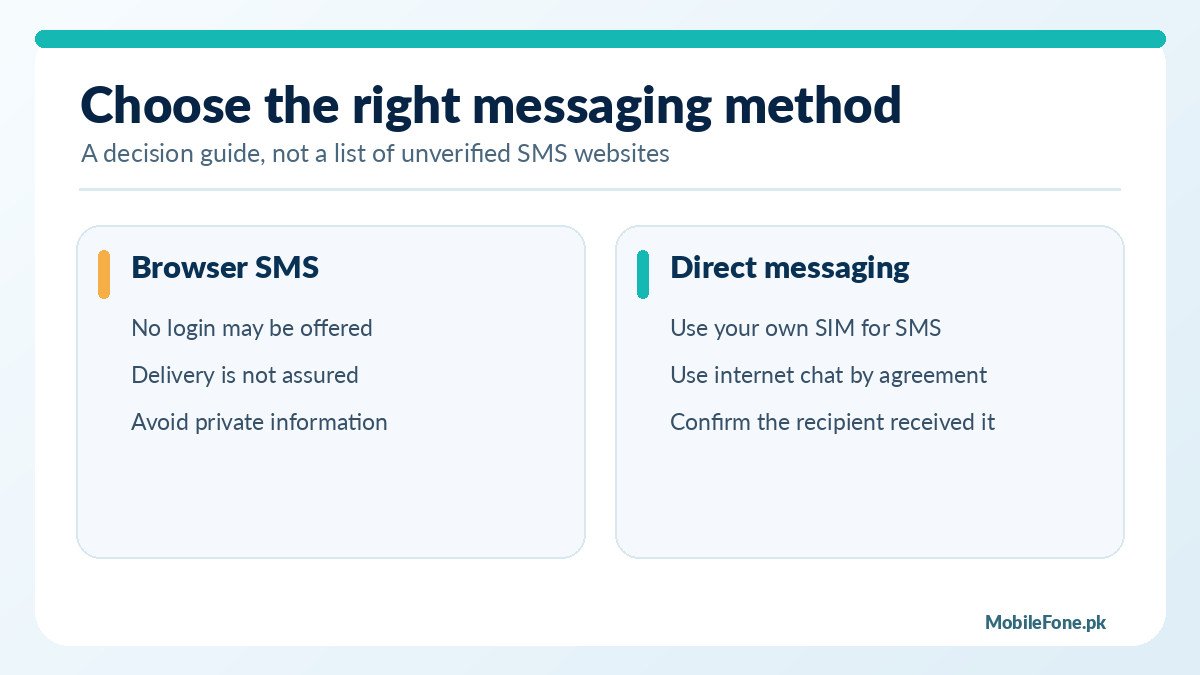
First decide whether your recipient actually requires an SMS in their phone’s default Messages app. For a casual conversation, an internet-messaging service may be more convenient. For a phone that has no internet connection, a standard operator SMS is the more appropriate channel.
| Method | Account or cost | Important limit |
|---|---|---|
| Open web-to-SMS form | May claim no signup and no charge | Pakistan routing and delivery are unverified unless tested |
| SMS from your own SIM | Operator rates or an SMS bundle | Requires service and sufficient balance or a package |
| WhatsApp or another internet messenger | Requires an app/account and data access | The recipient must use the same supported service |
| Business SMS platform | Typically registration, verification and paid service | Consent and sender-ID requirements may apply |
Commercial SMS platforms also illustrate why anonymous bulk texting is not a good benchmark for consumer sites. For example, ClickSend’s Pakistan guidance describes sender-ID registration and recipient opt-in requirements for its business offering. Those rules do not establish that every free site is unlawful, but they show that reliable SMS delivery is more involved than pasting a number into a form.
How to evaluate a no-registration SMS website safely
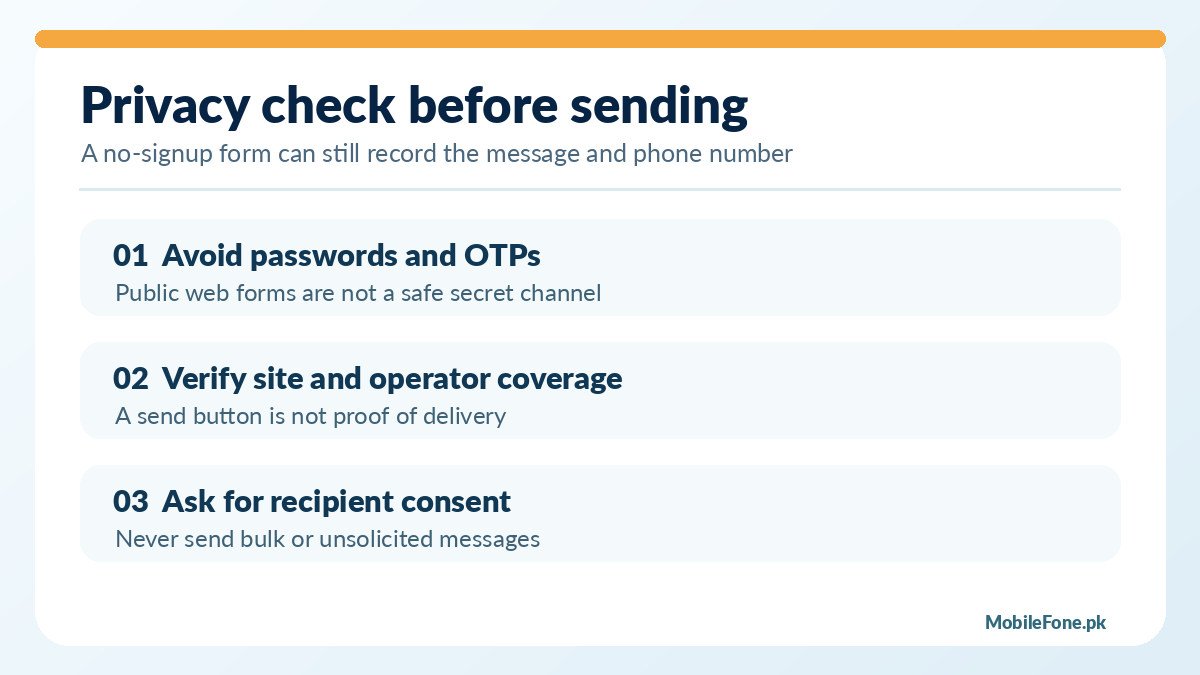
If you find a website advertising free SMS to Jazz, Zong, Ufone or Telenor, evaluate it before entering any real message. You do not need to submit your CNIC, bank information or an account recovery code just to send a harmless test message. A legitimate consumer messaging tool should explain what it does with submitted phone numbers and text.
- Check the actual service status. Look for a current availability notice, supported countries and clear operator coverage rather than old promotional claims.
- Read the privacy information. Determine whether the provider stores messages, displays them publicly or shares them with advertising partners.
- Test only with consent. Use your own second number or a person who agrees to receive a short non-sensitive test message.
- Ask the recipient whether it arrived. Do not treat a screen that says Sent as proof of delivery.
- Do not pay to unlock an unexpected promise. Be cautious if a supposedly free form redirects you to premium subscriptions or requests payment-card details.
A sensible test message might be Hello, please confirm you received this. It should not contain private information. Repeating unsuccessful sends can create unwanted messages if delayed transmissions eventually arrive, so stop after a limited test.
What to do when an online SMS never arrives
There are several explanations. The website may no longer have a working SMS gateway; the operator may reject the sender; the international number format may be wrong; or the recipient may not have service at that moment. None of these can be diagnosed simply by pressing Send repeatedly.
| What you see | What to check next |
|---|---|
| Service temporarily unavailable | Stop using that form and choose another communication method |
| Website says sent, phone receives nothing | Confirm the number with the recipient and do not assume delivery |
| Wrong country or network selection | Use the format requested by the provider; verify operator support |
| Website requests an OTP or CNIC | Do not enter sensitive credentials on an untrusted site |
Pakistani mobile numbers are commonly written locally as 03XXXXXXXXX and internationally with the +92 country code followed by the number without its first zero. An actual web form may specify which format it accepts. A number that looks correctly formatted still does not prove that a gateway can deliver to it.
Free web SMS versus virtual numbers and WhatsApp
Free web-to-mobile SMS usually means sending a text to someone else’s normal phone number. A temporary virtual number is usually promoted for receiving messages online. The distinction matters because a publicly shared virtual-number inbox can expose private texts and account verification codes. Our separate article on virtual mobile numbers for SMS verification explores that different topic; never use a public inbox for important accounts.
WhatsApp messages are also different from cellular SMS. They use an internet connection and generally require each person to have a WhatsApp account. They can be practical for personal conversations, but they do not turn an internet chat into a normal SMS received by a basic phone. If you use WhatsApp for longer messages, see our guide to starting a new line in WhatsApp once that related article is published.
Privacy and consent should decide your choice
Free web forms may collect the recipient’s telephone number, message content, device details or IP address. Without a trustworthy privacy statement, you do not know how that information is handled. Avoid sending passwords, one-time passcodes, bank information, confidential work instructions or anything that could cause harm if read by someone else.
Do not use anonymous-looking SMS tools to impersonate someone, send unsolicited promotions or harass recipients. A sender being hidden from the receiver does not guarantee anonymity from the service provider or network.
The practical answer: If you only need to chat without paying per SMS, use an internet messenger with the recipient’s consent. If you specifically need a genuine SMS delivered to a Pakistani phone number, prefer your operator’s SMS package or a transparent, appropriately registered sending provider. Treat any no-registration website as unverified until you confirm delivery with a harmless test.